
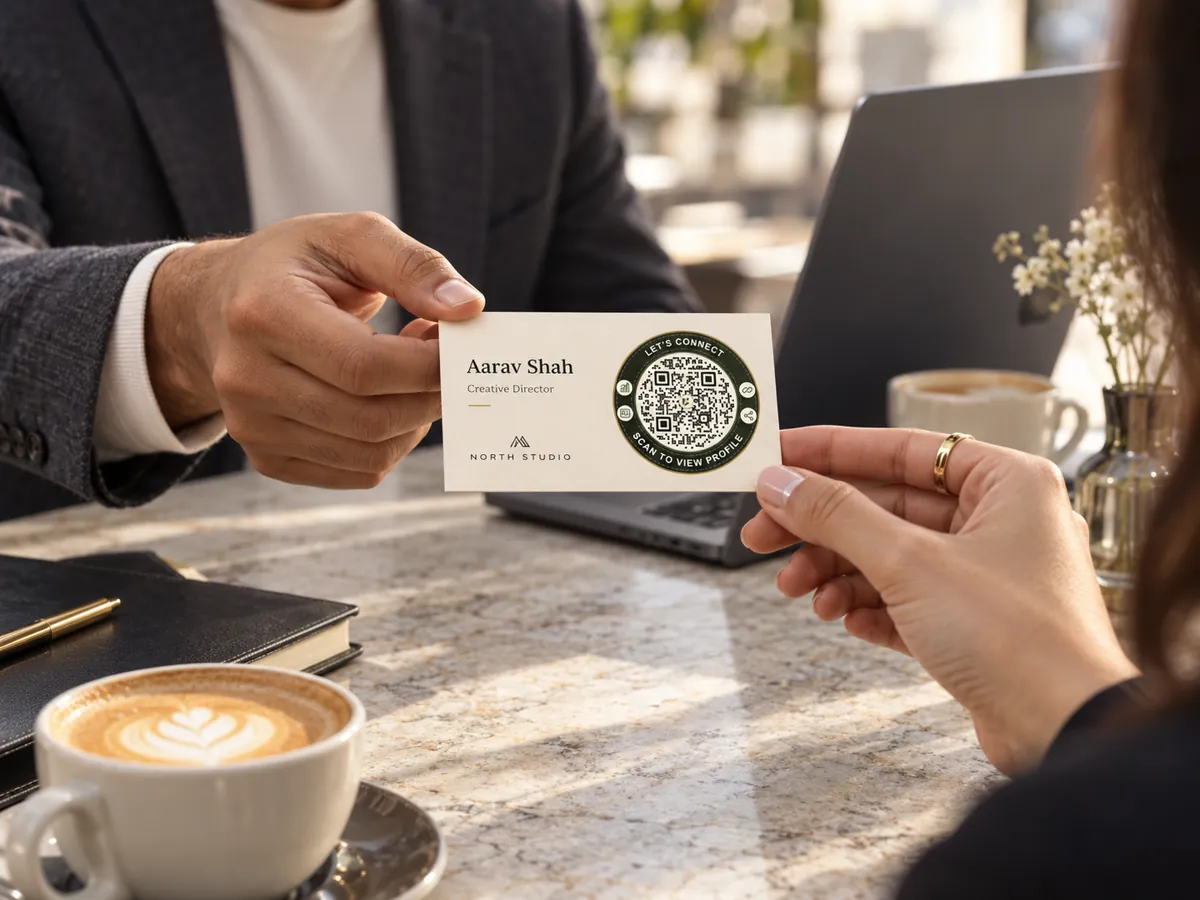
QR codes for business cards and networking
Share a digital business card with your role, phone, email, website and social links. People call, email or save your contact in one tap.
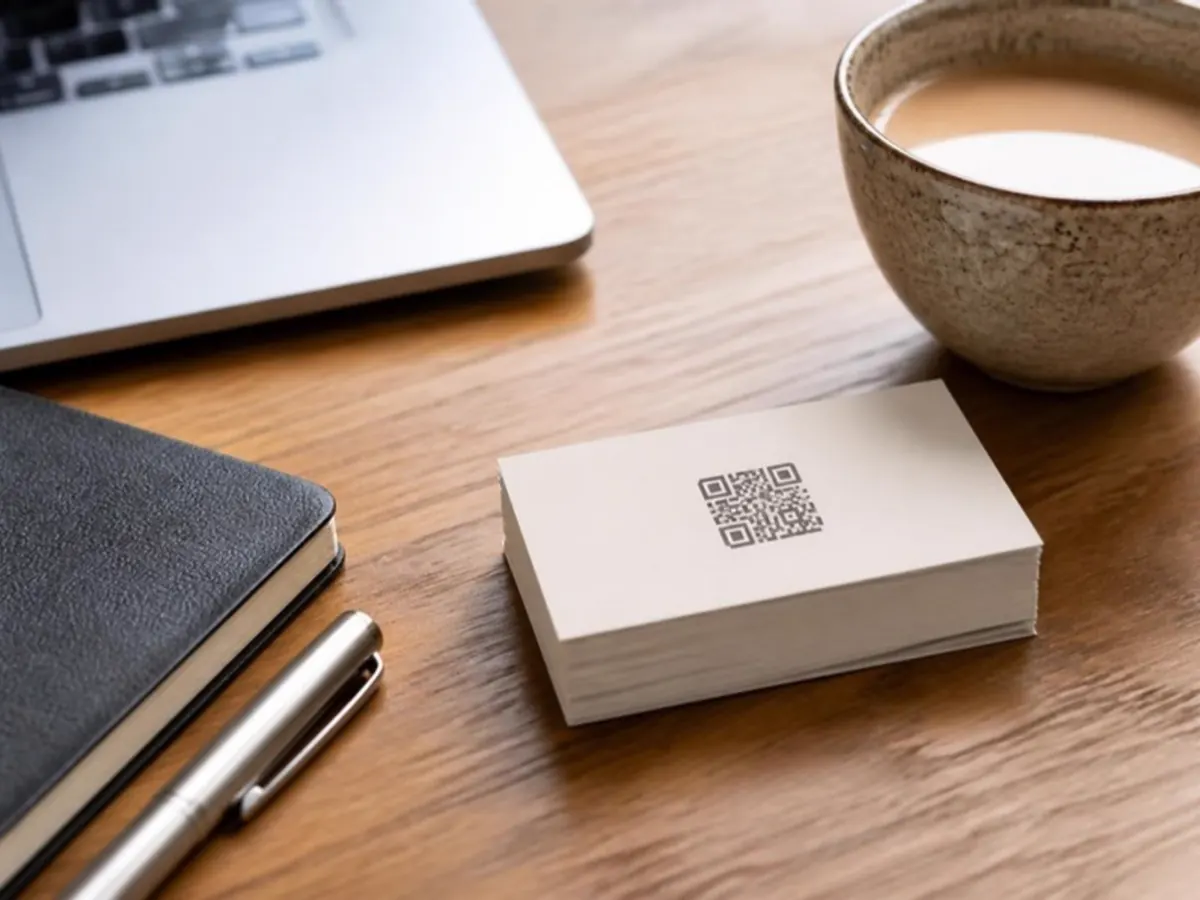
On your card, badge and email
A printed card runs out of space and goes out of date. The code keeps both problems away.
- Printed business cards
- Event badges
- Email signature
- Stall and standee

What people can do
Change your number or role, and every card you already handed out shows the new details.
- See your role and company
- Call or email in one tap
- Save your contact to their phone
- Open your website and social links
Live in three steps.
- 01
Add your content
Pick a QR type and add your menu, links, file or contact details.
- 02
Make it yours
Choose colours and a style so the code matches your brand.
- 03
Print and share
Download SVG or print PDF. Every export is checked with a decoder.
The right code for each spot.
- Editable after print
Business card
Your profile, contact details and social links on one page.
- Static
Contact vCard
Save your contact straight to a phone.
- Editable after print
Multi-link page
All your important destinations on one branded page.
- Static
Email
Start an email with a subject and message ready.
What is the difference between a business card and a vCard code?
A business card code opens a page you can edit later. A vCard code saves the contact directly, but it is static.
Can my card be in Hindi?
Yes. Hindi and other Unicode text are supported.
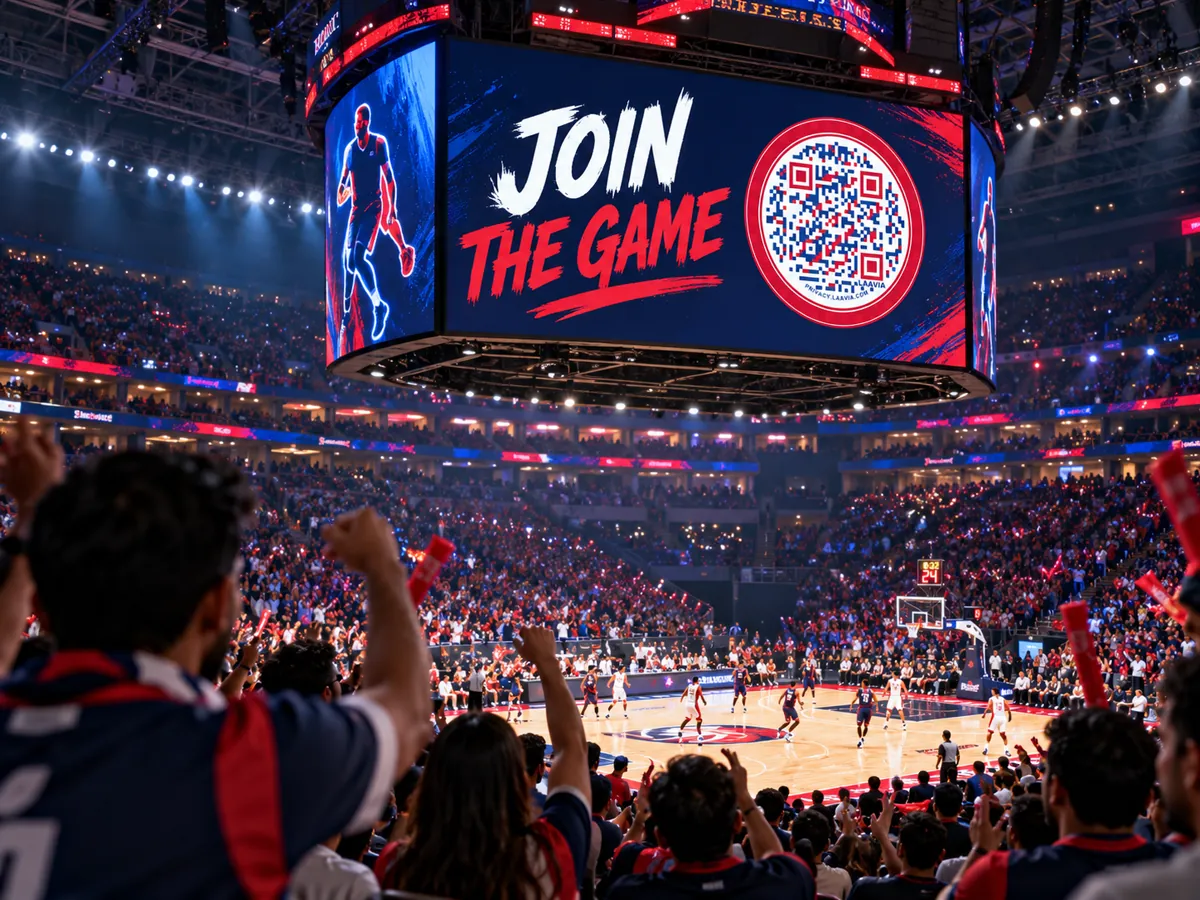

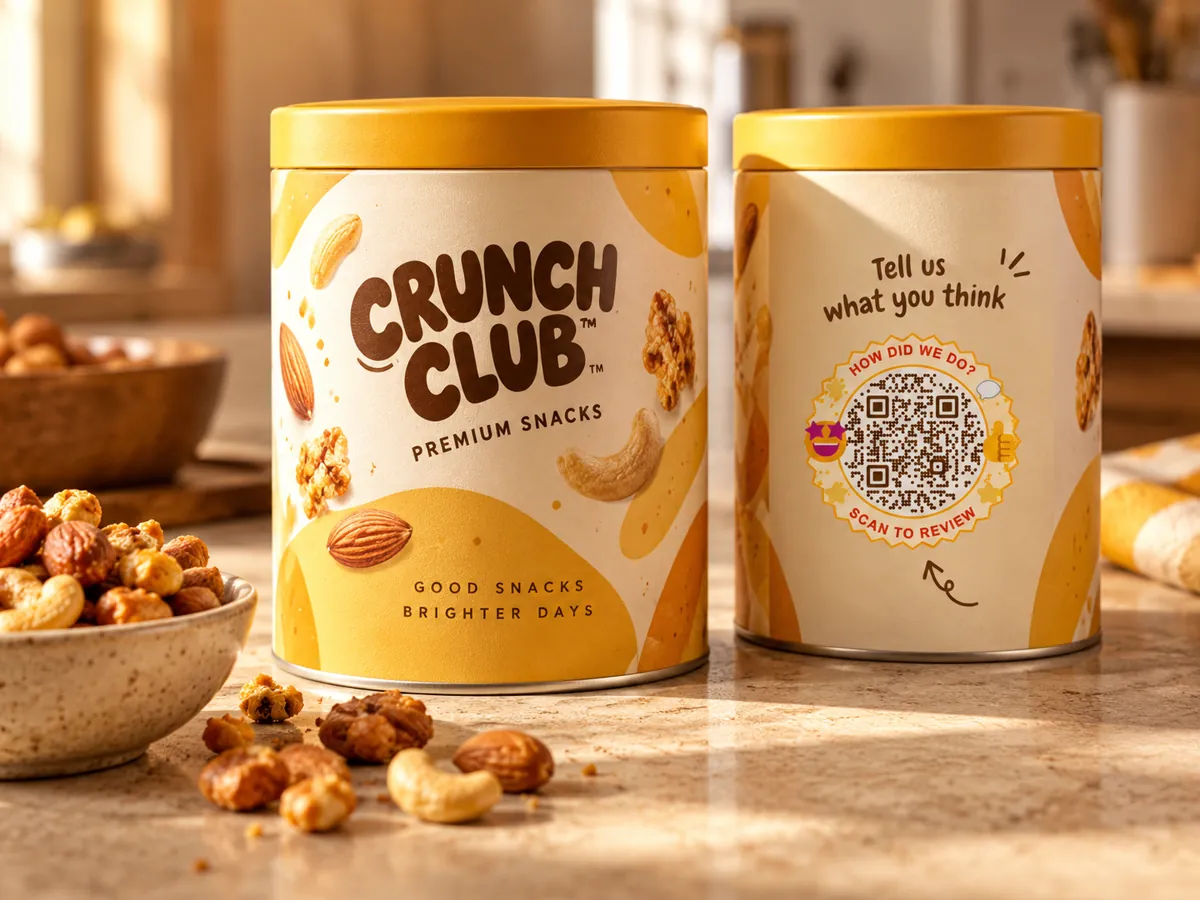
Small code.
Bigger possibilities.
Give every table, tag and touchpoint a new way to connect.
Free pilot · Ads-free scans · Your shared Laavia account