
Laavia QR
Turn tables, tags and print into live connections. Change where a code goes after printing, and keep every code on brand.
Explore Laavia QRBring your real world online. Connect people to menus, products and everything your business has to offer.
Turn tables, tags and print into live connections. Change where a code goes after printing, and keep every code on brand.
Explore Laavia QR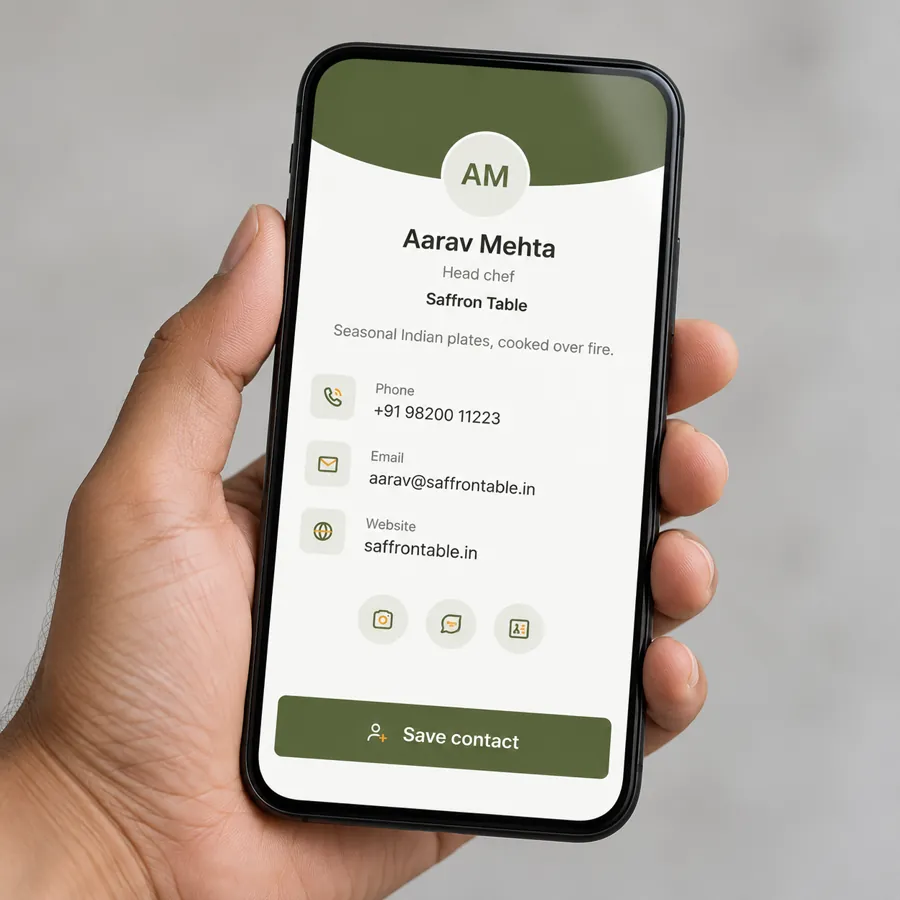
Menus, digital business cards and multi-link pages that open fast on any phone, with no app and no ads.
Explore Laavia Pages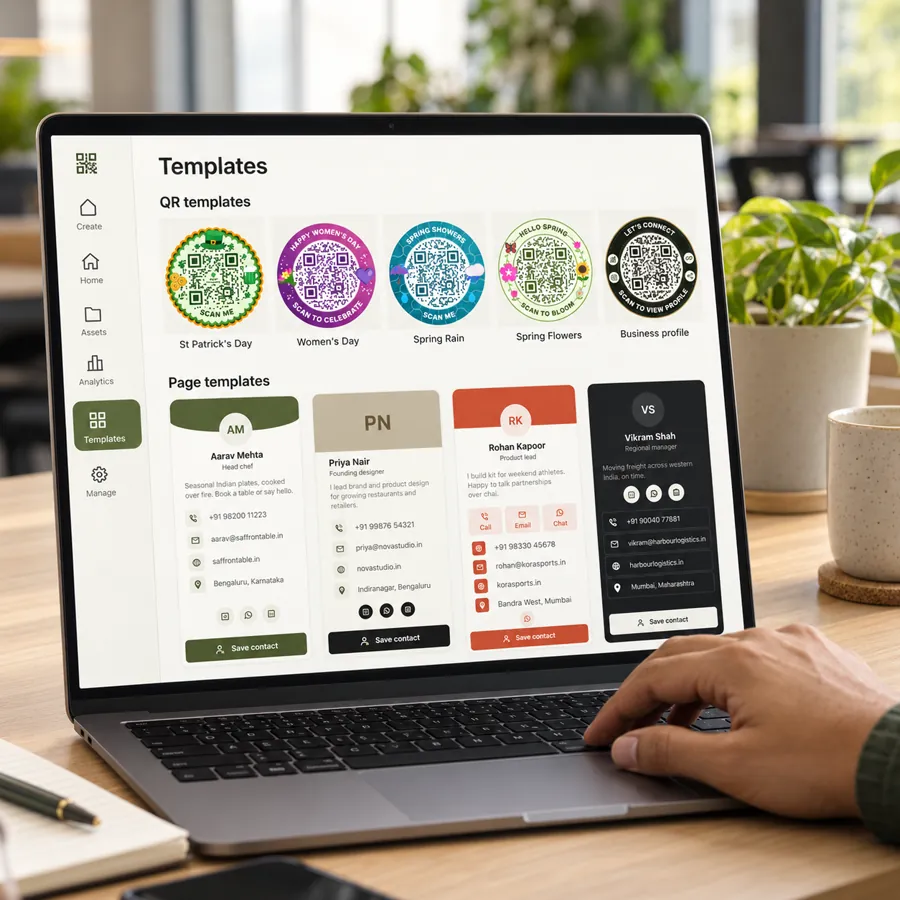
Start from a ready QR or page template, then create, preview and publish every code from one workspace.
Explore the workspaceTrack daily unique scans for every managed dynamic QR, and compare locations, print runs and campaigns over time.
Learn moreWebsites, PDFs, restaurant menus, business cards, link pages, Wi-Fi, contacts, email, calls, SMS, WhatsApp, UPI and plain text, all from one builder.
Learn moreEdit the content behind a printed code without touching the live version. Preview on mobile, then publish when you are ready. The scan link never changes.
Learn morebusinessqr.laavia.com/r/m7k2qdSet your QR colours, add your logo to the centre and keep codes readable with high error correction. Brand kits for teams are on the way.
Learn more logo.svg
Download PNG, scalable SVG or a print PDF. Every export is checked by a decoder at two sizes before you send it to the printer.
Learn more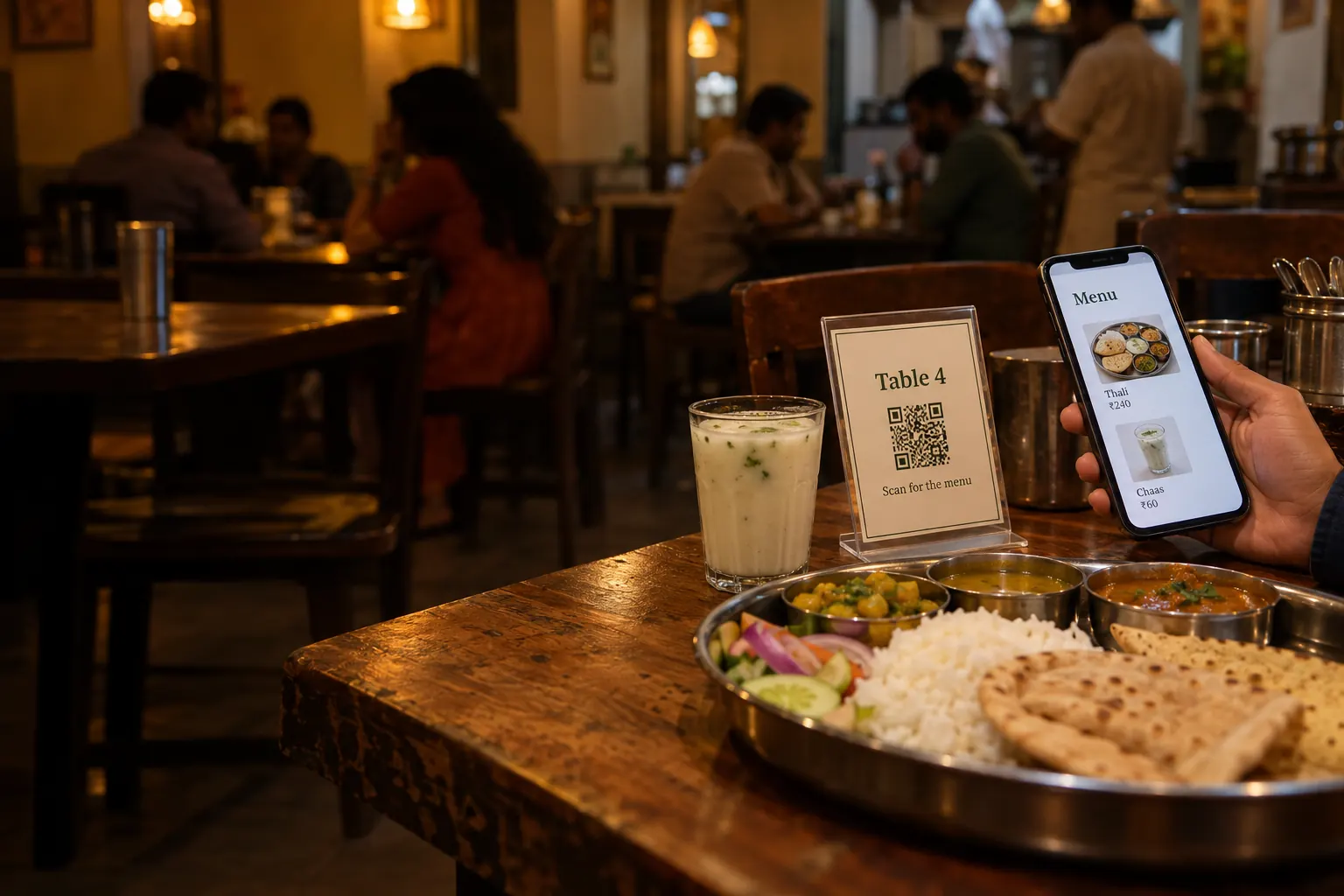
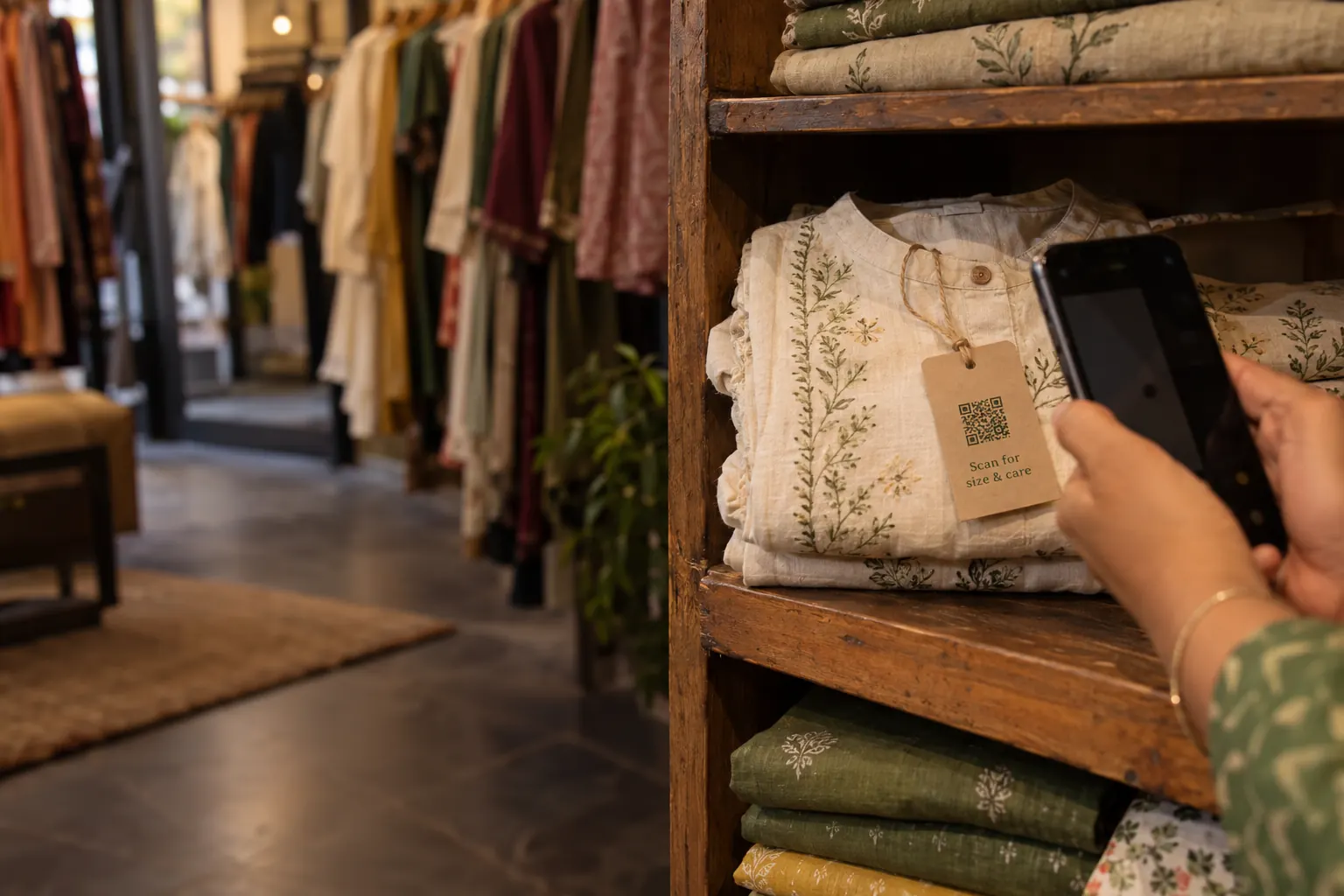
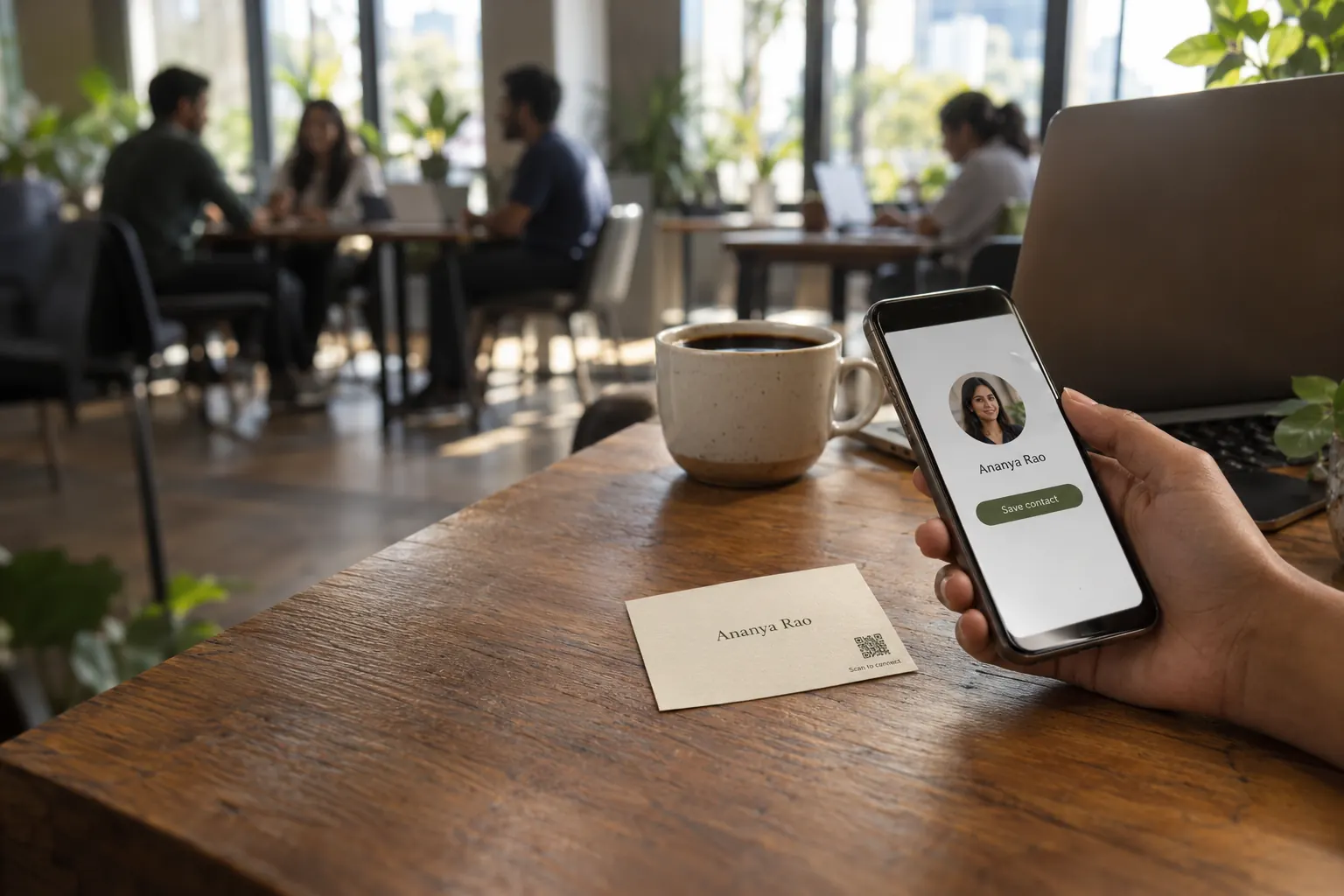
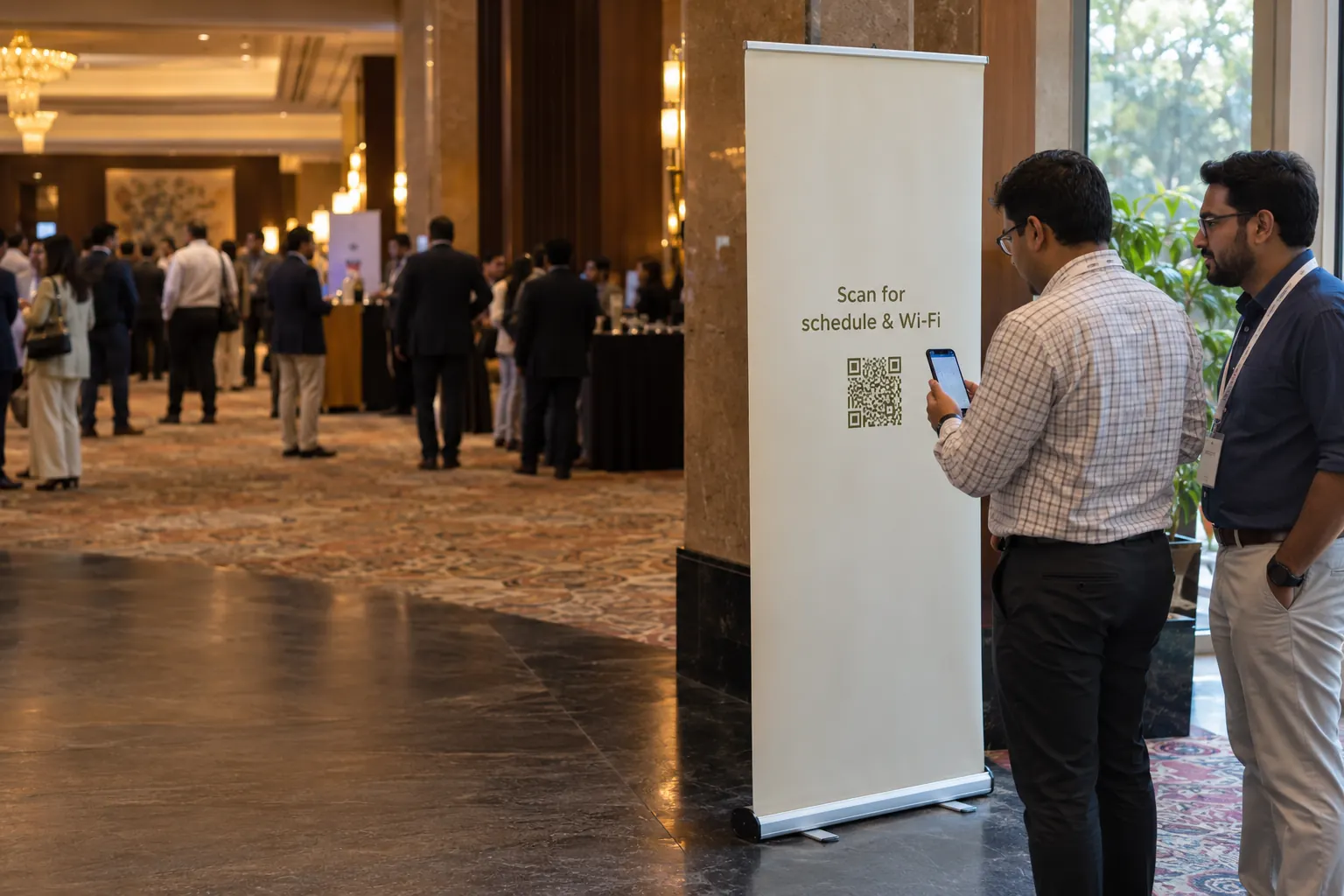
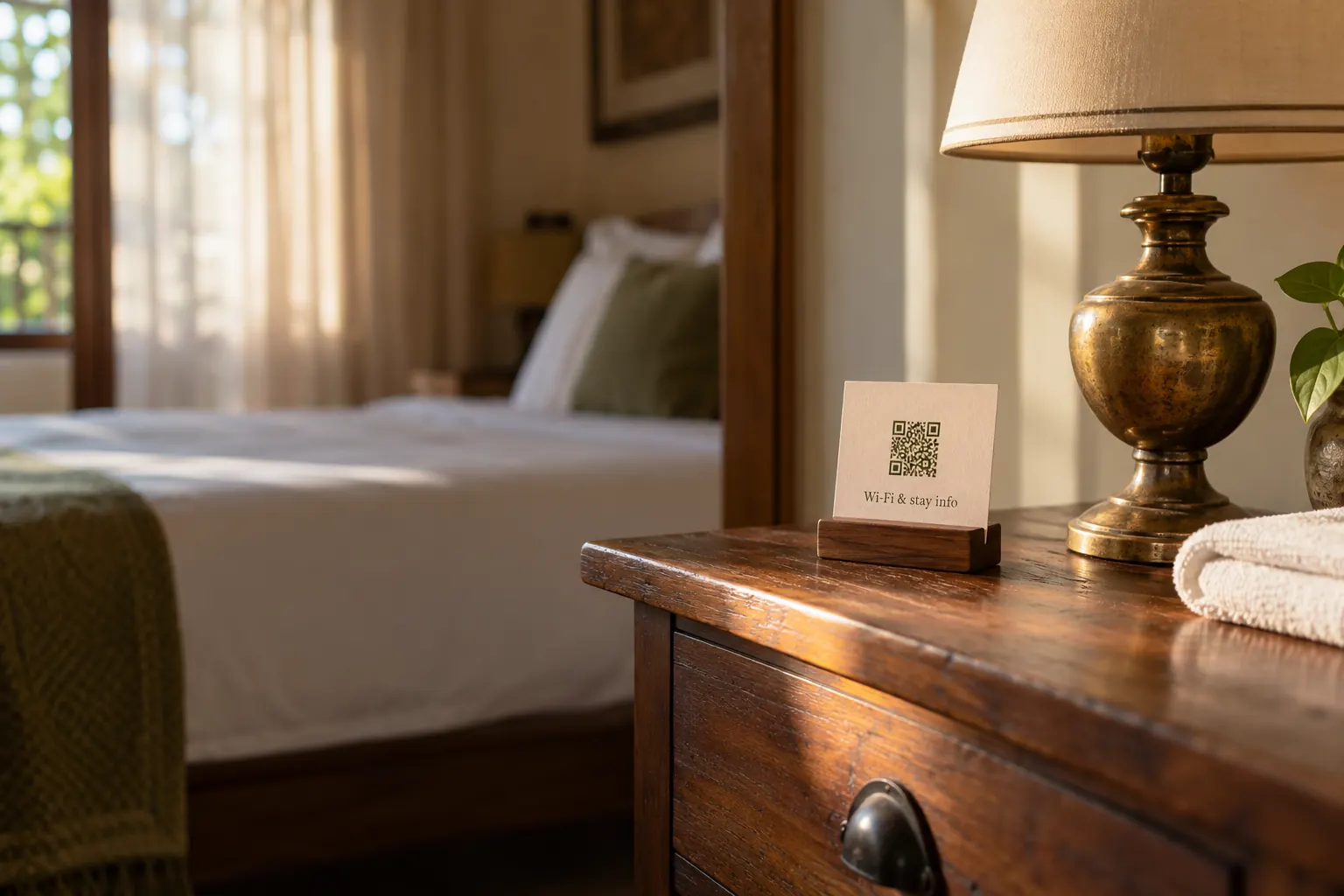
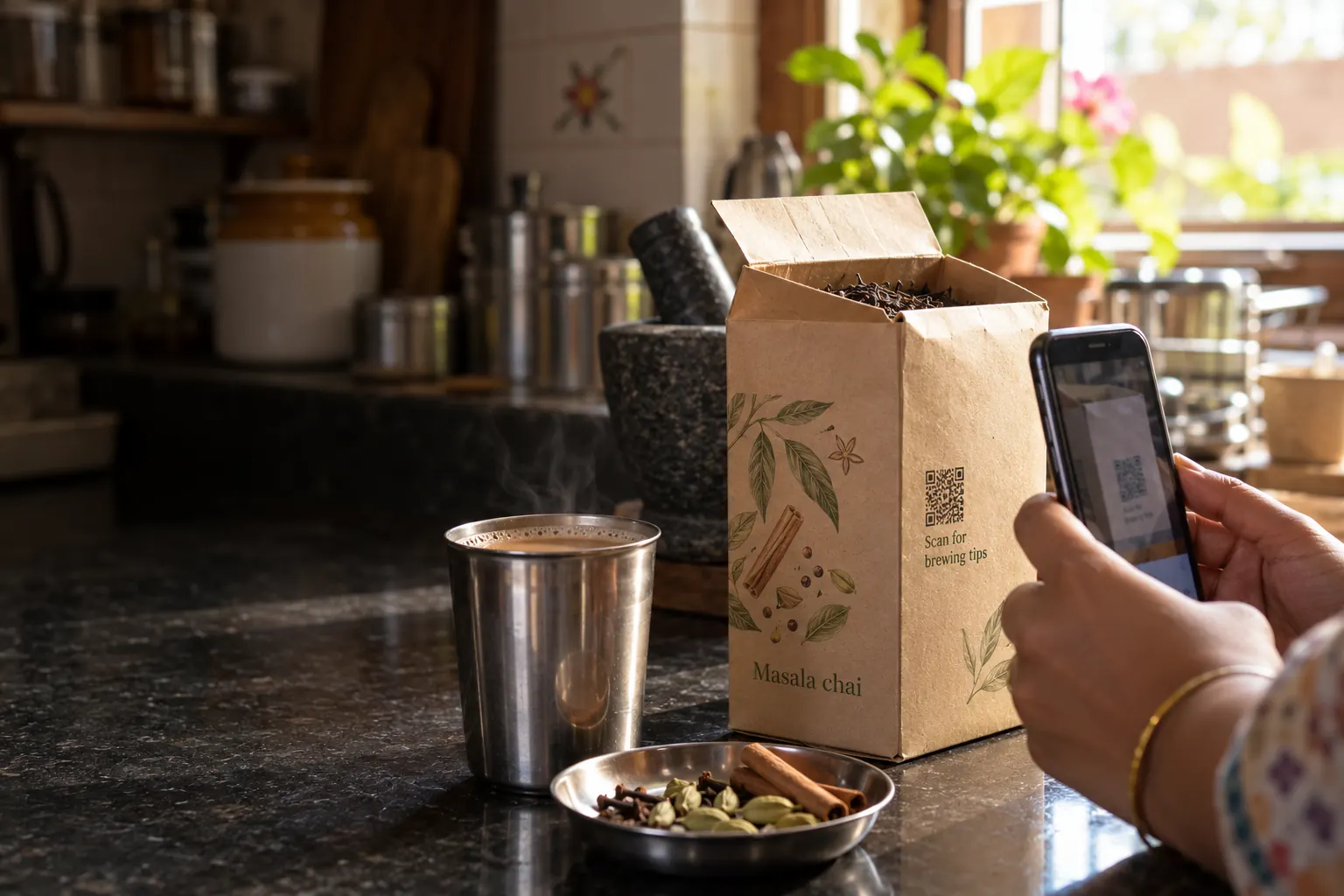
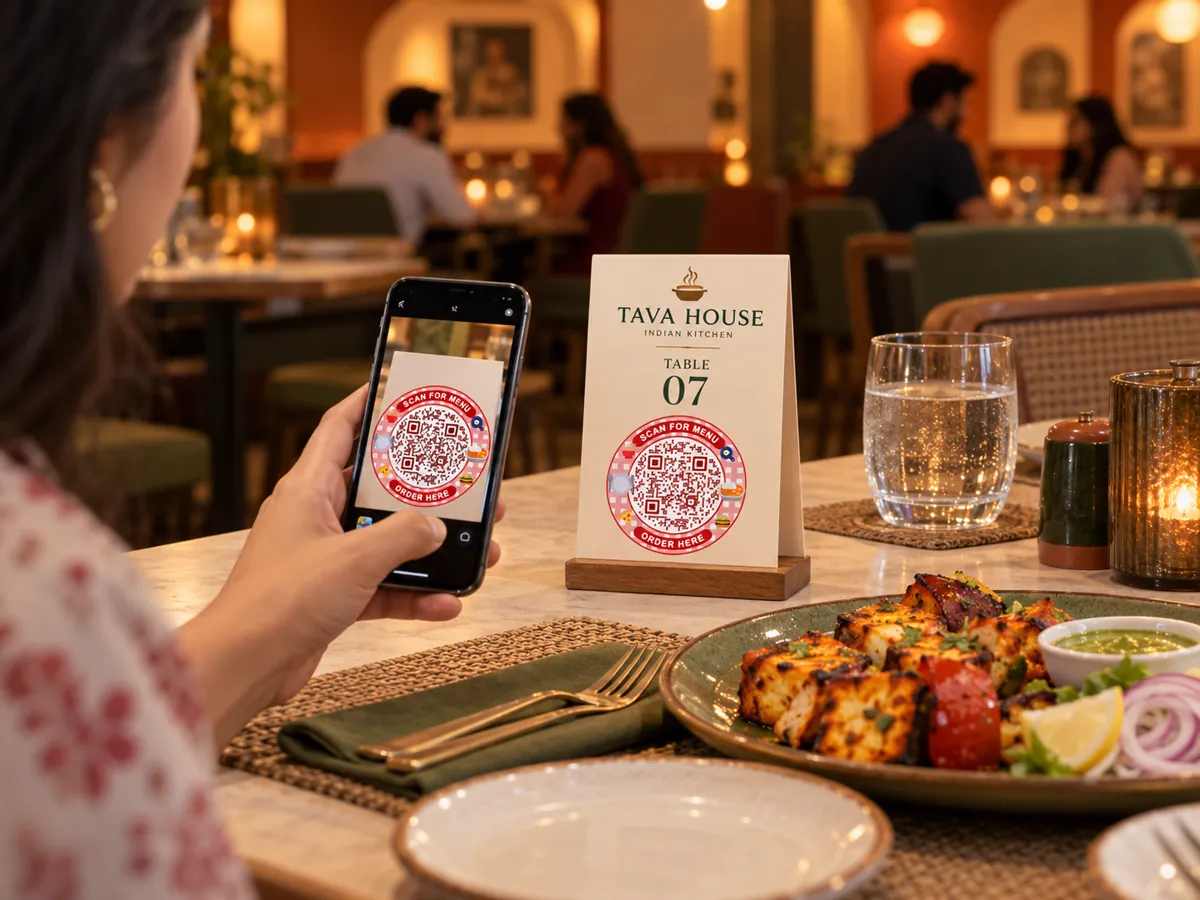
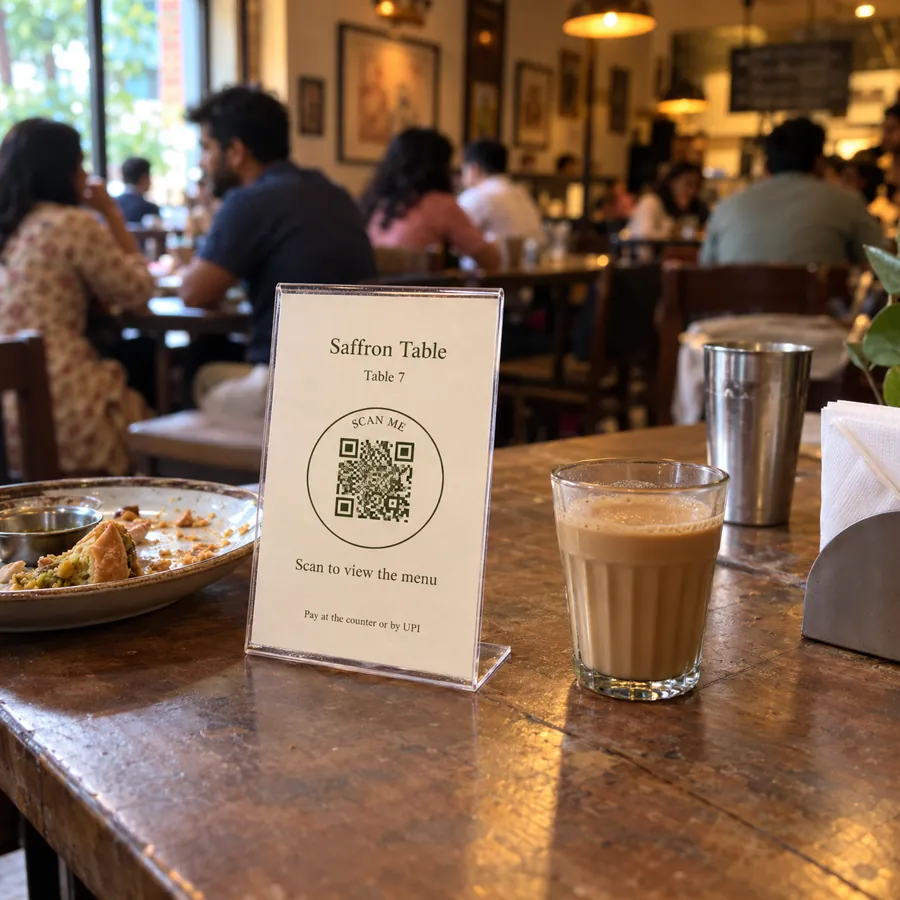
A menu that keeps up with the kitchen. Put one code on every table. Update prices, photos and what is available today from your phone, and guests always see the latest menu without a reprint.
businessqr.laavia.com/r/m7k2qdEvery dynamic code gets a short link: 6 characters, no look-alikes like 0 and o. It never changes, so the print keeps working.Yes, with a managed dynamic QR. Save changes as a draft, preview them, then publish. Your printed scan link stays the same. Static QR content is fixed and requires a new code when it changes.
The pilot includes 10 published dynamic QR codes, 200 MB storage, a 10 MB per-file limit, 90-day analytics and one workspace owner. Browser-only static generation has no account quota.
No. Laavia scan destinations and hosted pages have no third-party advertising or forced ad screens.
Published Laavia links stay available when a subscription expires or a quota is reduced. Limits apply to new creation, uploads and applicable edits instead of automatically switching off printed codes.
Yes. Content supports Hindi and other Unicode text. Customize QR colours, module styles, frames and a centre logo, then export PNG, SVG or print PDF.
The current release supports menu viewing, including categories, prices, images and item availability. Ordering, checkout and POS synchronisation are planned for a later release.
Give every table, tag and touchpoint a new way to connect.
Free pilot · Ads-free scans · Your shared Laavia account