
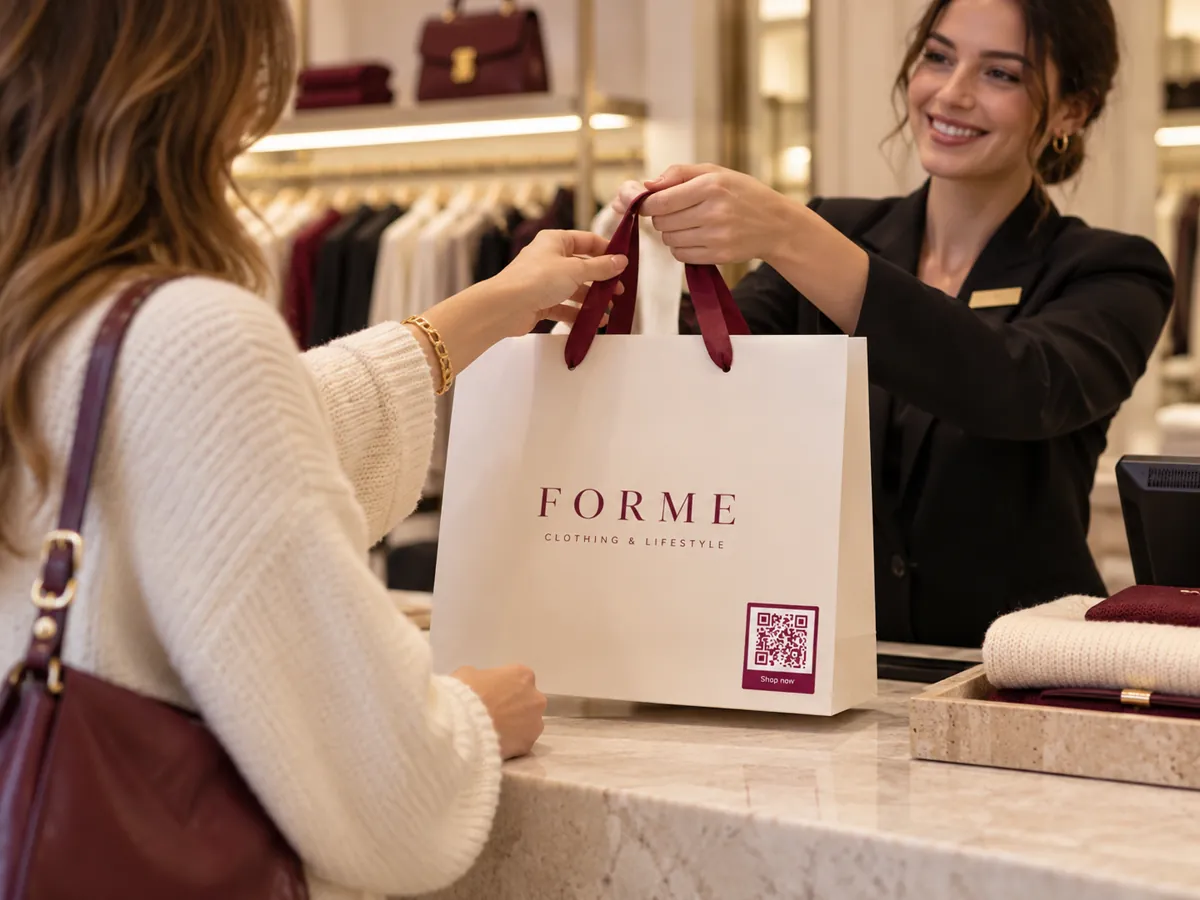
QR codes for retail stores
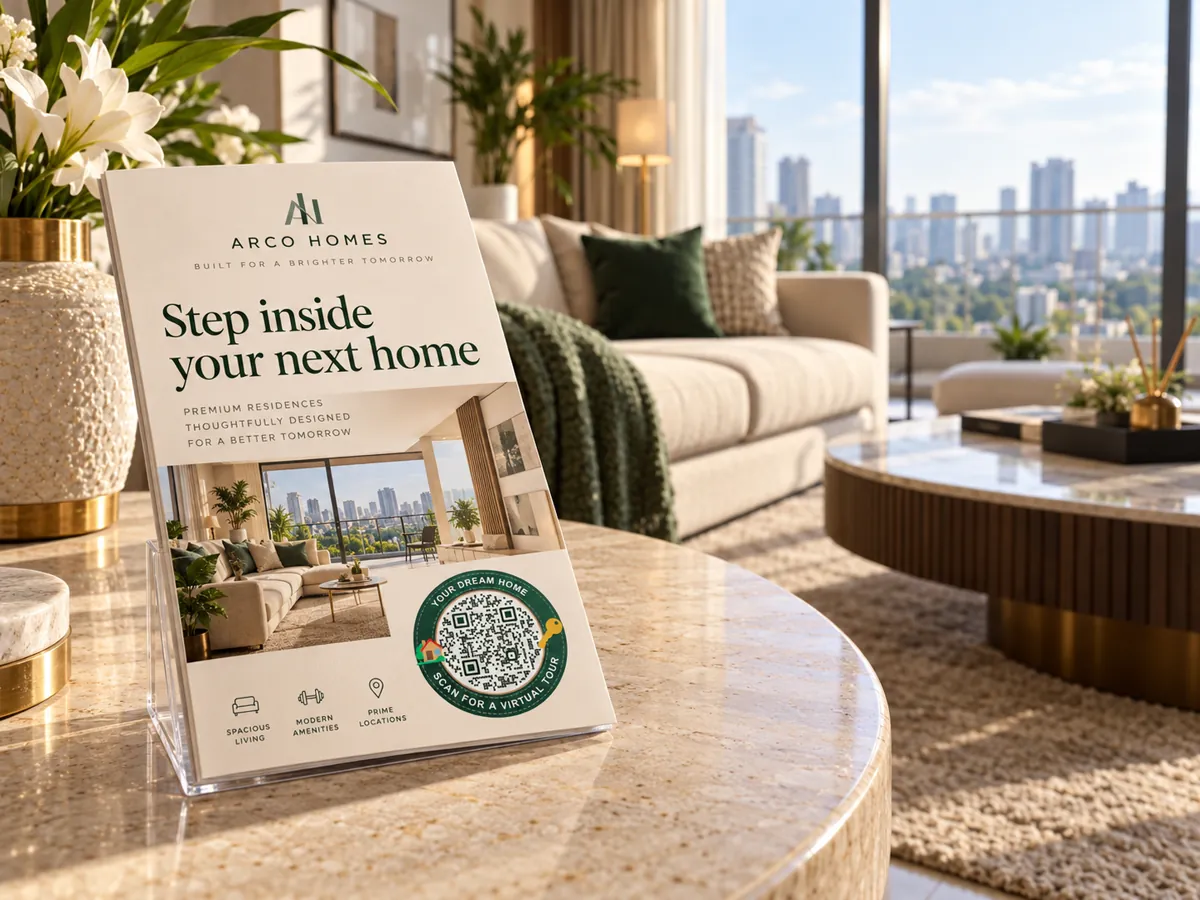
Connect the shelf to the story. Shelf cards and tags send shoppers to product details, brochures and your existing payment links.
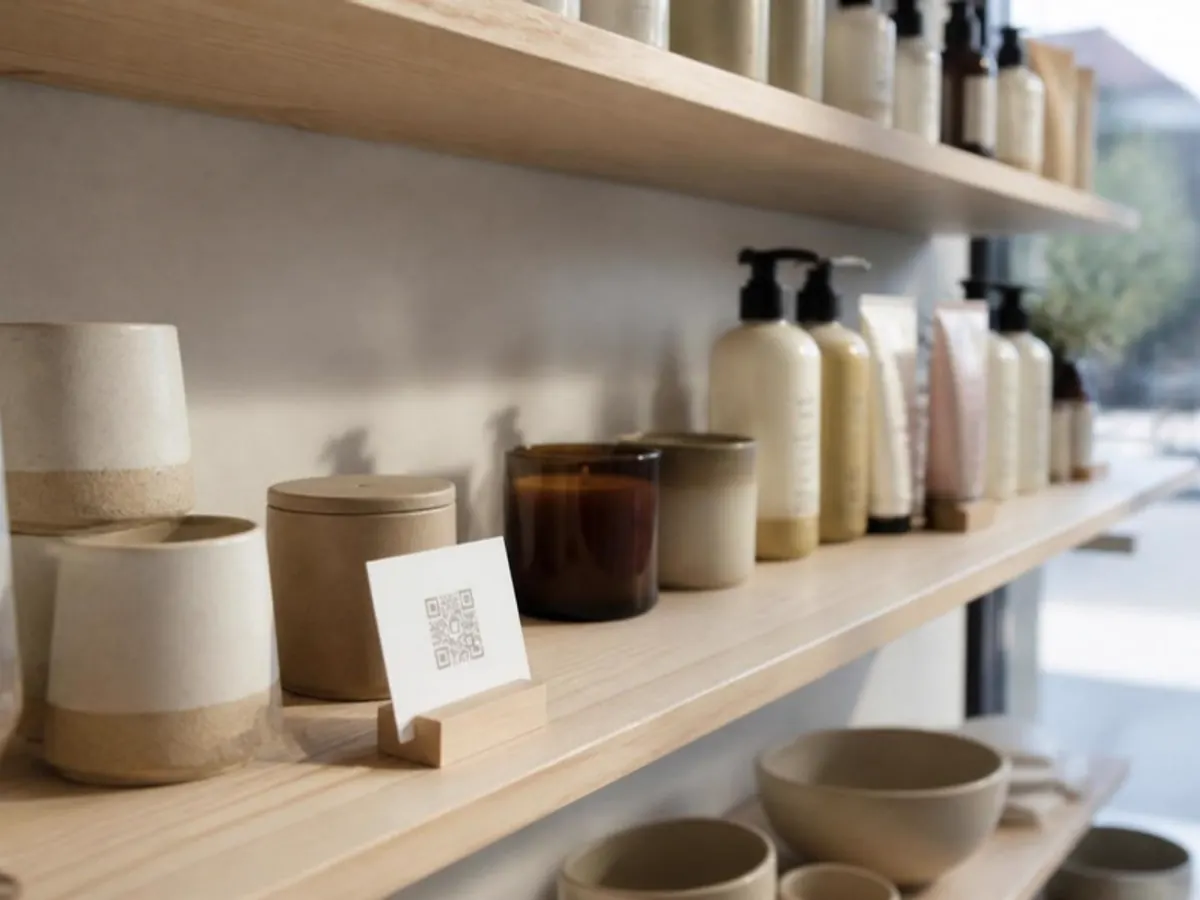
On the shelf, at the counter
Shoppers already hold their phones in the aisle. A shelf card gives them the details a small label cannot.
- Shelf cards
- Product tags
- Billing counter
- Window and posters
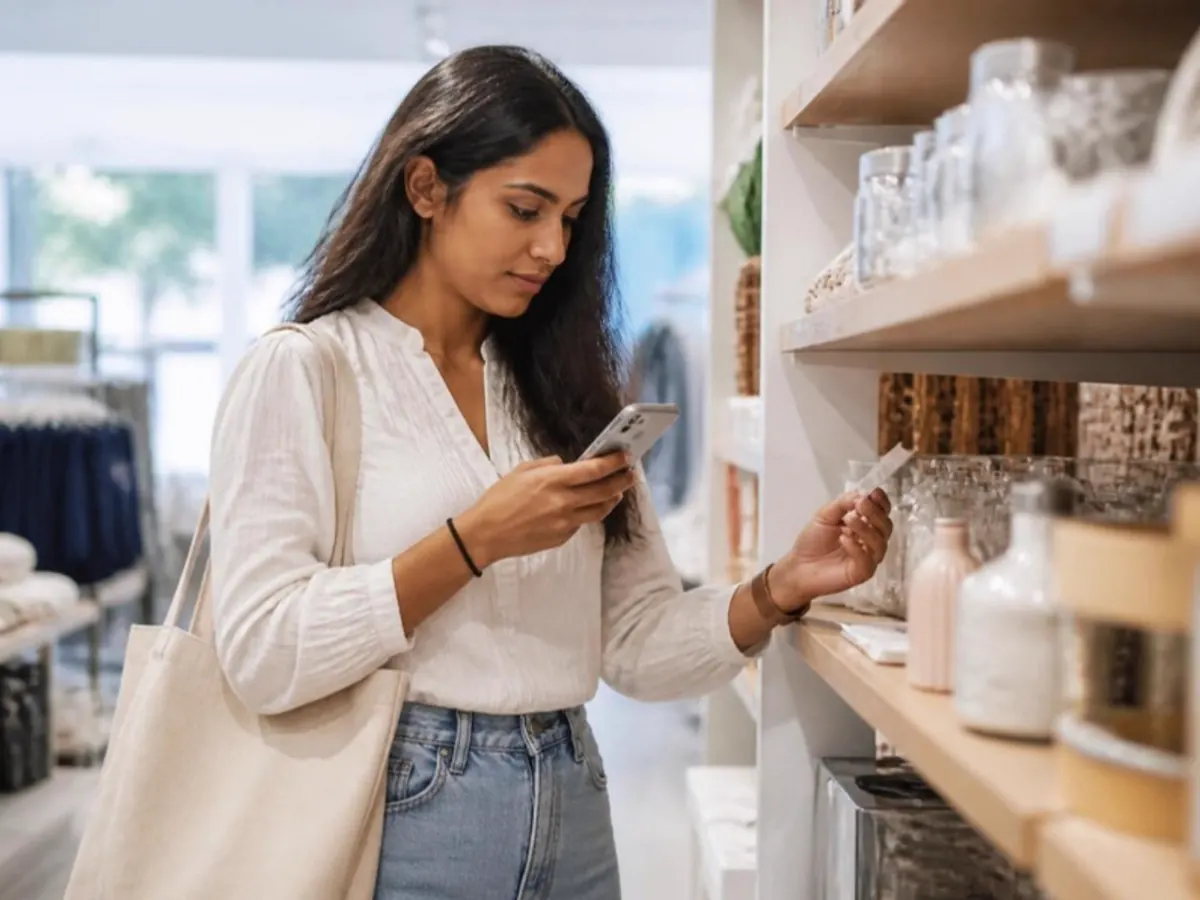
What shoppers can do
Point each code to the page that answers the question in front of the shelf.
- Open product details and care guides
- Download a brochure or catalogue
- Message the store on WhatsApp
- Pay at the counter with UPI
Live in three steps.
- 01
Add your content
Pick a QR type and add your menu, links, file or contact details.
- 02
Make it yours
Choose colours and a style so the code matches your brand.
- 03
Print and share
Download SVG or print PDF. Every export is checked with a decoder.
The right code for each spot.
- Editable after print
Website
Send people to any web page, and change the destination later.
- Editable after print
PDF document
Share a document and replace it without reprinting.
- Static
WhatsApp
Start a chat with your business number.
- Static
UPI payment
Opens the scanner's payment app with your UPI ID.
Can I change the product page after printing tags?
Yes, for website and PDF codes. They are dynamic, so you change the destination and the tags stay the same.
Which shelf gets the most scans?
Give each shelf its own dynamic code and compare scans day by day.
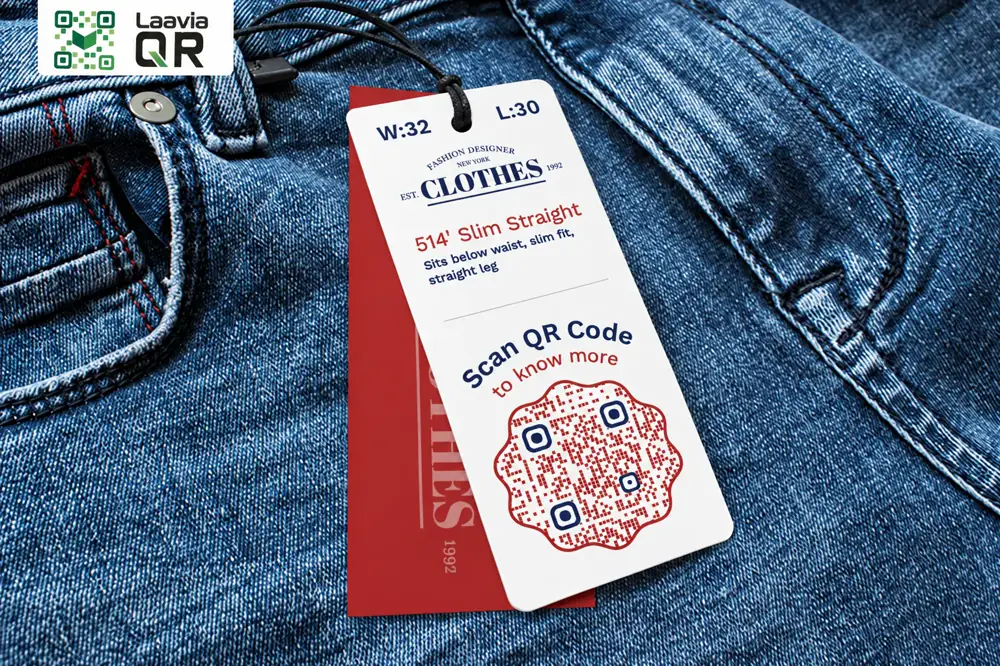
Small code.
Bigger possibilities.
Give every table, tag and touchpoint a new way to connect.
Free pilot · Ads-free scans · Your shared Laavia account