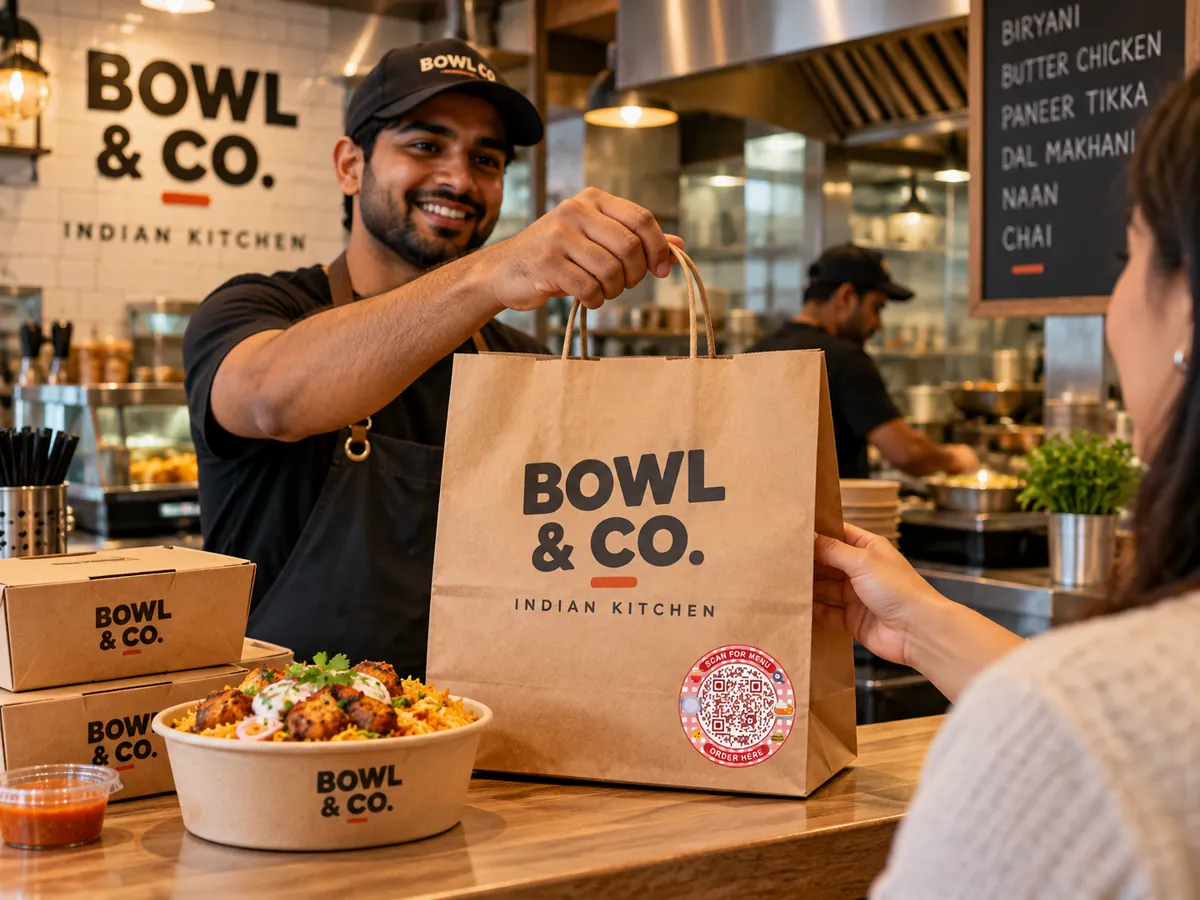
QR codes for takeaway and delivery
Add a code to bags, boxes and bills so customers can find your menu, message you for the next order and follow you online.
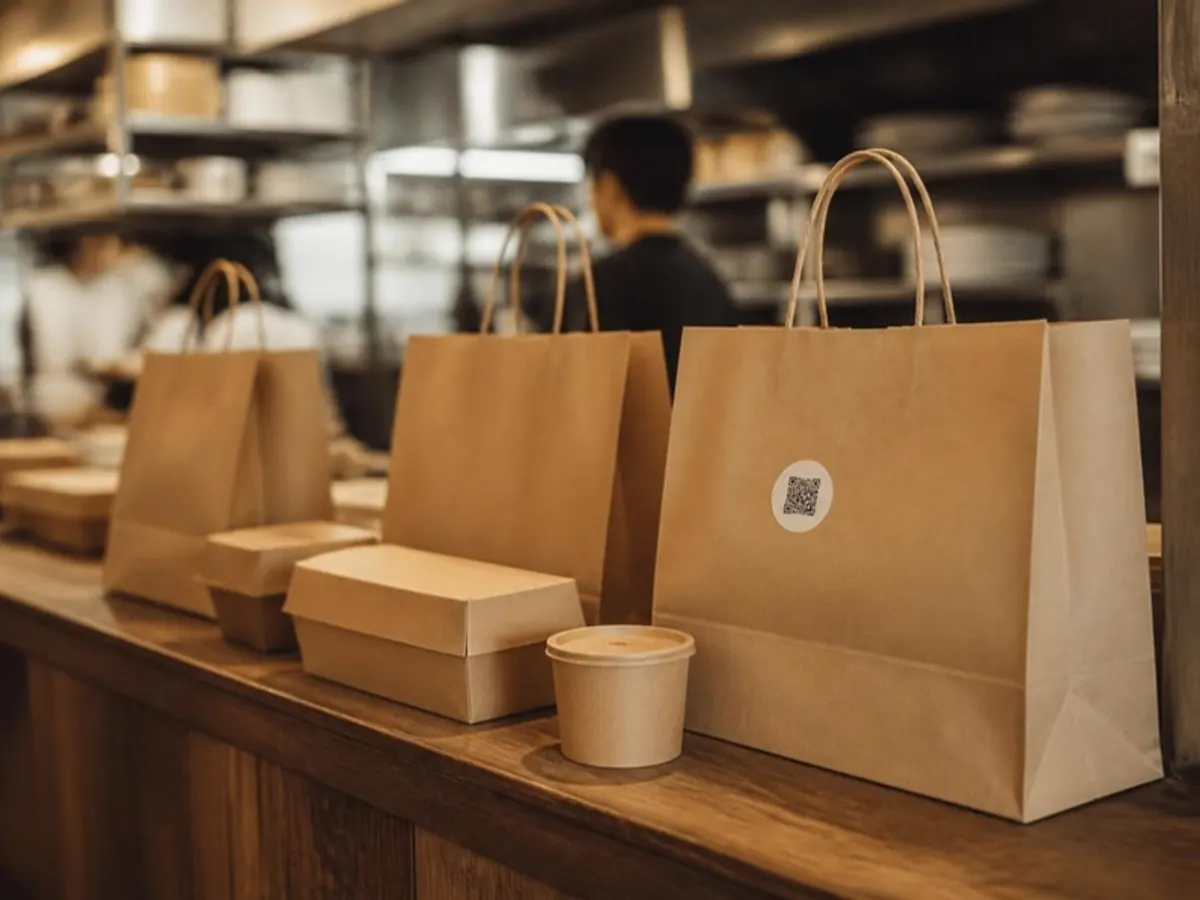
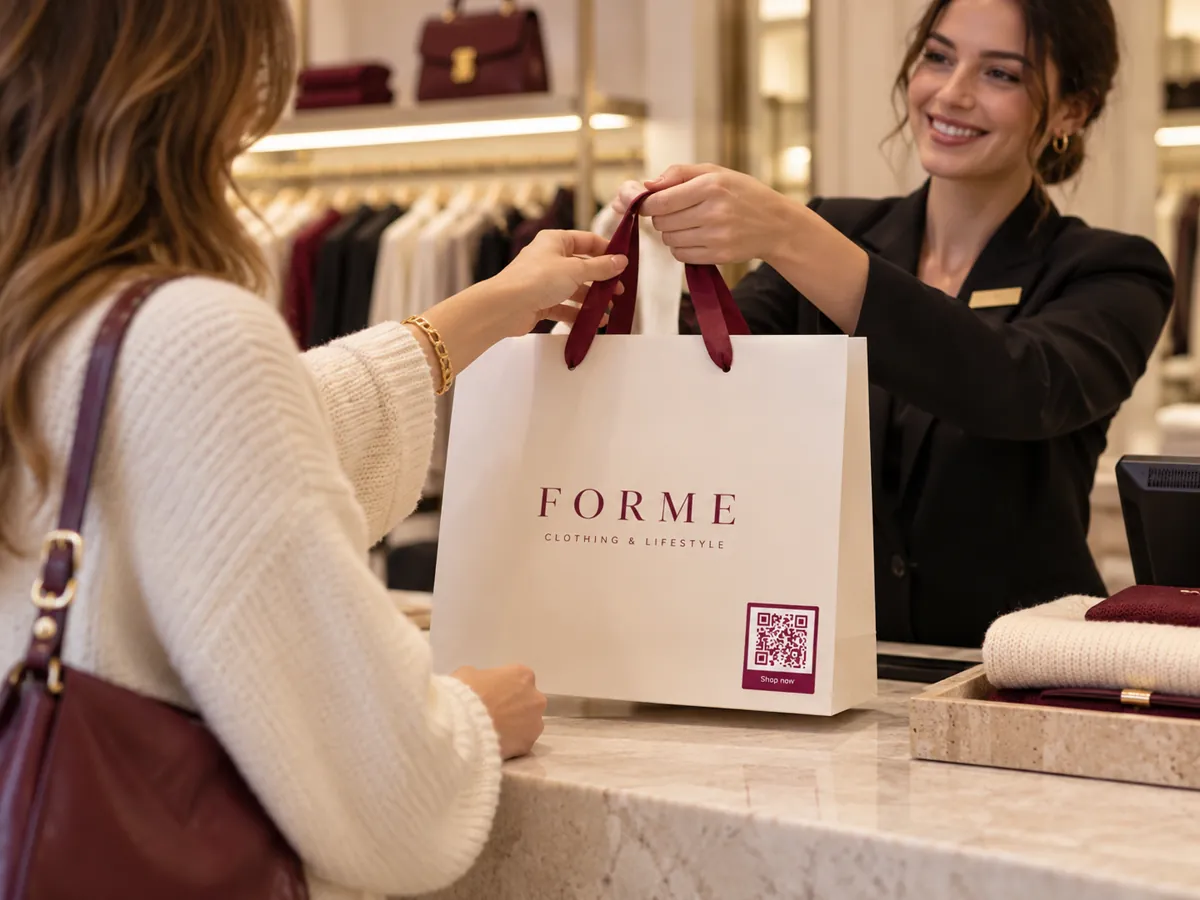
On everything that leaves the kitchen
A sticker on the bag or a code on the bill travels home with the customer and stays on the fridge.
- Bags and boxes
- Bills and receipts
- Lid stickers
- Flyers in the bag
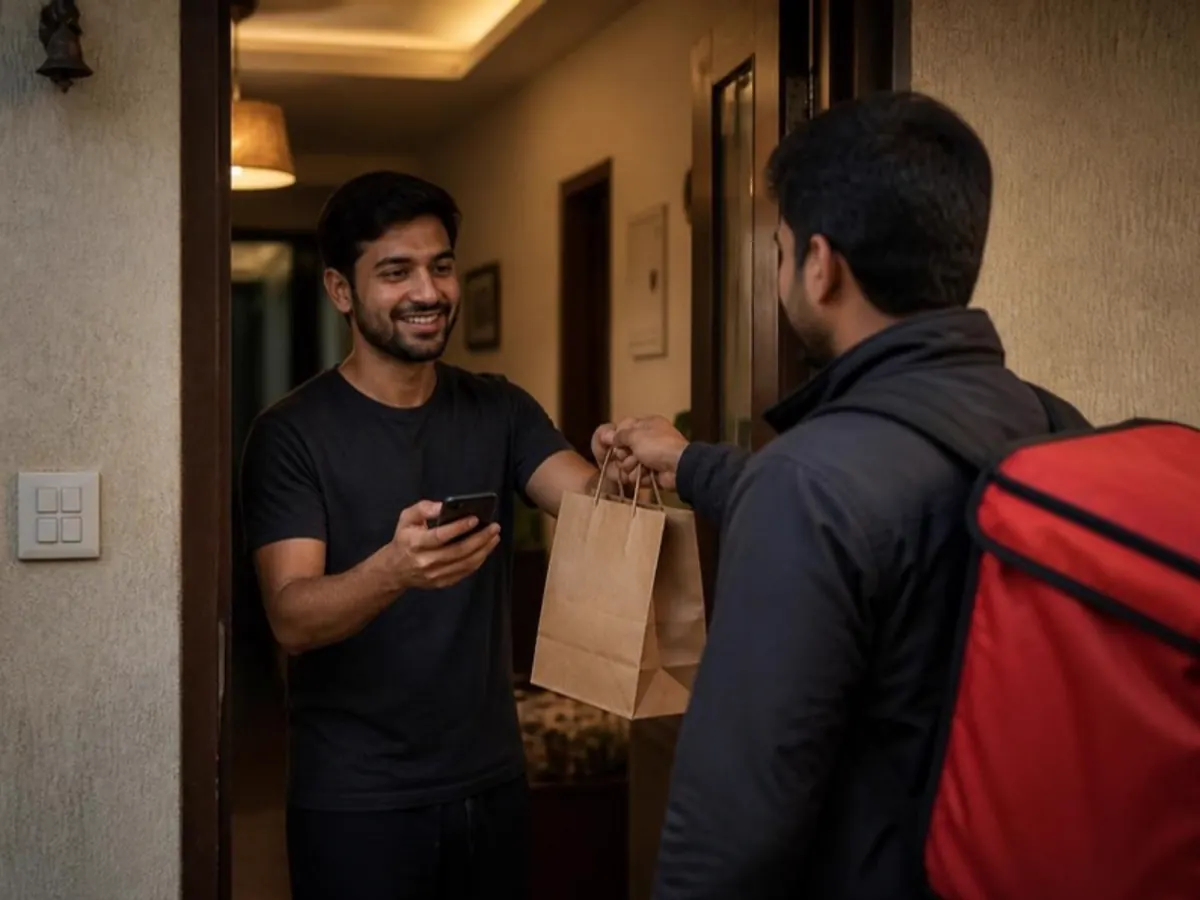
What customers can do
A multi-link page keeps everything in one place, and you can change the links any time.
- Open your menu
- Message you on WhatsApp for the next order
- Call the outlet
- Find your website, social pages and delivery app listings
Live in three steps.
- 01
Add your content
Pick a QR type and add your menu, links, file or contact details.
- 02
Make it yours
Choose colours and a style so the code matches your brand.
- 03
Print and share
Download SVG or print PDF. Every export is checked with a decoder.
The right code for each spot.
- Editable after print
Multi-link page
All your important destinations on one branded page.
- Editable after print
Restaurant menu
A mobile menu with categories, prices and availability.
- Static
WhatsApp
Start a chat with your business number.
- Static
Phone call
Open the dialer with your business number.
Can I add delivery app links?
Yes. A multi-link page can hold any web links, including your delivery app listings, website and social profiles.
Will a small sticker still scan?
Exports come as SVG and print PDF and are checked with a decoder. Test-print at your real size before a big run.
Small code.
Bigger possibilities.
Give every table, tag and touchpoint a new way to connect.
Free pilot · Ads-free scans · Your shared Laavia account