
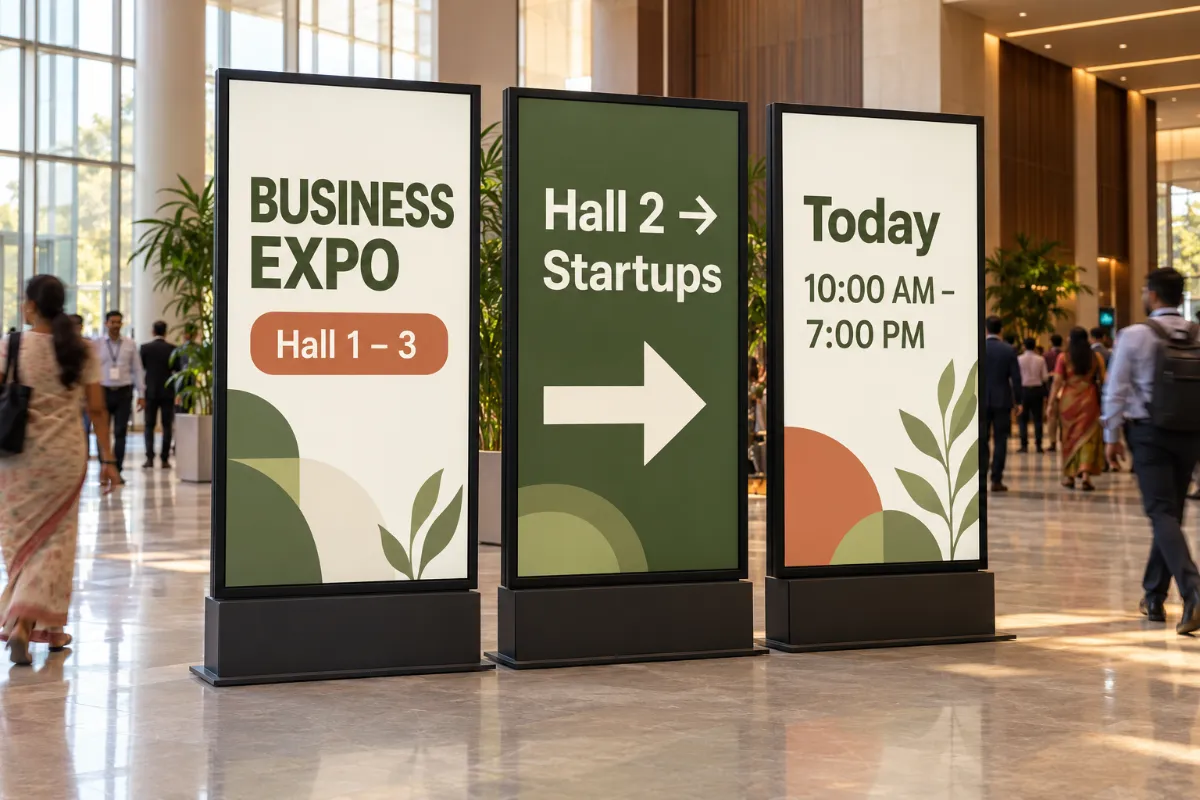
Digital signage for events, expos and public spaces
Guide visitors with directions, schedules and announcements on screens at entrances, halls and help desks, and plan each day of the event ahead.
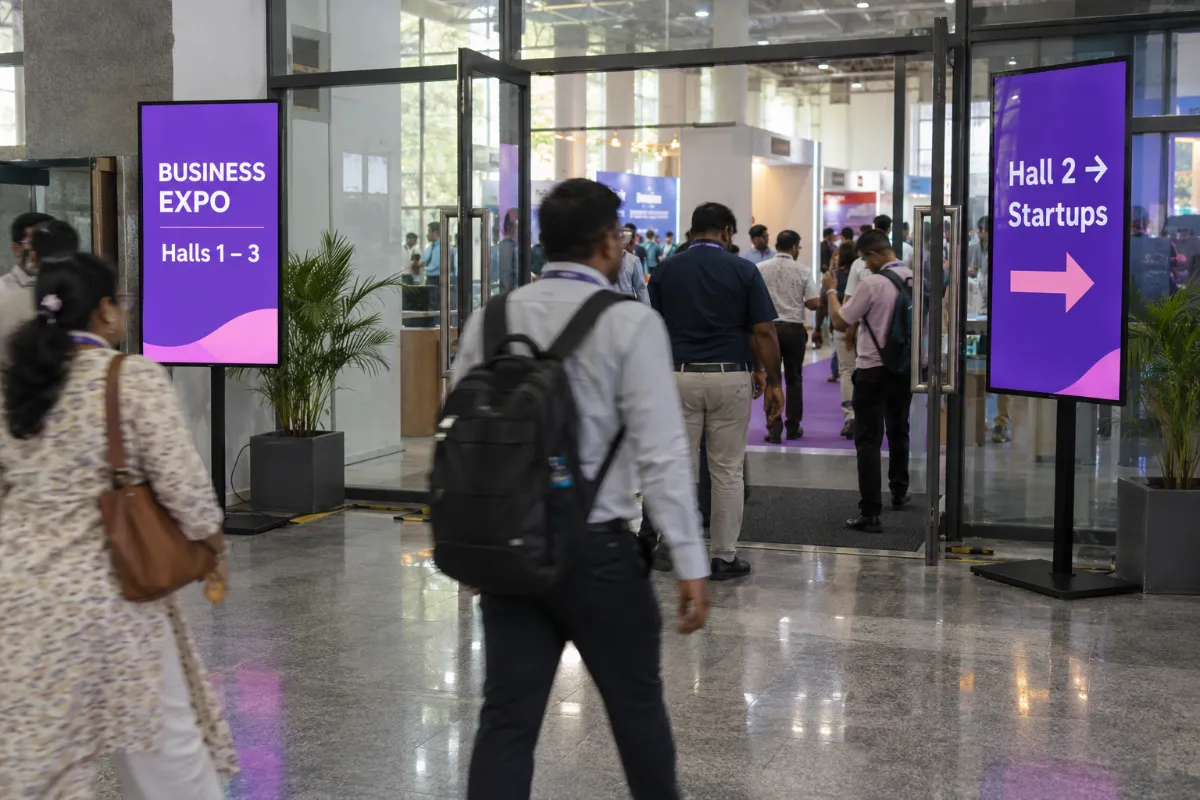
Wherever visitors need directions
Visitors look for the next hall, session or exit the moment they walk in. Screens at entrances, hall doors and help desks answer before they need to ask.
- Main entrance
- Hall doors
- Registration and help desk
- Food court

- Wayfinding to halls and facilities
- Session and hall schedules
- Announcements and changes
- Countdowns to keynotes and openings
From upload to on-screen.
- 01
Add your content
Upload images and videos to the media library, or design a screen on the canvas.
- 02
Plan the day
Build a playlist and schedule it by time, day or date.
- 03
Pair and play
Pair the screen and send the playlist. Downloaded media keeps playing offline.
What you get with Laavia Signage.
Widgets on one canvas
Menu boards, tickers, weather, QR codes, YouTube and countdowns, in more than one zone.
Playlists & scheduling
Put content in order, set how long each item plays and schedule it by time, day or date.
Screens, teams & review
Pair, group and restart screens remotely, see screenshots, set roles and share a review link.
Mobile app
Screens, schedules, media and the design editor, all from your phone.
Laavia Signage is a design preview. We confirm availability and the capabilities for your setup in the demo.
Can each hall show its own schedule?
Group screens by hall and send each group its own playlist.
Can we change an announcement during the event?
Update the playlist in the workspace and use remote controls to manage playback without going to the screen.
Can we rent screens for a short event?
For larger rollouts we can scope hardware and displays. Tell us about your event and we will confirm what fits.
Is Laavia Signage available today?
Laavia Signage is open today as a design preview. Tell us about your screens and locations, and we will confirm availability and the right next step before you plan around it.
Your space.
Your story.
Tell us about your locations, screens and content.
Design preview · Availability confirmed with you