LAAVIA DIGITAL SIGNAGE

Every screen,
saying the right thing.

Menus, offers and notices on the screens in your business. Plan what plays, when and where, from one place.

Open today as a design preview
A SCREEN FOR EVERY BUSINESS

Put your message where people look.

Restaurants & QSR
Menu boards that change with the day
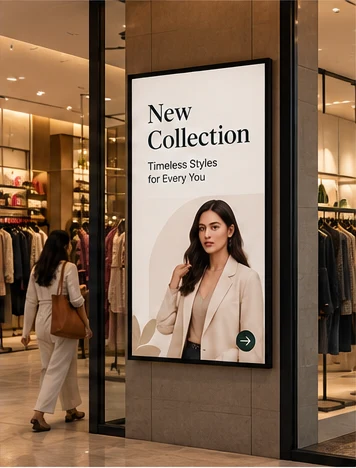
Retail & showrooms
New arrivals and offers at the door
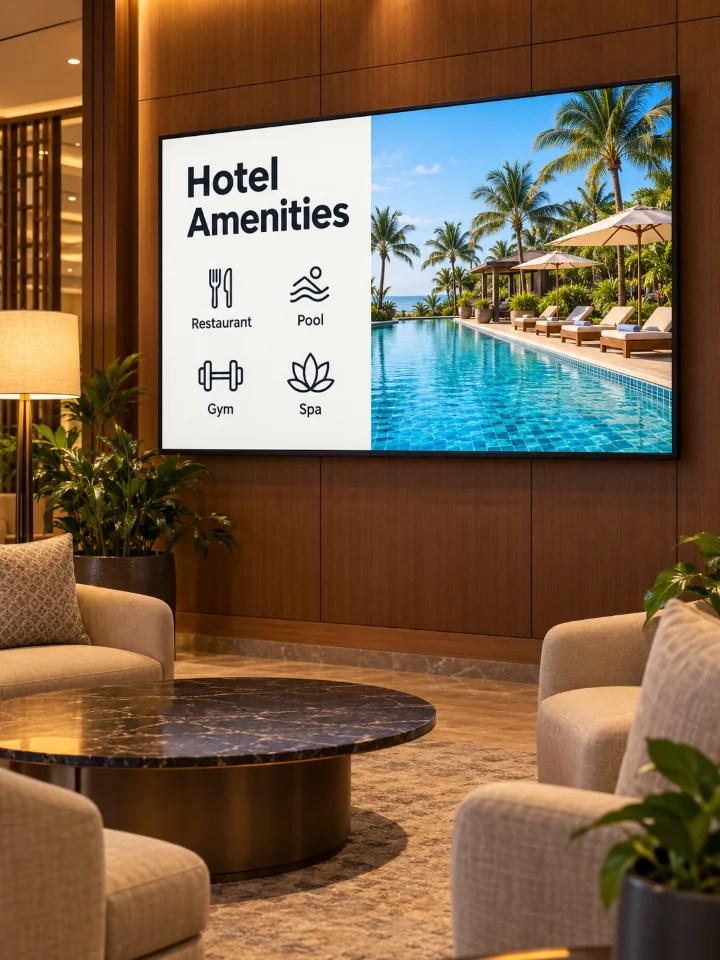
Hotels & stays
A welcome at the front desk
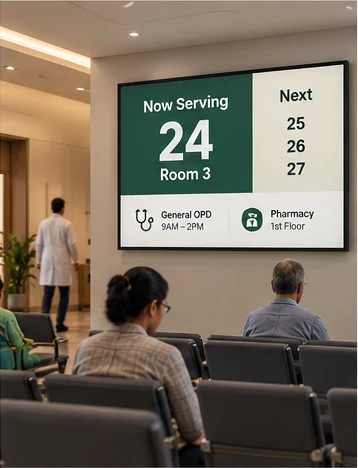
Hospitals & clinics
Calm, useful waiting rooms
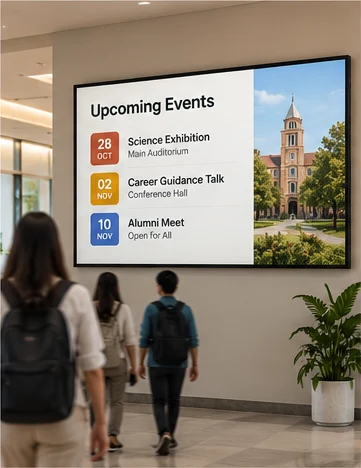
Schools & coaching
Notices students actually see
Corporate offices
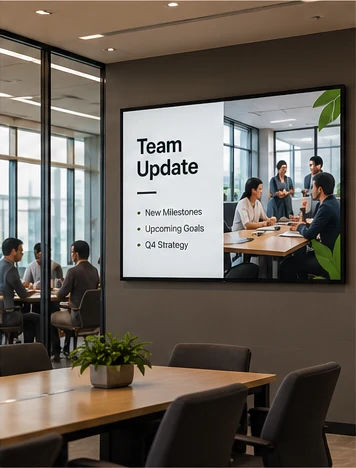
Reception and team updates
Factories & warehouses
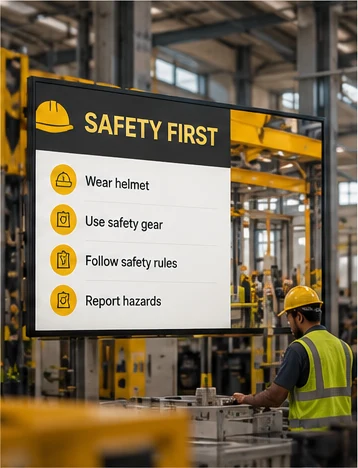
Safety and shift notices on the floor
Events & public spaces
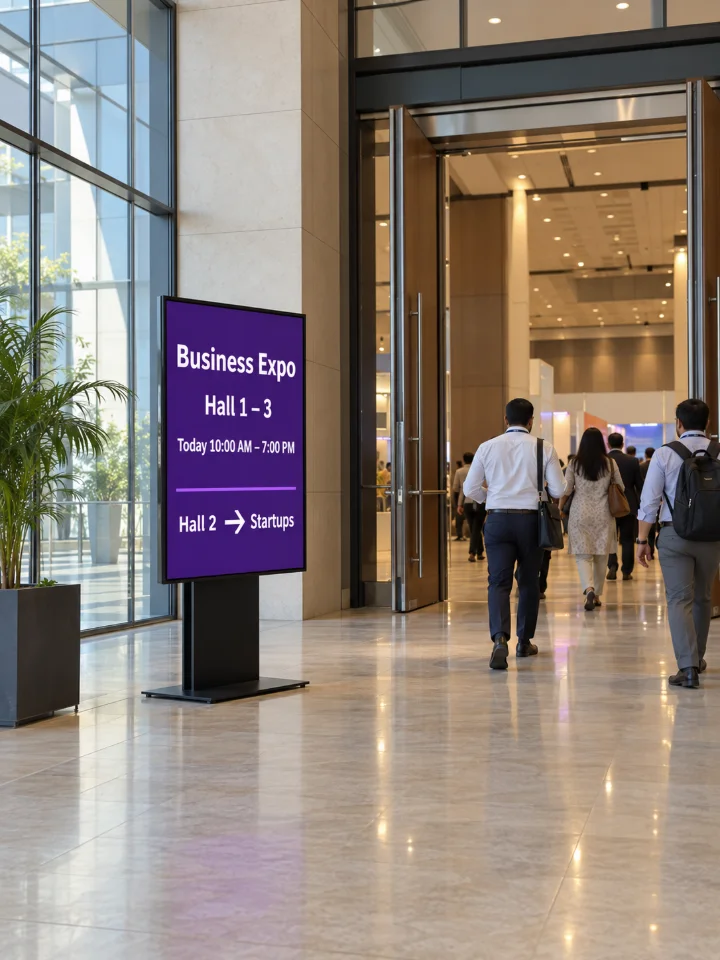
Directions and schedules for visitors
Menus & offers

Menu boards that change with the day

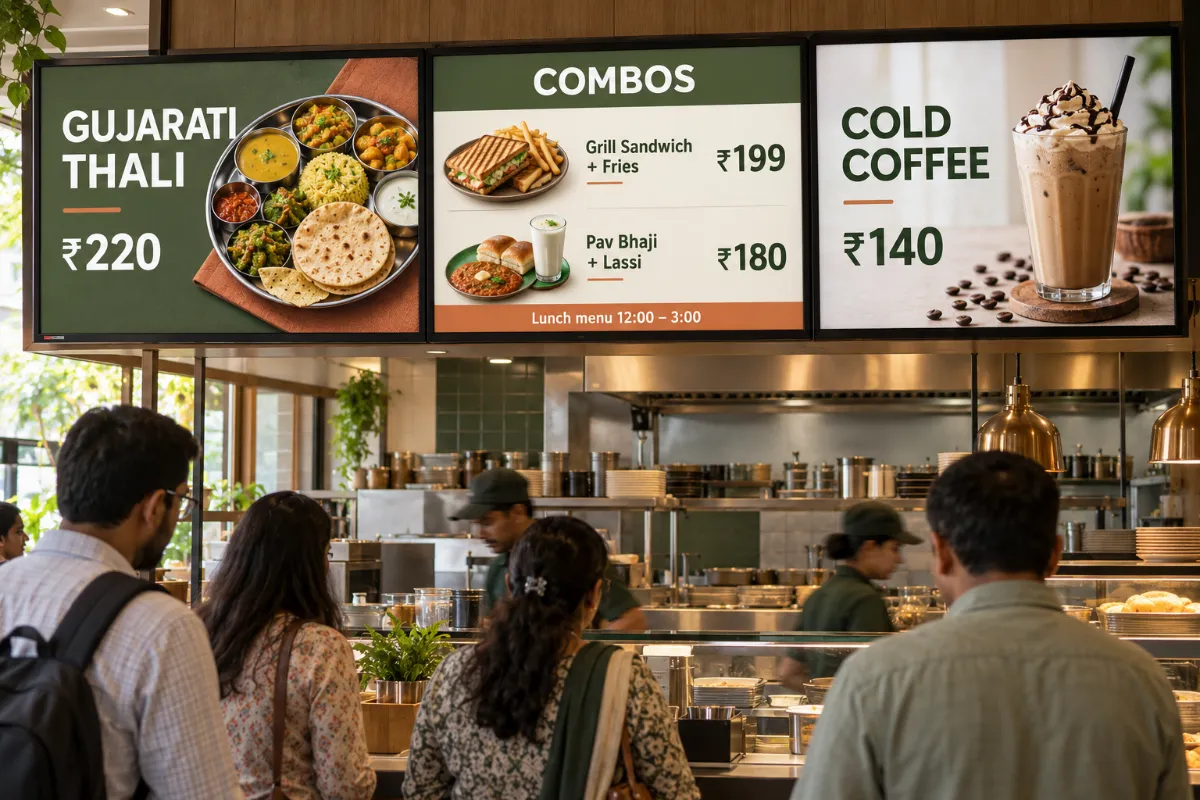
Breakfast in the morning, thalis at lunch and a cold coffee offer in the afternoon. Build each playlist once and schedule it by time of day.

  • Images and videos from one media library
  • A playlist for every screen
  • Scheduled by time, day or date
Three digital menu boards above a quick service restaurant counter
Screens & groups

Every outlet in one workspace

Pair each screen, then group screens by outlet, floor or purpose. Send a playlist to a group and see which screens are playing.

  • Screen pairing and device groups
  • Remote playback controls
  • Screen health and playback status
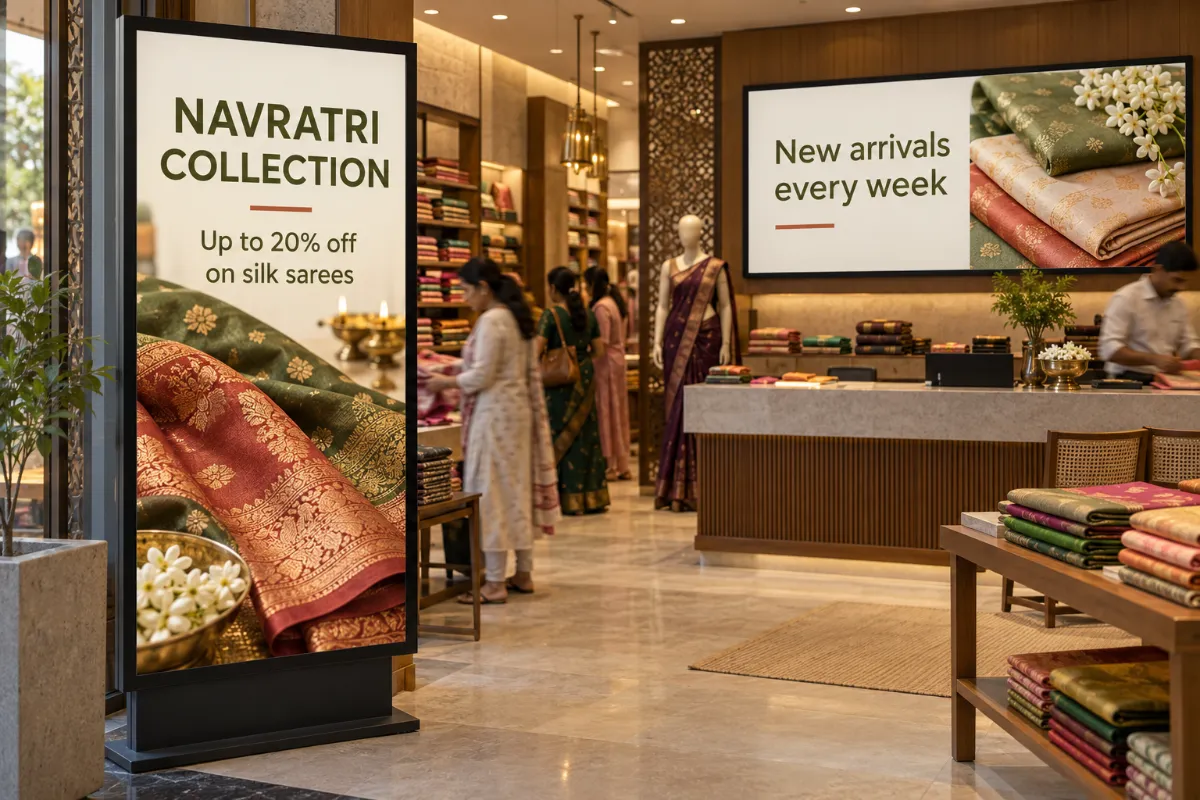
A portrait screen at the entrance of a saree showroom and a wide screen behind the counter
Calendar

Welcomes and events, planned ahead

Put a conference schedule, a wedding welcome or a Diwali greeting on the calendar. Each one plays on the dates you set.

  • Calendar scheduling by date
  • Multi-zone layouts for a message next to the menu
  • Team roles decide who can publish
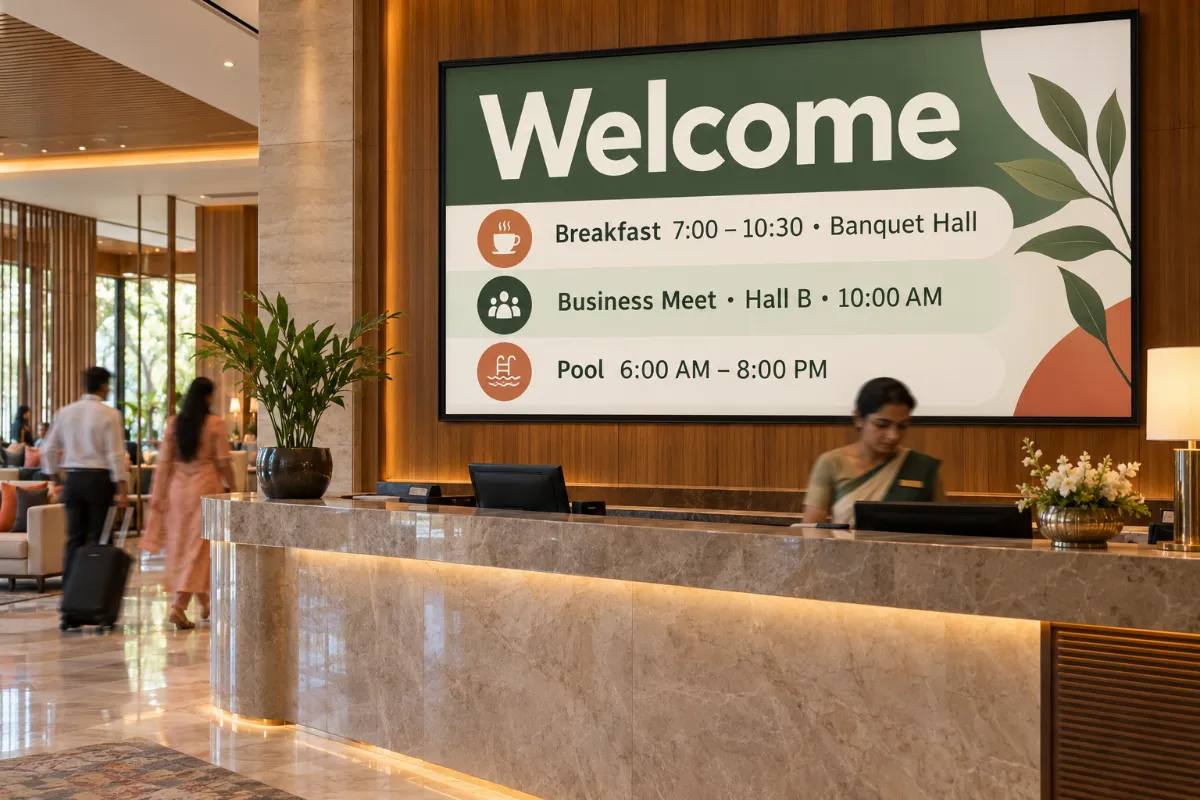
A wide welcome screen behind a hotel reception desk
HOW IT WORKS

From upload to on-screen.

  1. 01

    Add your content

    Upload images and videos to the media library, or design a screen on the canvas.

  2. 02

    Plan the day

    Build a playlist and schedule it by time, day or date.

  3. 03

    Pair and play

    Pair the screen and send the playlist. Downloaded media keeps playing offline.

ONE WORKSPACE FOR YOUR SCREENS

What Laavia Signage is built to do.

  • AI design

    Describe a screen in one line and get editable design options sized for your display.

  • Voice assistant

    Speak in English, Hindi, Gujarati or Marathi to check screens, schedule, design and publish.

  • Mobile app

    Screens, schedules, media and the design editor, all from your phone.

  • Widgets on one canvas

    Menu boards, tickers, weather, QR codes, YouTube and countdowns, in more than one zone.

  • Playlists & scheduling

    Put content in order, set how long each item plays and schedule it by time, day or date.

  • Live data

    Connect Google Sheets, Excel or an API so menus and price tables update on screen.

  • Offline playback

    Media that has downloaded to the screen keeps playing if the internet drops.

  • Screens, teams & review

    Pair, group and restart screens remotely, see screenshots, set roles and share a review link.

Laavia Signage is a design preview. We confirm availability and the capabilities for your setup in the demo.

A day on one screen

One counter screen, three moments. This is how a café might plan its day with a schedule.

01

Morning: breakfast and chai

The breakfast playlist runs from opening until eleven.

02

Afternoon: thalis and combos

At noon the schedule moves the board to the lunch menu.

03

Evening: snacks and desserts

After five, the evening menu and a dessert offer take over.

MADE FOR THE SPACE

Wide, tall or split
into zones.

Plan for landscape displays, portrait installations or a layout with more than one content zone. Final format and device support is confirmed with the product specification.

  • Landscape

    Menu boards, lobby screens and notice boards.

  • Portrait

    Entrances, store windows and standees.

  • Multi-zone

    A video, an offer and a notice on one screen.

A LITTLE CLARITY

Questions about
digital signage.

Is Laavia Signage available today?

Laavia Signage is open today as a design preview. Tell us about your screens and locations, and we will confirm availability and the right next step before you plan around it.

Which screens and devices does it work with?

Landscape, portrait and multi-zone layouts are part of the design. Final format and device support is confirmed with the product specification, so share the screens you have and we will check them with you.

What happens if the internet goes down?

Offline playback of media that has already downloaded to the screen is part of the planned scope. We confirm how it works for your setup during the demo.

Can I change the menu or offer on my screens from one place?

Yes, that is what Laavia Signage is built for: a media library, playlists and calendar scheduling for every paired screen, managed from one workspace.

How much does Laavia Signage cost?

Pricing is shared with you in the demo, once we know how many screens and locations you have. Larger screen networks get a tailored rollout.

Can Laavia help with screens, kiosks or content too?

For larger rollouts we can scope hardware, displays and kiosk projects, and our design team creates menu cards, posters and social posts. Talk to us about your project.

LET’S GIVE YOUR SCREENS A PURPOSE

Your space.
Your story.

Tell us about your locations, screens and content.

Design preview · Availability confirmed with you