
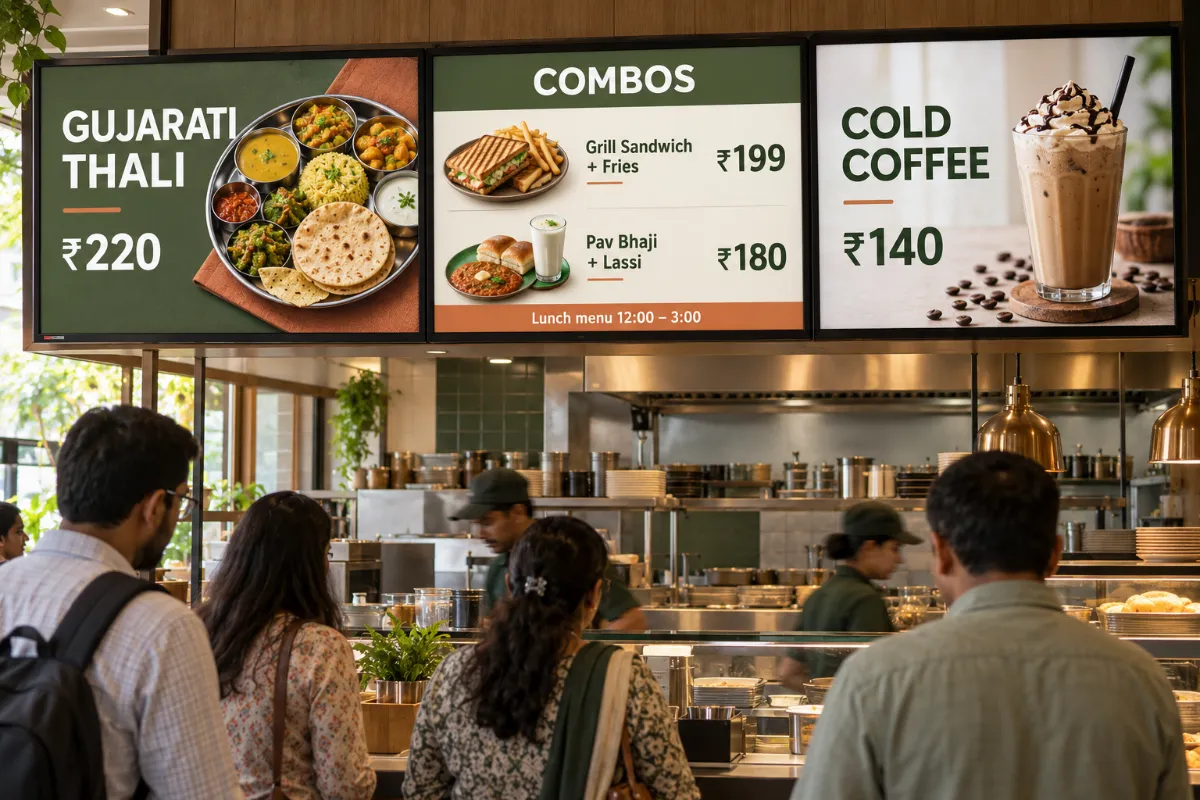
Digital menu boards for restaurants and QSRs
Show today's menu, combos and prices on the screens above your counter. Plan breakfast, lunch and evening menus once and let the schedule change them through the day.
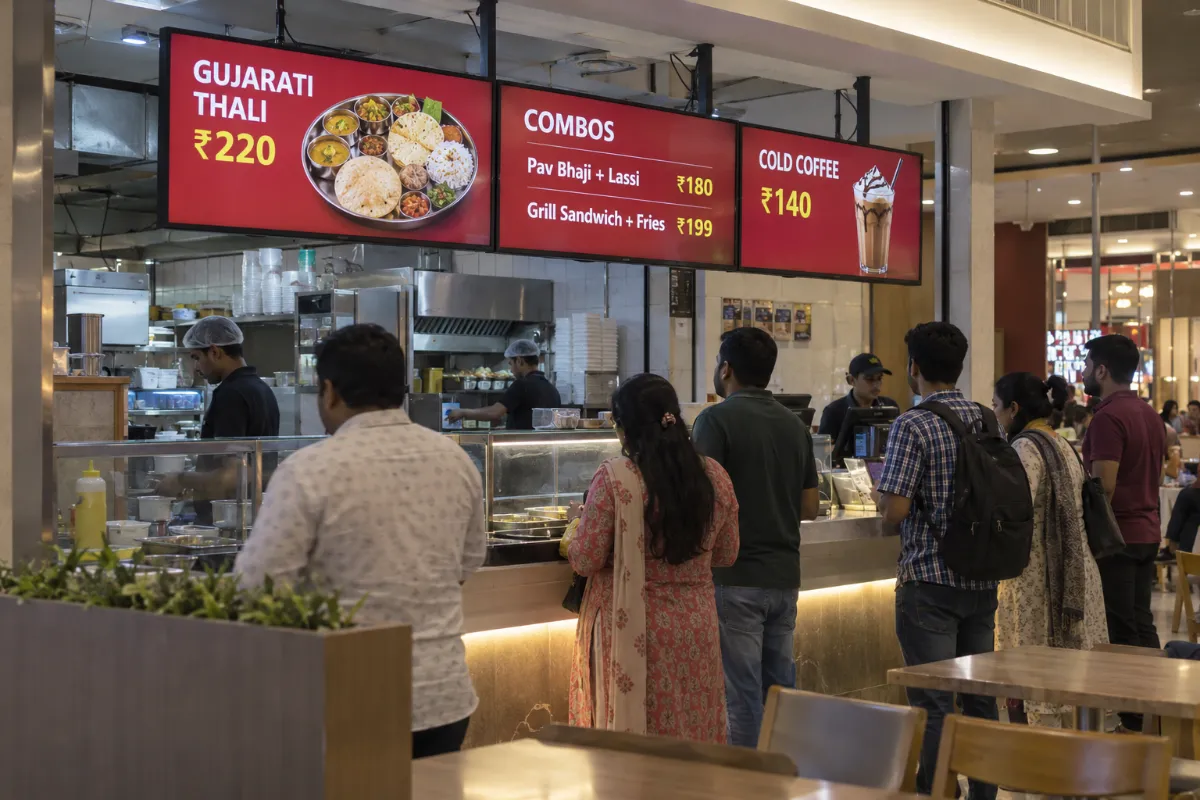
Where guests decide what to order
Most orders are decided in the few seconds at the counter. Screens above the counter, at the door and at pickup put the menu where guests are already looking.
- Above the order counter
- Entrance and window
- Pickup and waiting area
- Food court stalls
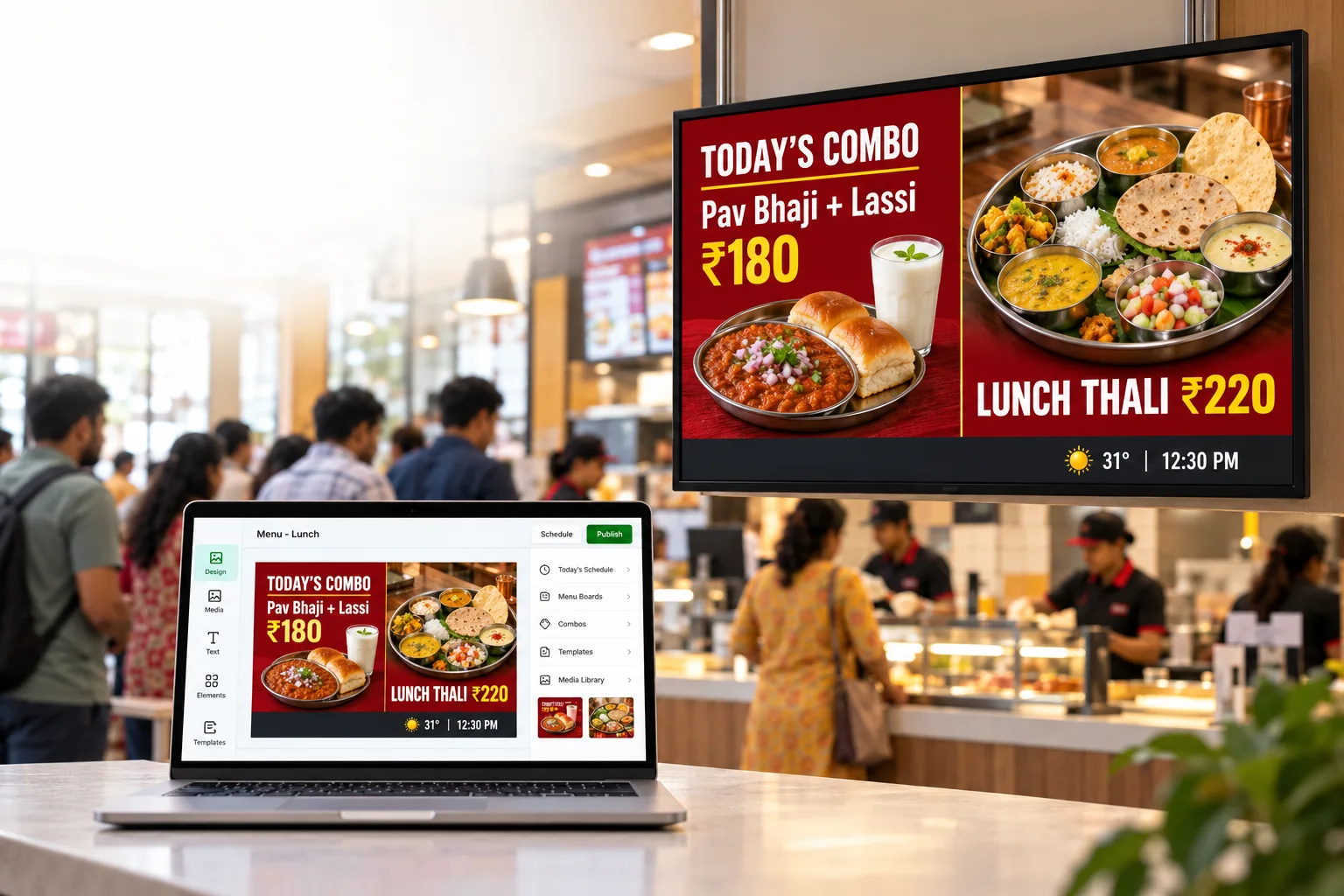
- Menu boards with prices by daypart
- Combo of the day and new dishes
- Food videos from the media library
- Opening hours and Jain options
From upload to on-screen.
- 01
Add your content
Upload images and videos to the media library, or design a screen on the canvas.
- 02
Plan the day
Build a playlist and schedule it by time, day or date.
- 03
Pair and play
Pair the screen and send the playlist. Downloaded media keeps playing offline.
What you get with Laavia Signage.
Live data
Connect Google Sheets, Excel or an API so menus and price tables update on screen.
Playlists & scheduling
Put content in order, set how long each item plays and schedule it by time, day or date.
Widgets on one canvas
Menu boards, tickers, weather, QR codes, YouTube and countdowns, in more than one zone.
AI design
Describe a screen in one line and get editable design options sized for your display.
Laavia Signage is a design preview. We confirm availability and the capabilities for your setup in the demo.
Can the menu change automatically at lunch time?
Yes. Make a playlist for each part of the day and schedule it by time, day or date. The screen moves to the next playlist on its own.
Can I run the same menu across all my outlets?
Pair each screen and group them by outlet or purpose. Send one playlist to a group, or give one outlet its own menu.
Can one screen show the menu and an offer together?
Yes. The design canvas lets you lay out a screen with more than one content zone, such as the menu next to a combo offer.
Is Laavia Signage available today?
Laavia Signage is open today as a design preview. Tell us about your screens and locations, and we will confirm availability and the right next step before you plan around it.
Your space.
Your story.
Tell us about your locations, screens and content.
Design preview · Availability confirmed with you