
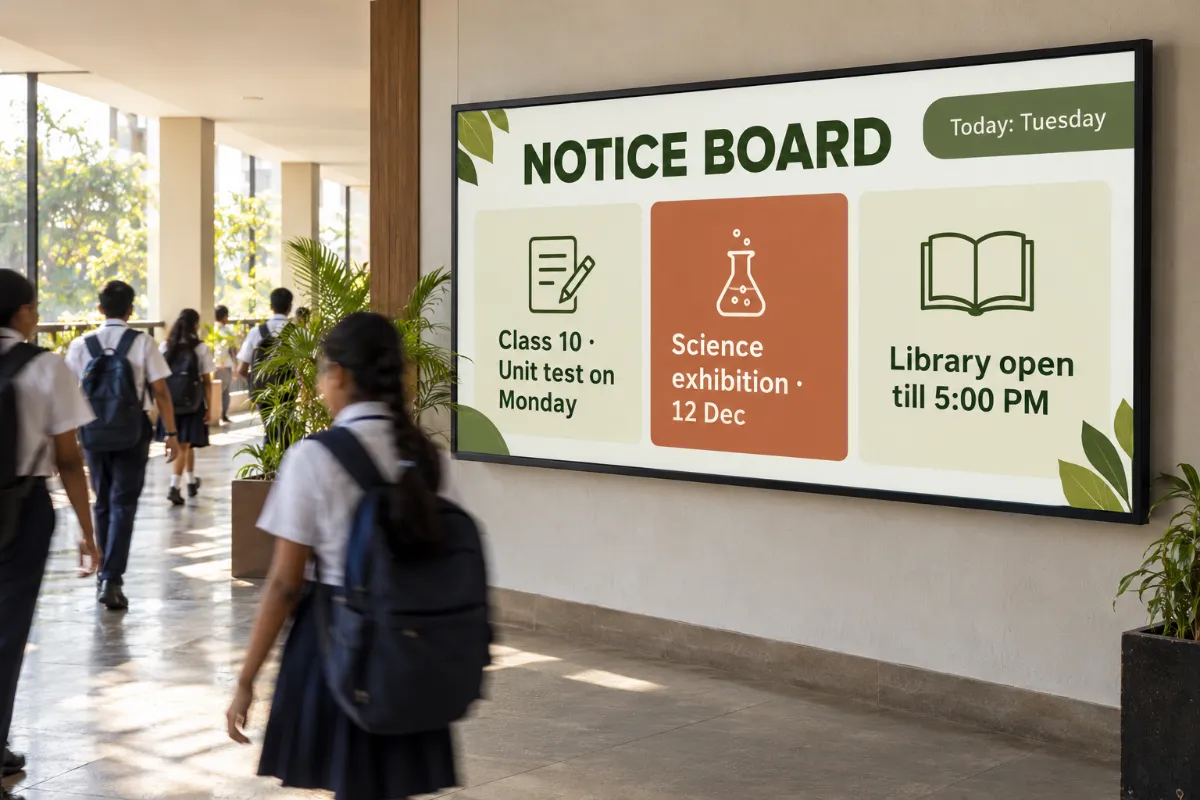
Digital notice boards for schools and coaching institutes
Replace the paper notice board with screens students actually look at: test dates, events, timetables and announcements, updated from one place.
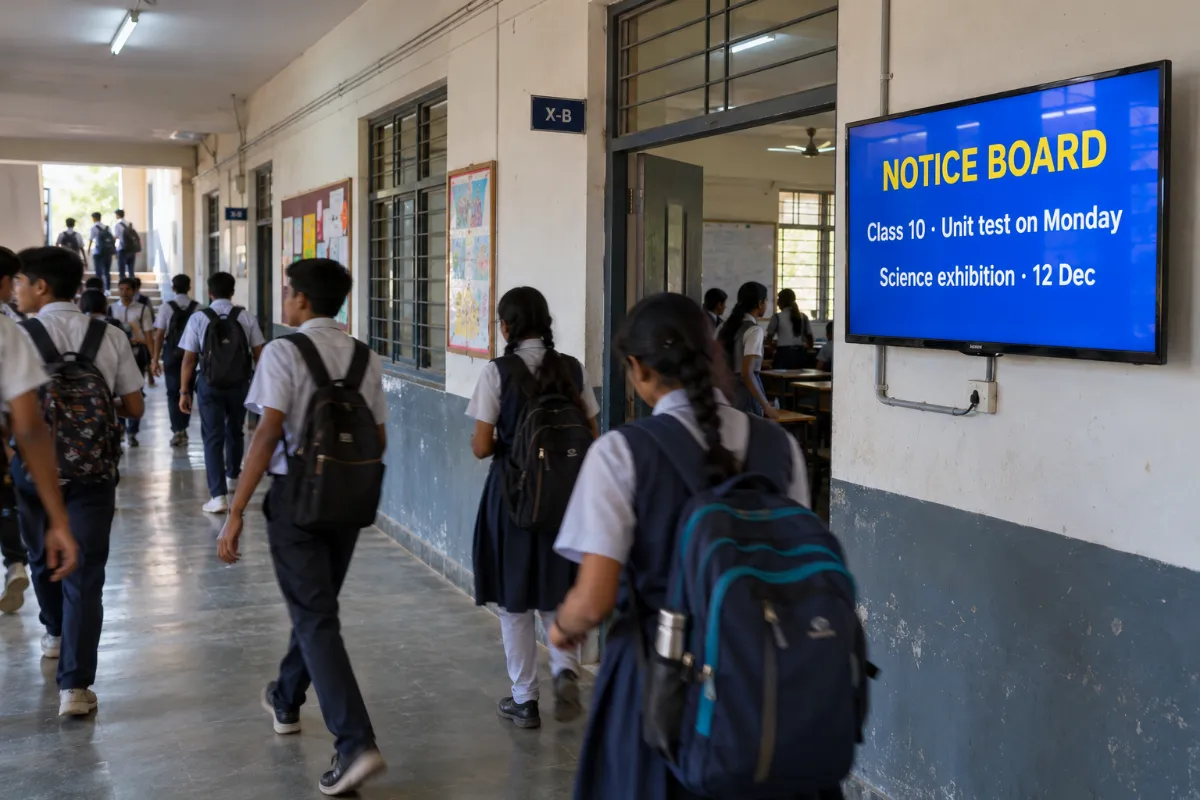
Where students pass every day
Corridors, the entrance gate and the staff room see every student and teacher, every day. A screen there gets a notice seen without a single printout.
- Main corridor
- Entrance and gate
- Staff room
- Library and labs
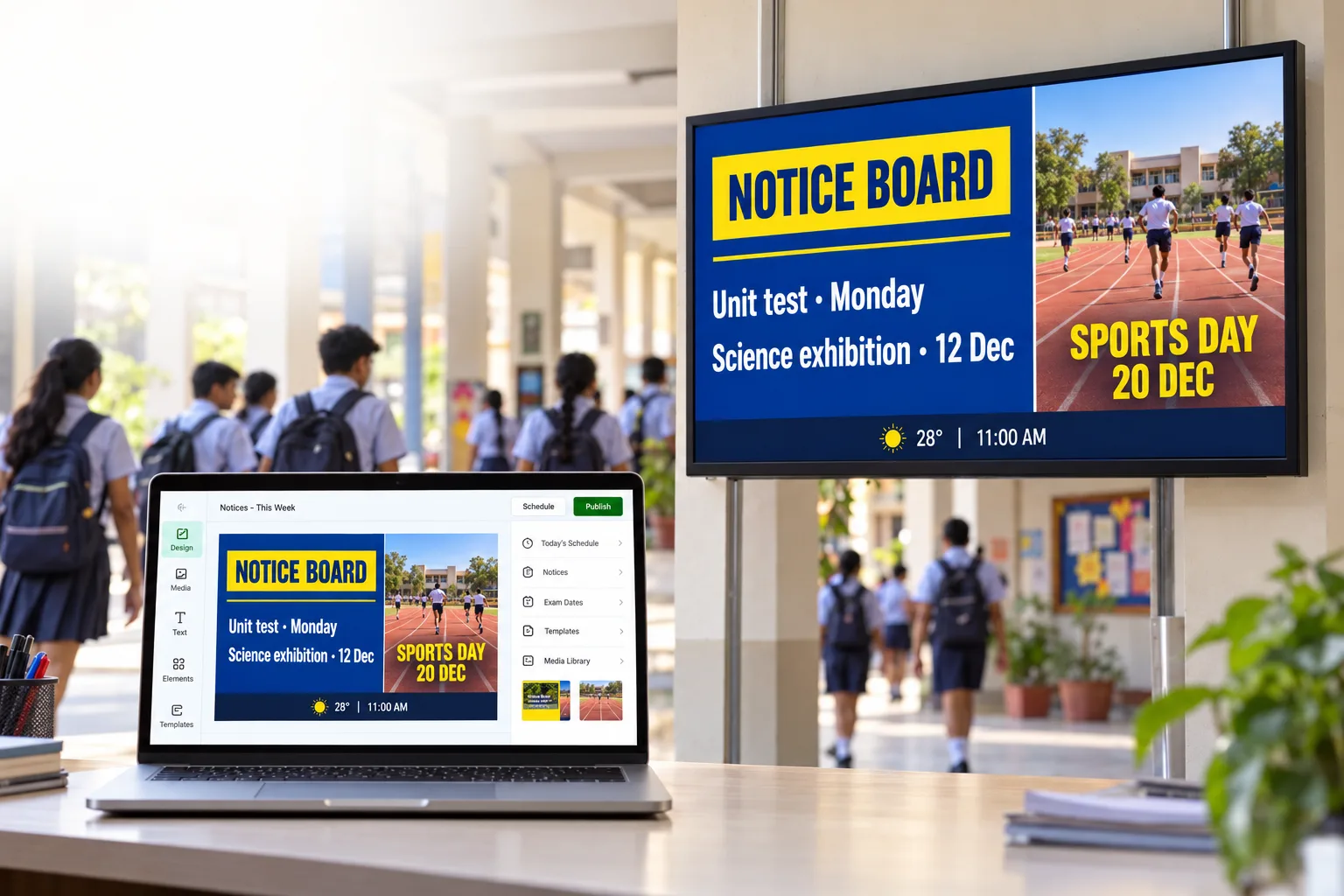
- Unit test and exam dates
- Events, sports day and results
- Timetables and room changes
- Achievements and announcements
From upload to on-screen.
- 01
Add your content
Upload images and videos to the media library, or design a screen on the canvas.
- 02
Plan the day
Build a playlist and schedule it by time, day or date.
- 03
Pair and play
Pair the screen and send the playlist. Downloaded media keeps playing offline.
What you get with Laavia Signage.
Widgets on one canvas
Menu boards, tickers, weather, QR codes, YouTube and countdowns, in more than one zone.
Playlists & scheduling
Put content in order, set how long each item plays and schedule it by time, day or date.
Screens, teams & review
Pair, group and restart screens remotely, see screenshots, set roles and share a review link.
Voice assistant
Speak in English, Hindi, Gujarati or Marathi to check screens, schedule, design and publish.
Laavia Signage is a design preview. We confirm availability and the capabilities for your setup in the demo.
Can a notice stop showing after the event?
Yes. Schedule each notice by date. It plays until the end date and then leaves the playlist.
Can teachers post notices?
Team roles decide who can publish. Give staff access to the screens they manage.
Can different buildings show different notices?
Group screens by building or floor and send each group its own playlist.
Is Laavia Signage available today?
Laavia Signage is open today as a design preview. Tell us about your screens and locations, and we will confirm availability and the right next step before you plan around it.
Your space.
Your story.
Tell us about your locations, screens and content.
Design preview · Availability confirmed with you