
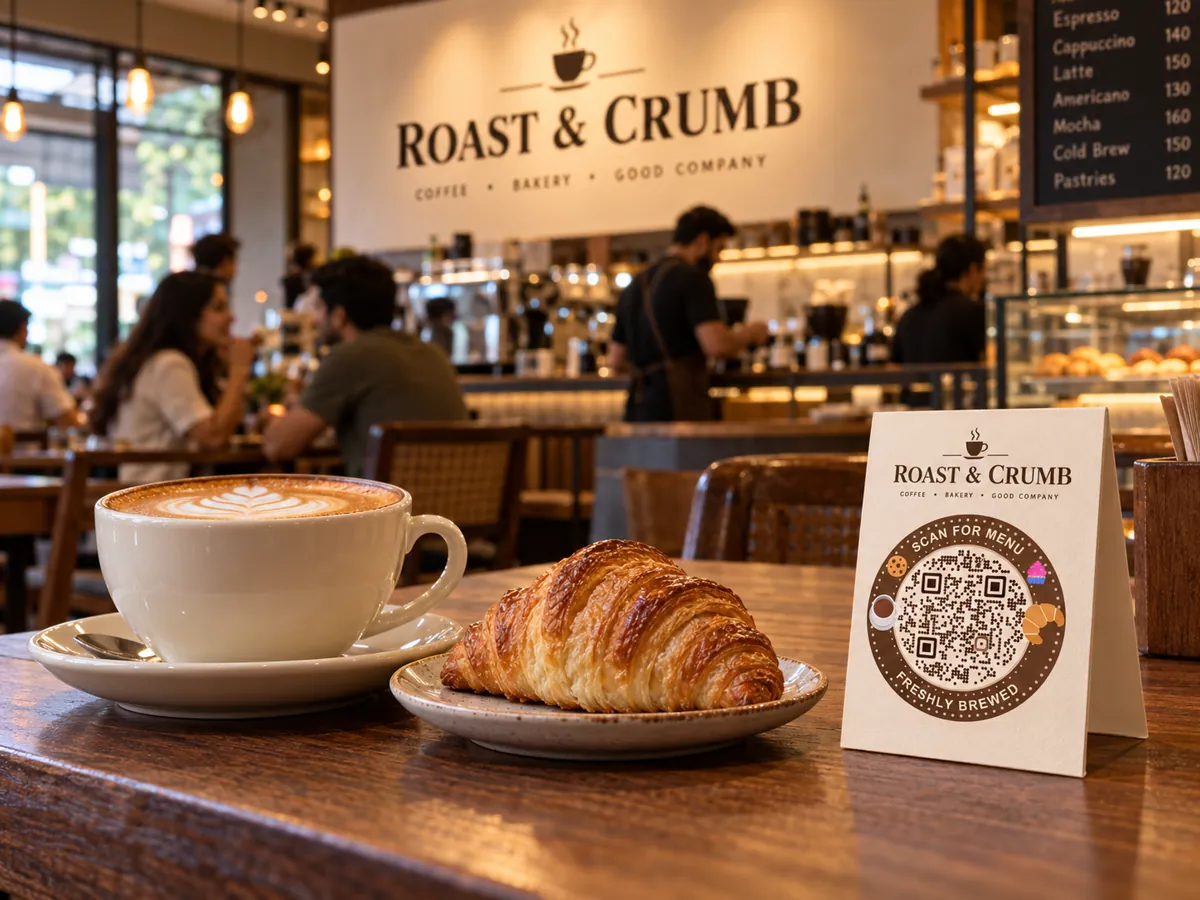
QR codes for restaurants and cafés
Put your menu, Wi-Fi and WhatsApp on the counter and every table. Change dishes and prices from your phone, and every printed code shows the update.
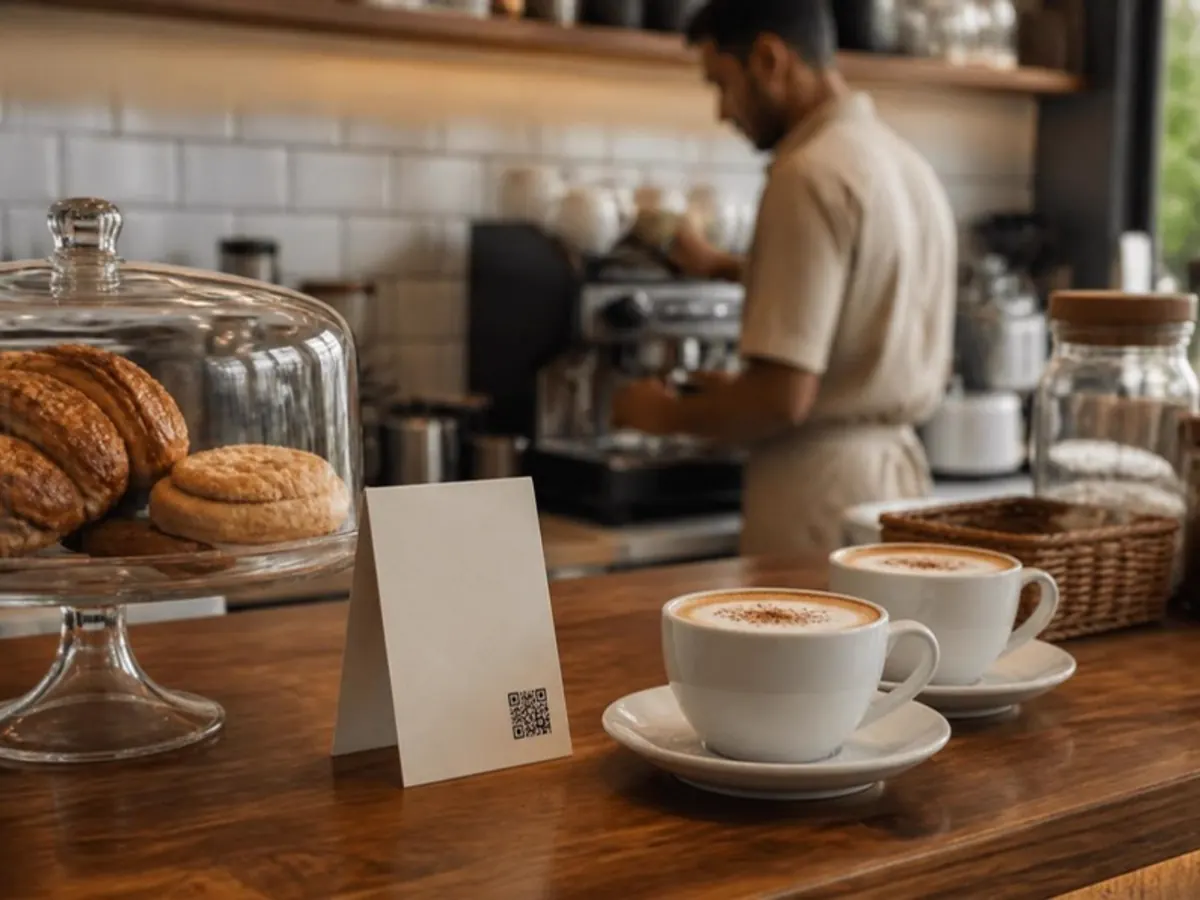
From the counter to the corner table
Guests look for the menu the moment they sit down. A small card on the counter or table answers before they have to ask.
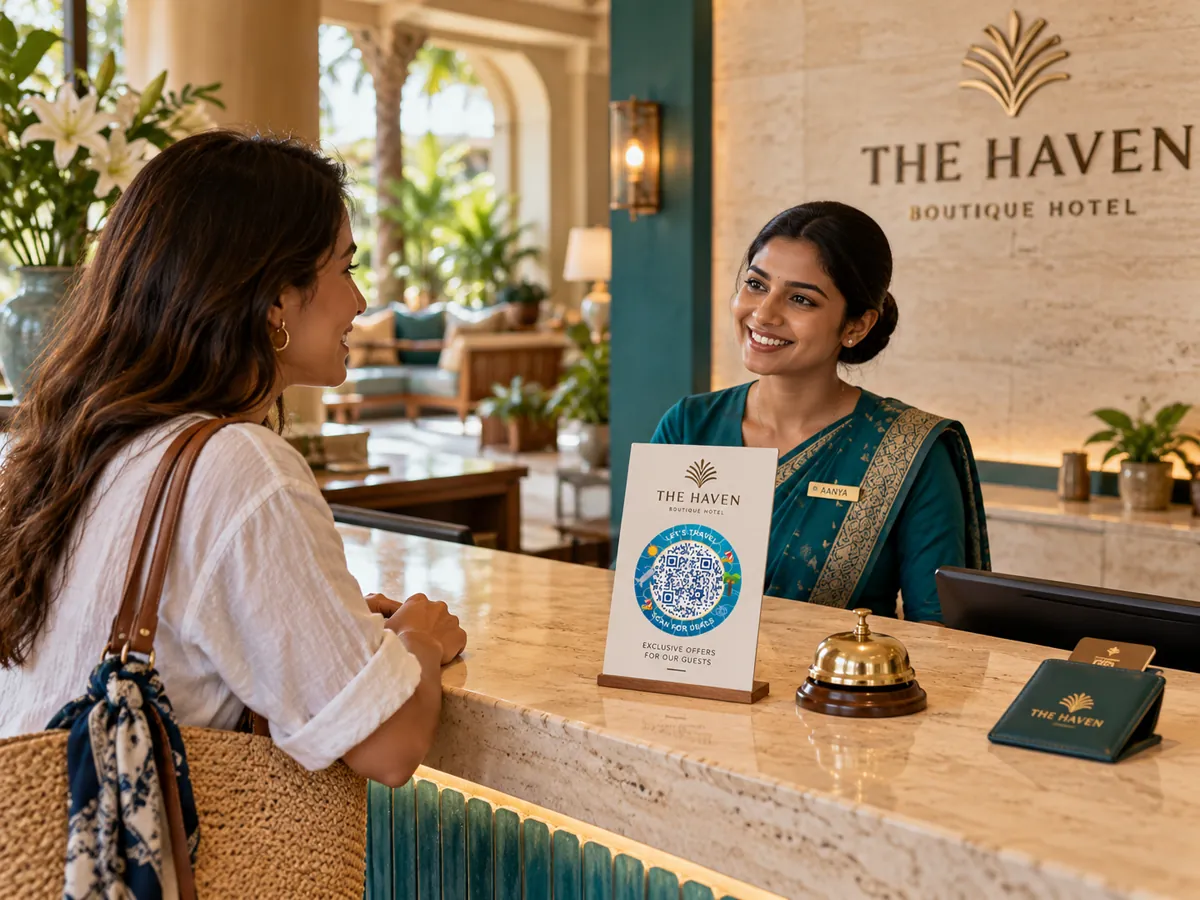
- Counter and billing desk
- Table tents and stands
- Entrance and window
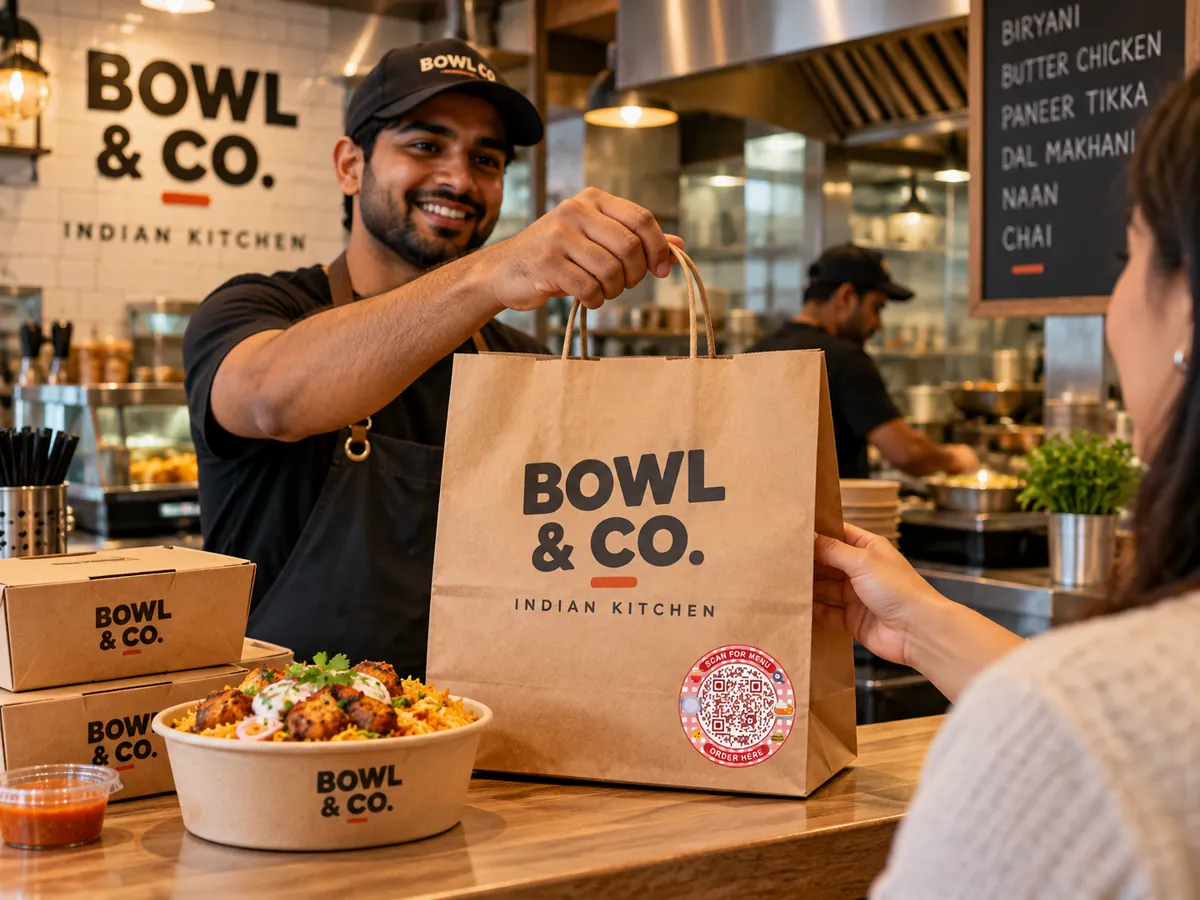
- Bills and takeaway bags
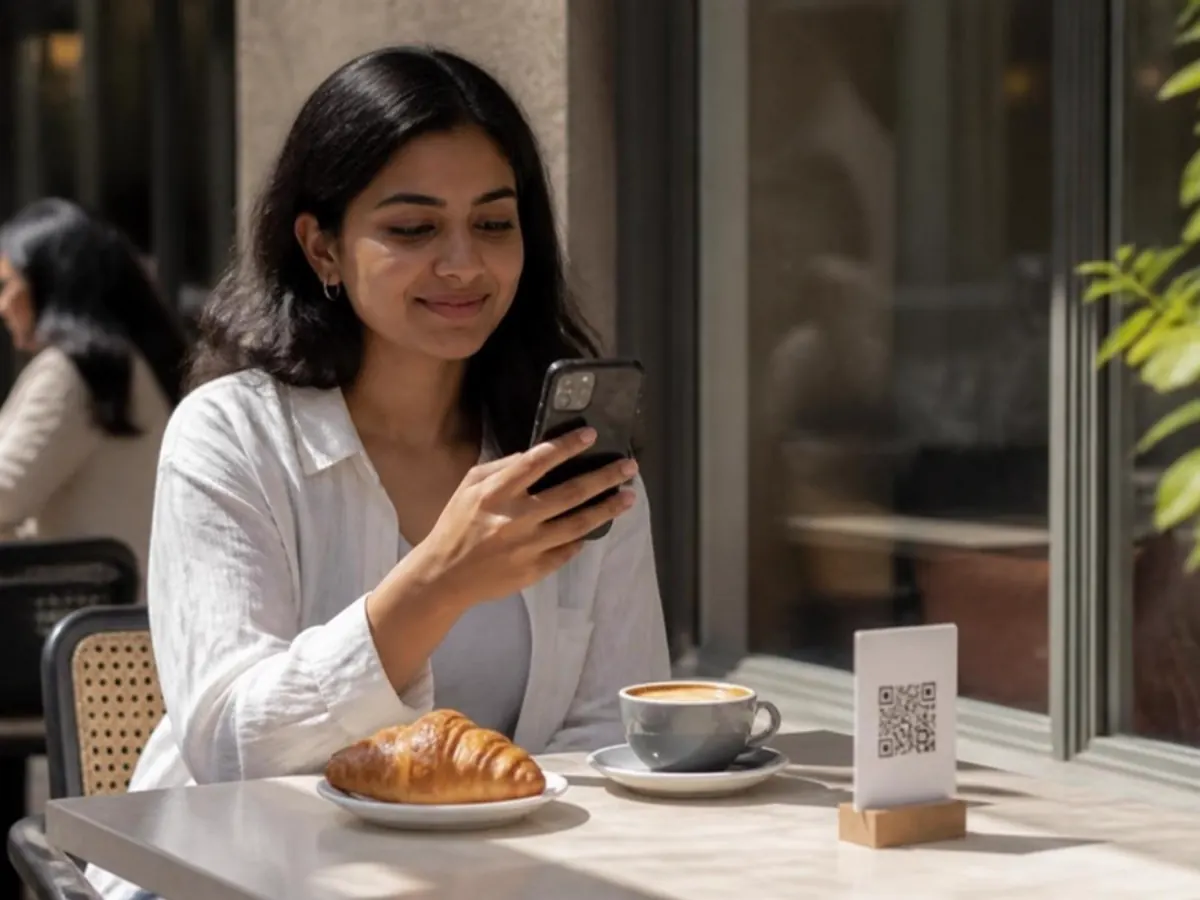
What guests can do
Every code opens in the phone's browser. No app to install and no ads on your pages.
- Browse your menu with photos and prices
- Join Wi-Fi without asking for the password
- Message you on WhatsApp
- Pay at the counter with UPI
Live in three steps.
- 01
Add your content
Pick a QR type and add your menu, links, file or contact details.
- 02
Make it yours
Choose colours and a style so the code matches your brand.
- 03
Print and share
Download SVG or print PDF. Every export is checked with a decoder.
The right code for each spot.
- Editable after print
Restaurant menu
A mobile menu with categories, prices and availability.
- Static
Wi-Fi
Guests join your network without typing the password.
- Static
WhatsApp
Start a chat with your business number.
- Static
UPI payment
Opens the scanner's payment app with your UPI ID.
Can guests order from the QR menu?
Not yet. The pilot menu is for viewing. Ordering and POS sync are planned.
Do I need to reprint when prices change?
No. Edit the menu in Laavia and publish. The same printed code opens the new version.
Can the menu be in Hindi?
Yes. Hindi and other Unicode text are supported.
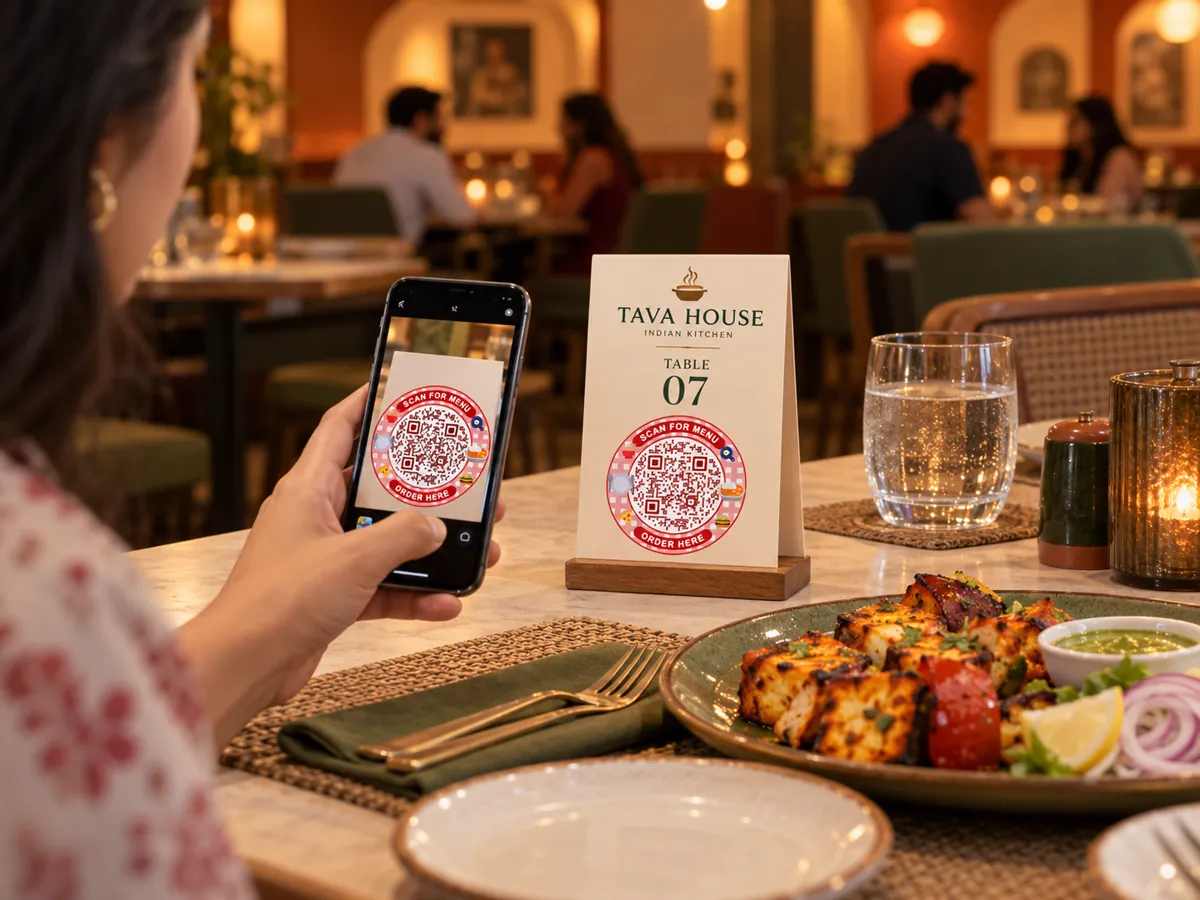
Small code.
Bigger possibilities.
Give every table, tag and touchpoint a new way to connect.
Free pilot · Ads-free scans · Your shared Laavia account