
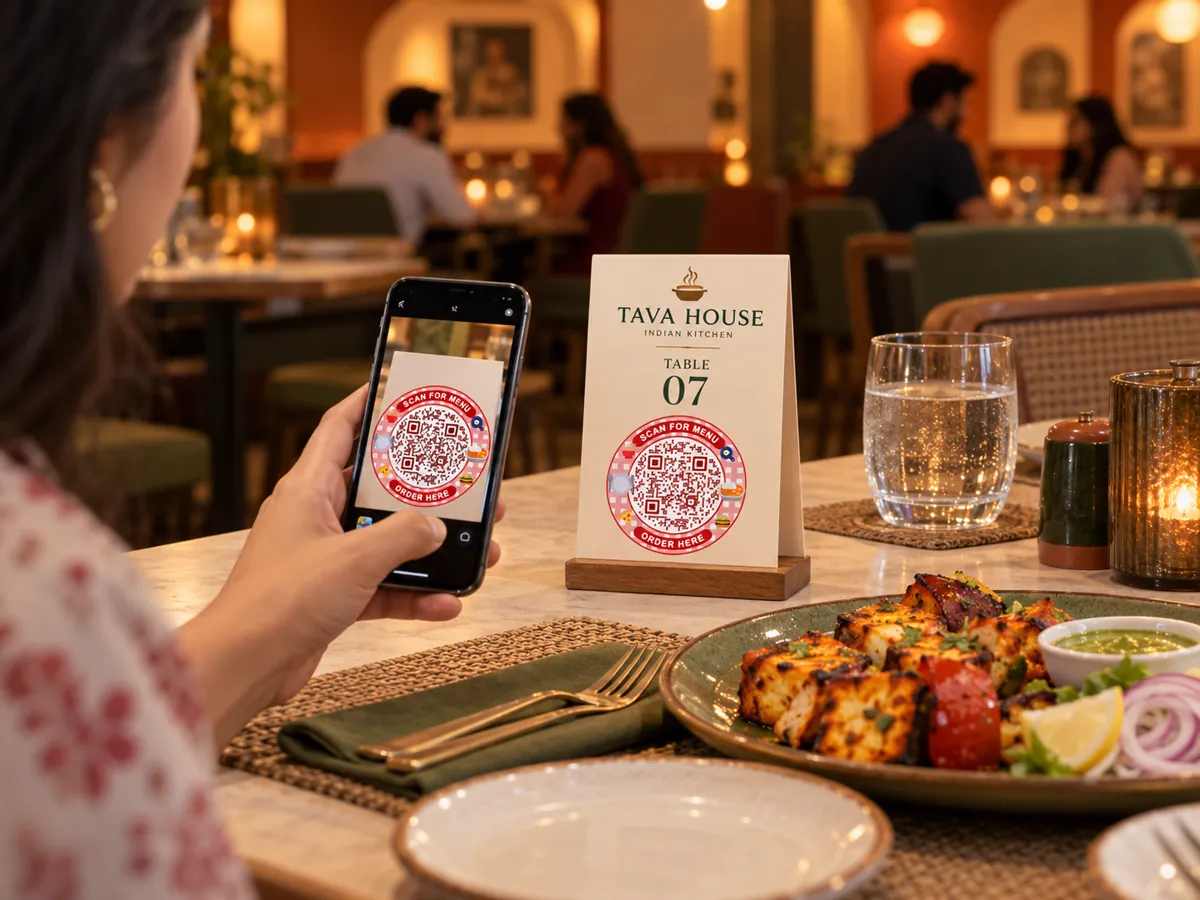
Table QR codes that keep up with the kitchen
One code on each table gives guests today's menu, Wi-Fi and a way to reach you, without waiting for a printed card.
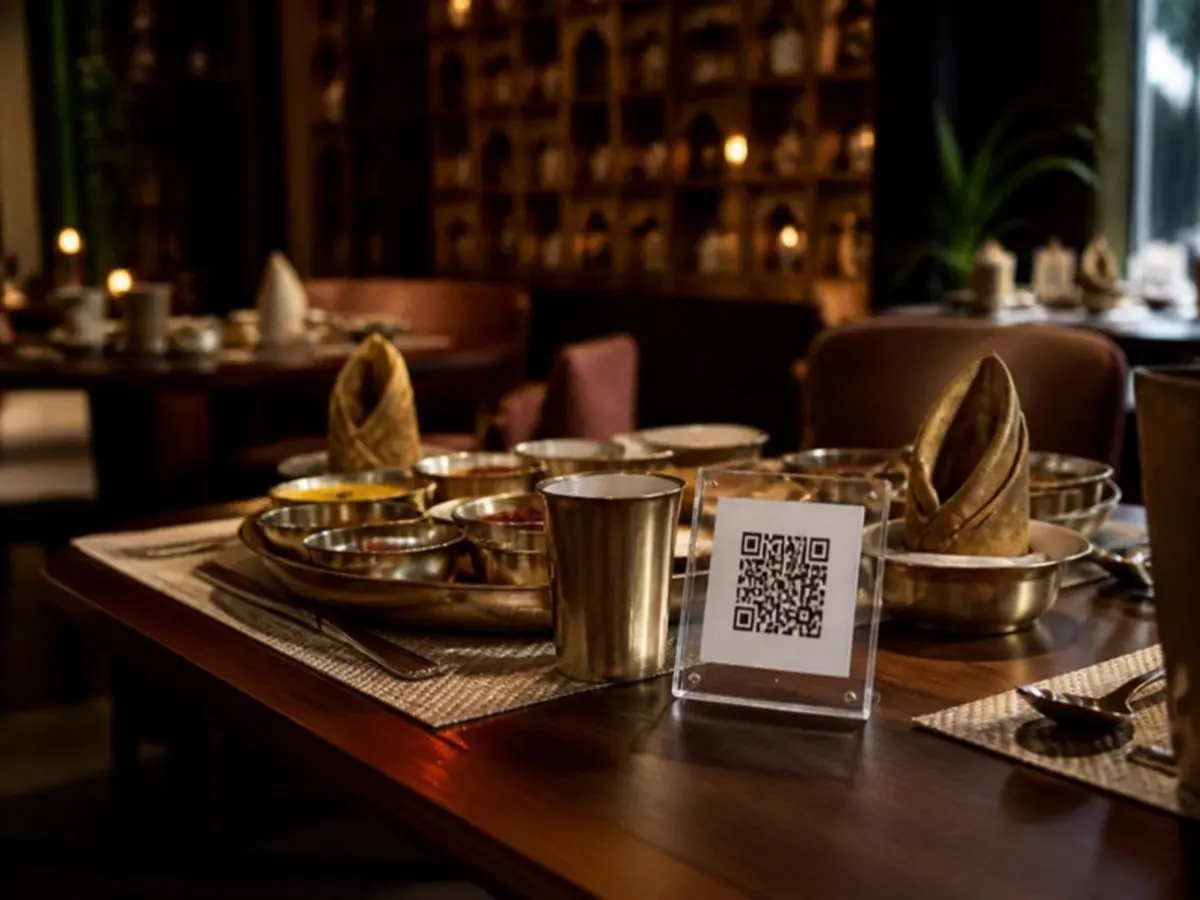
One stand, every table
An acrylic stand or table tent sits where the paper menu used to. Guests scan while the server brings water.
- Acrylic table stands
- Table tents
- Placemats
- Menu covers
What guests can do
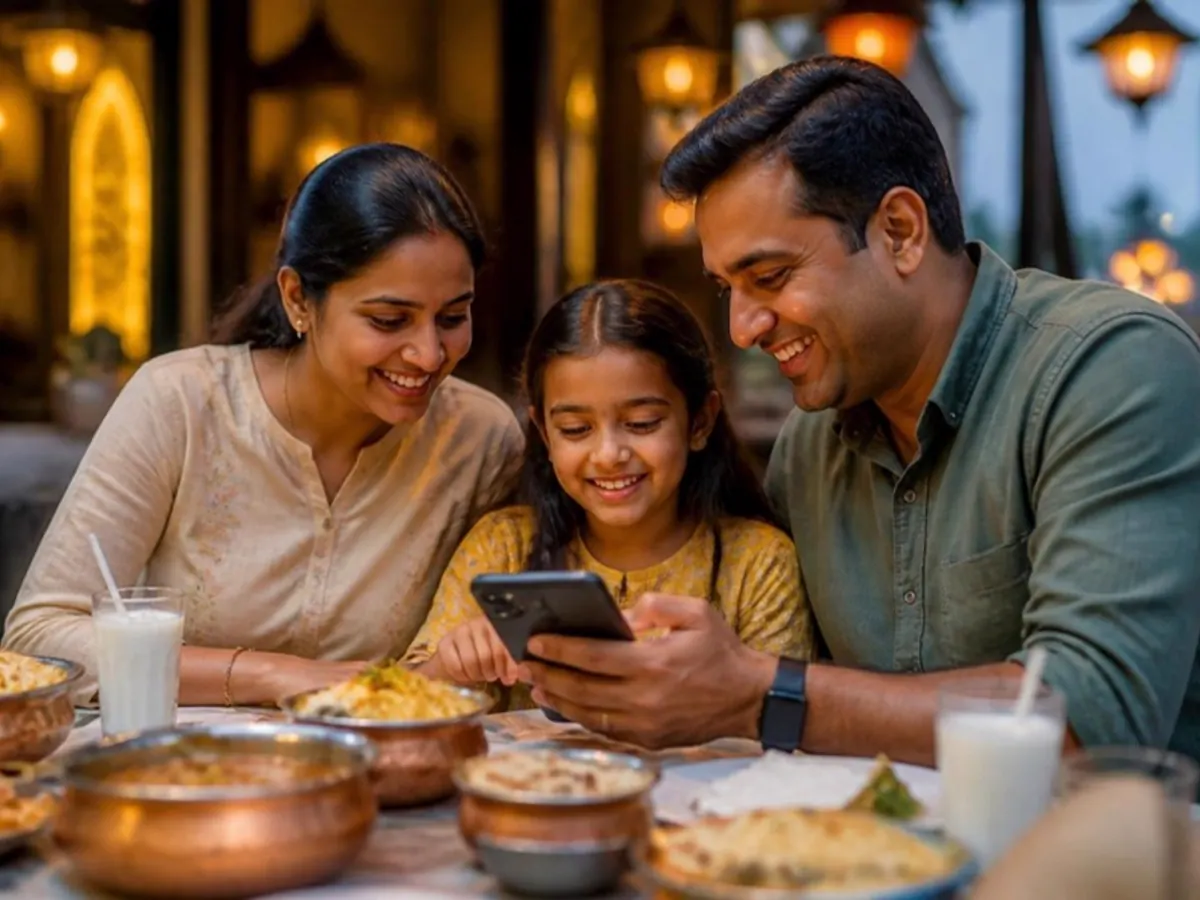
The whole table can look at the same menu at once, each on their own phone.
- Read the latest menu and prices
- See which dishes are available today
- Join Wi-Fi in one scan
- Message the restaurant on WhatsApp
Live in three steps.
- 01
Add your content
Pick a QR type and add your menu, links, file or contact details.
- 02
Make it yours
Choose colours and a style so the code matches your brand.
- 03
Print and share
Download SVG or print PDF. Every export is checked with a decoder.
The right code for each spot.
- Editable after print
Restaurant menu
A mobile menu with categories, prices and availability.
- Editable after print
Multi-link page
All your important destinations on one branded page.
- Static
Wi-Fi
Guests join your network without typing the password.
- Static
WhatsApp
Start a chat with your business number.
Can each area have its own code?
Yes. Each dynamic code is separate, so you can compare scans day by day. The pilot includes 10 dynamic codes.
What happens if I pause a code?
Guests see an inactive page until you turn it back on.
Can I check changes before guests see them?
Yes. Save a draft, preview it and publish when it is ready.
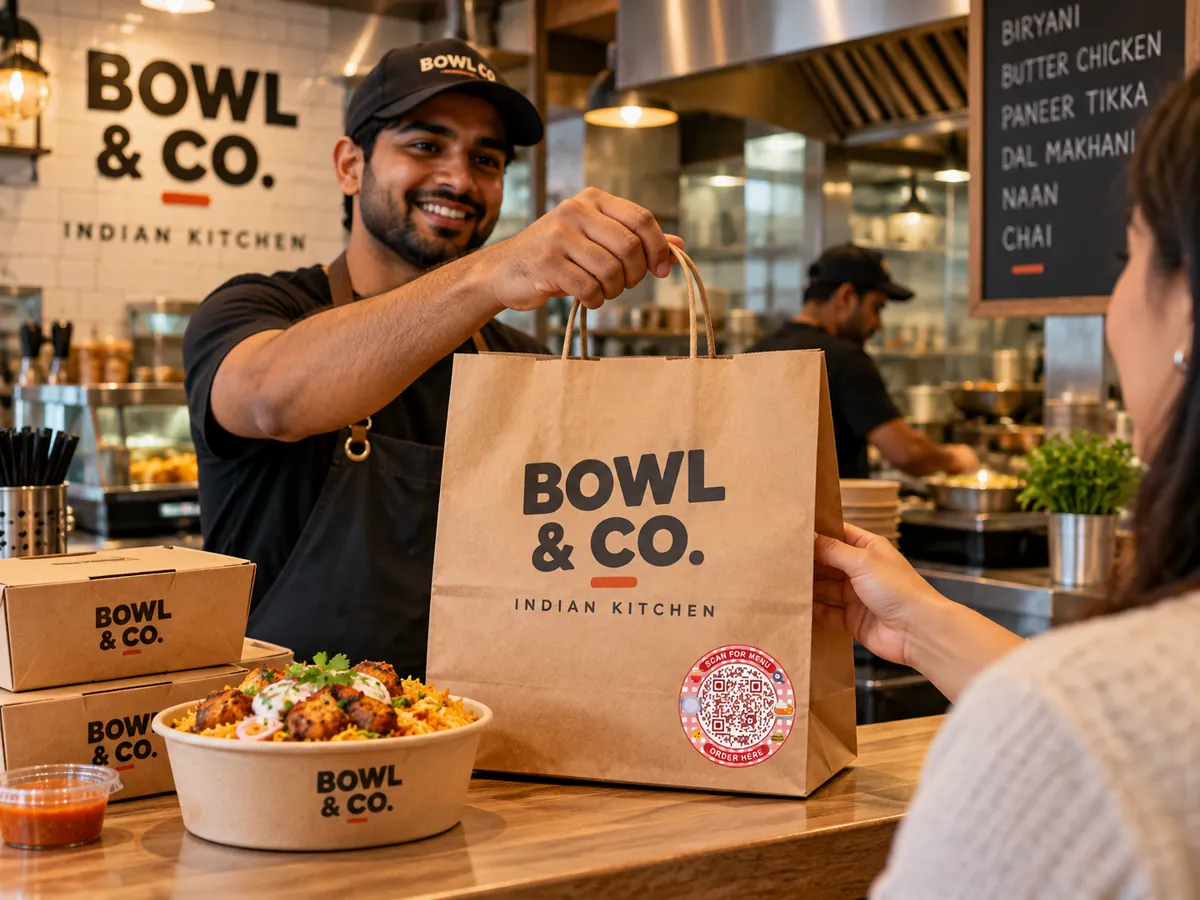
Small code.
Bigger possibilities.
Give every table, tag and touchpoint a new way to connect.
Free pilot · Ads-free scans · Your shared Laavia account