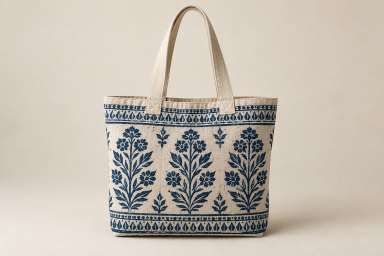
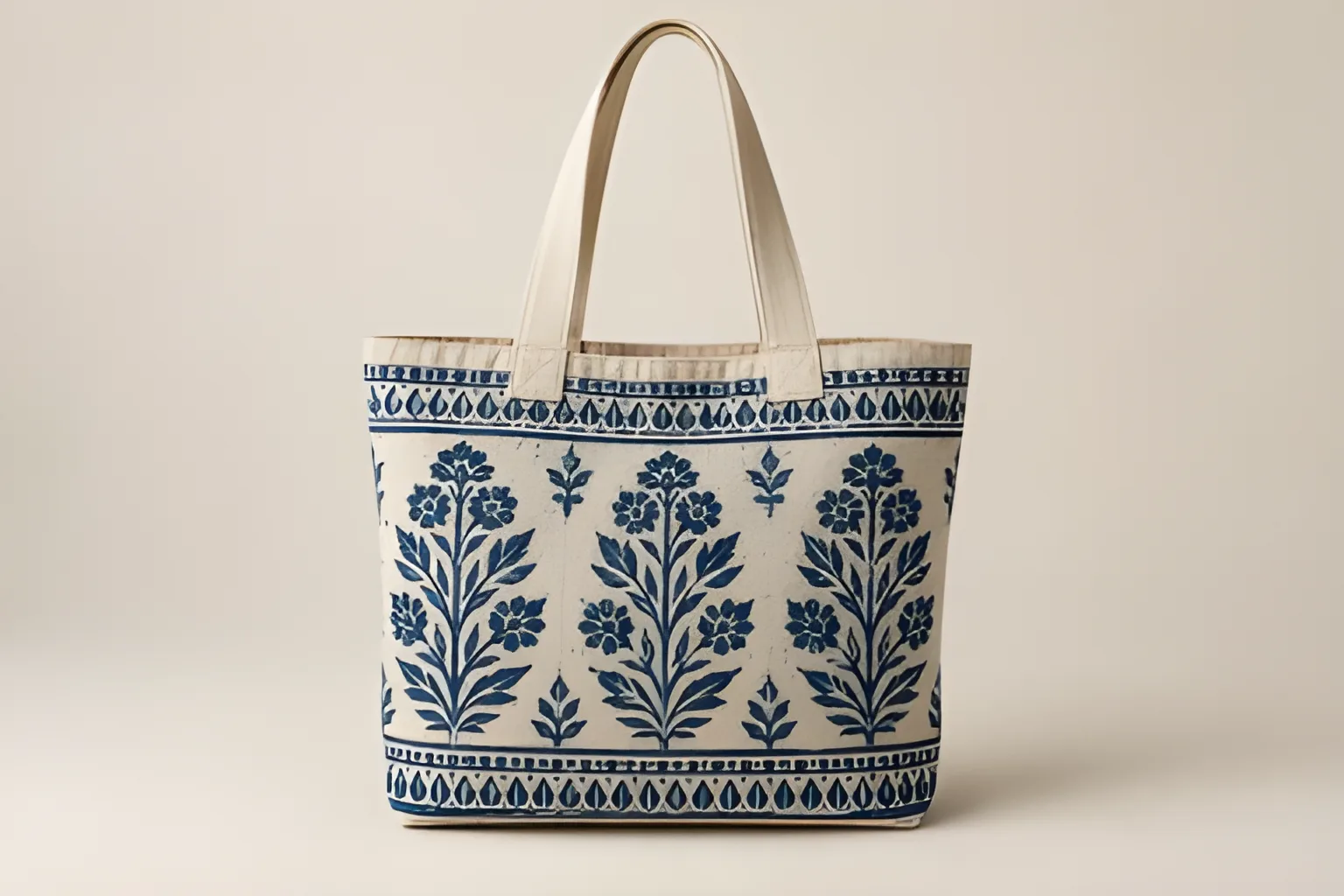
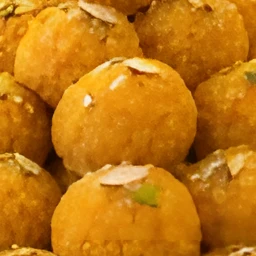
How do I unblur an image online for free?
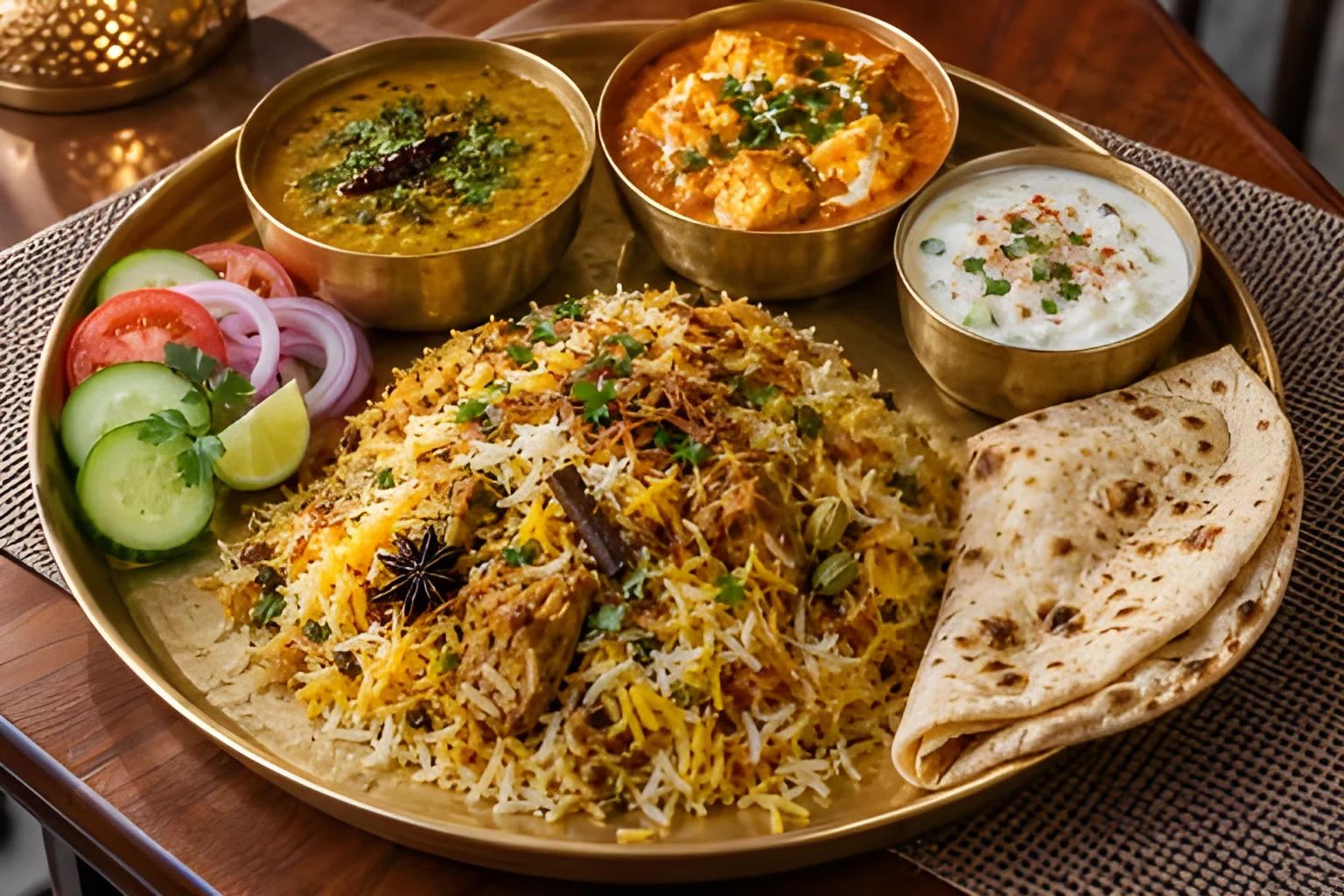
Upload the picture above, choose 2x or 4x, and download the result. The AI redraws the edges and texture the blur has softened, and it is free with no sign-up and no watermark. It works best on pictures that are small, soft or slightly out of focus; heavy motion blur can only be partly undone.
Is this image upscaler really free?
Yes. There is no sign-up, no watermark and no daily limit, because the picture is enlarged on your own device rather than on a paid server.
What is the difference between upscaling and unblurring?
Upscaling makes a picture larger by adding pixels; unblurring makes it sharper. Stretching a picture the ordinary way only adds blur, so this tool does both at once: the AI fills the new pixels with redrawn edges and texture, and a picture that is blurrier than its size suggests is first reduced to its real sharpness.
Can it fix a pixelated photo?
Yes. Blocky pixels from a small picture or heavy JPEG compression, such as a photo saved from WhatsApp or a website, are redrawn as smooth edges and real texture.
Can I upscale an image to 4K?
Yes. A picture 1000 px wide becomes 4000 px wide at 4x, more than 4K's 3840 px. Results go up to 16 megapixels, for example 4096 x 4096.
Will faces look fake after upscaling?
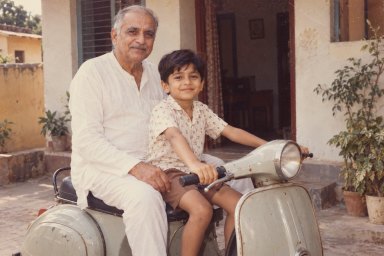
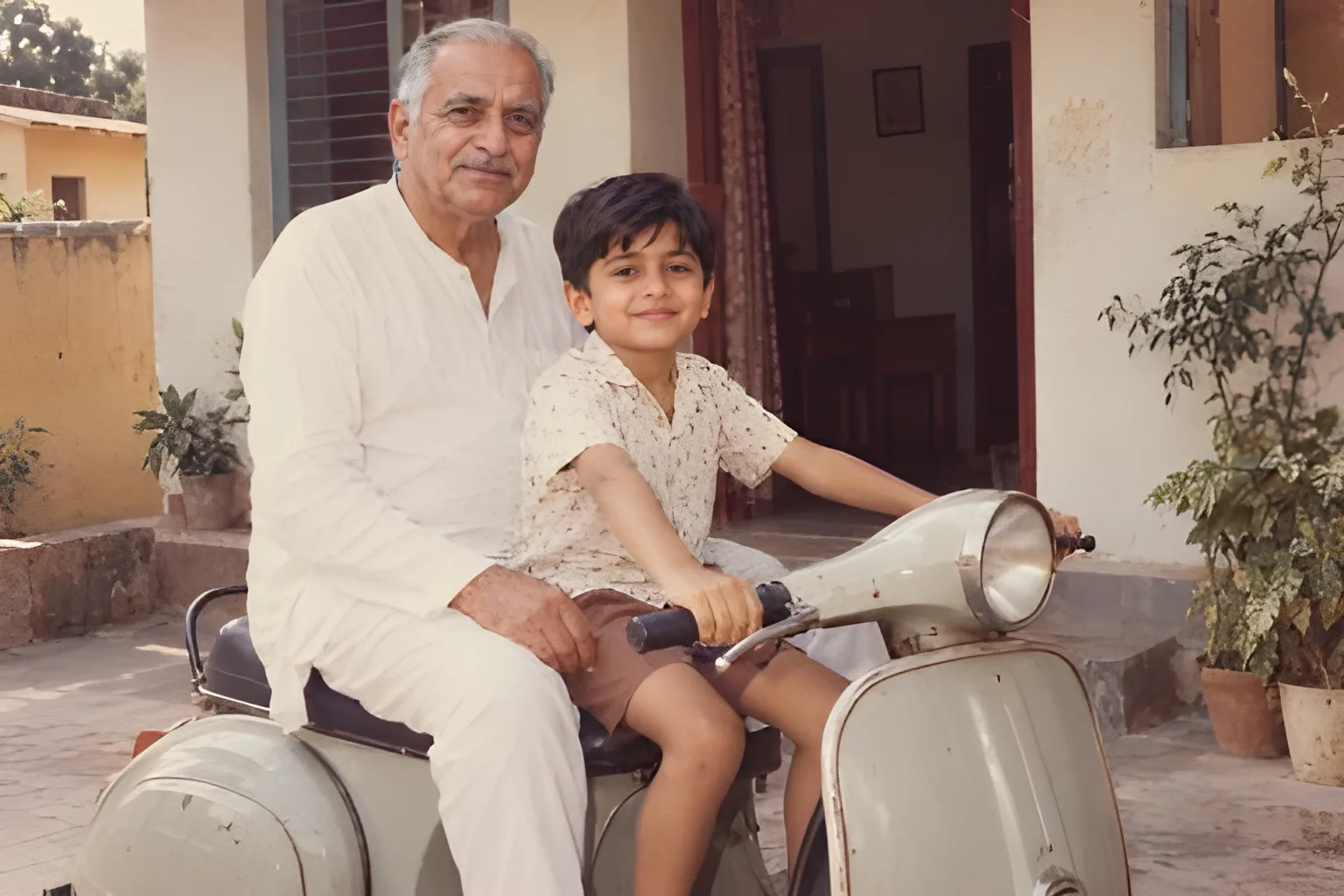
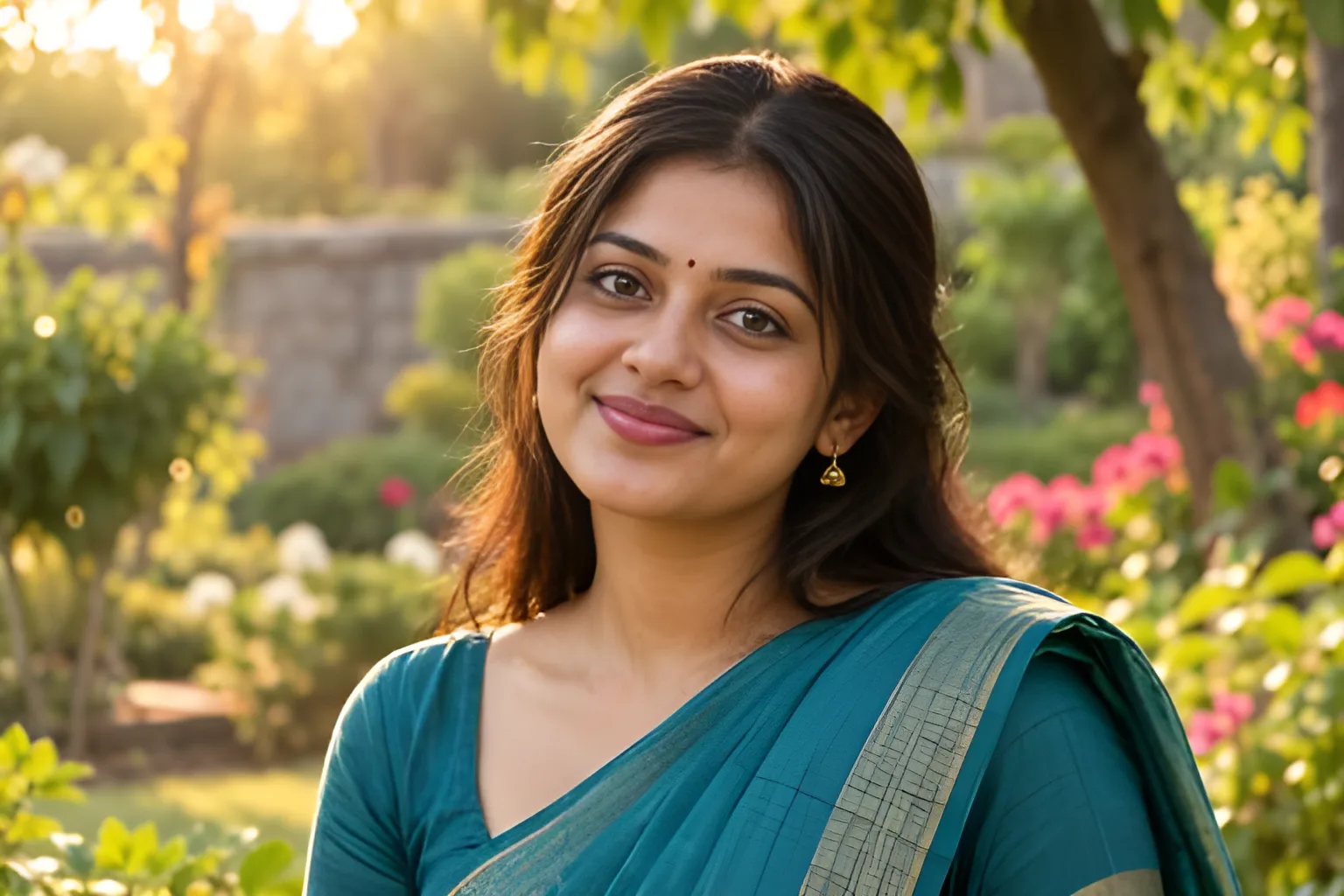
No, by design. Faces are redrawn by a model trained on faces and then compared with the original; when the redraw no longer looks like the person, the plain upscale is kept. Faces that are already sharp are left alone.
Can it restore old photos?
It makes old and scanned photos larger and sharper and redraws faces that are clear enough. It does not repair tears or scratches or bring back faded colour.
Does it work on a phone?
Yes, in the browser on Android and iPhone, with no app to install. Fast works on any phone; HD and the face fix need a browser with WebGPU and run best on a computer.
Which AI model does it use?
Real-ESRGAN, the open model behind many professional upscalers. Fast uses its compact general model (5 MB); HD uses RealESRGAN x4plus (64 MB), which brings back more texture on photos but takes longer.
What does the face fix do?
A blurry face cannot be rebuilt from its own pixels. So every picture is checked for faces (YuNet), and each small or blurry one is redrawn by GFPGAN v1.4, a model trained on faces, then blended back into the upscaled picture. Faces that are already sharp are left as they are, and so is a face too turned or blurred to redraw faithfully: when the redraw no longer matches the real face, the plain upscale is kept. It needs a browser with WebGPU and downloads a 170 MB model the first time a picture has a face to fix. Set Face fix to Off to upscale faces like the rest of the picture.
Does it keep small text readable?
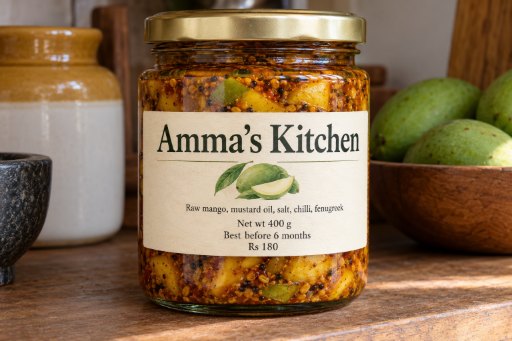
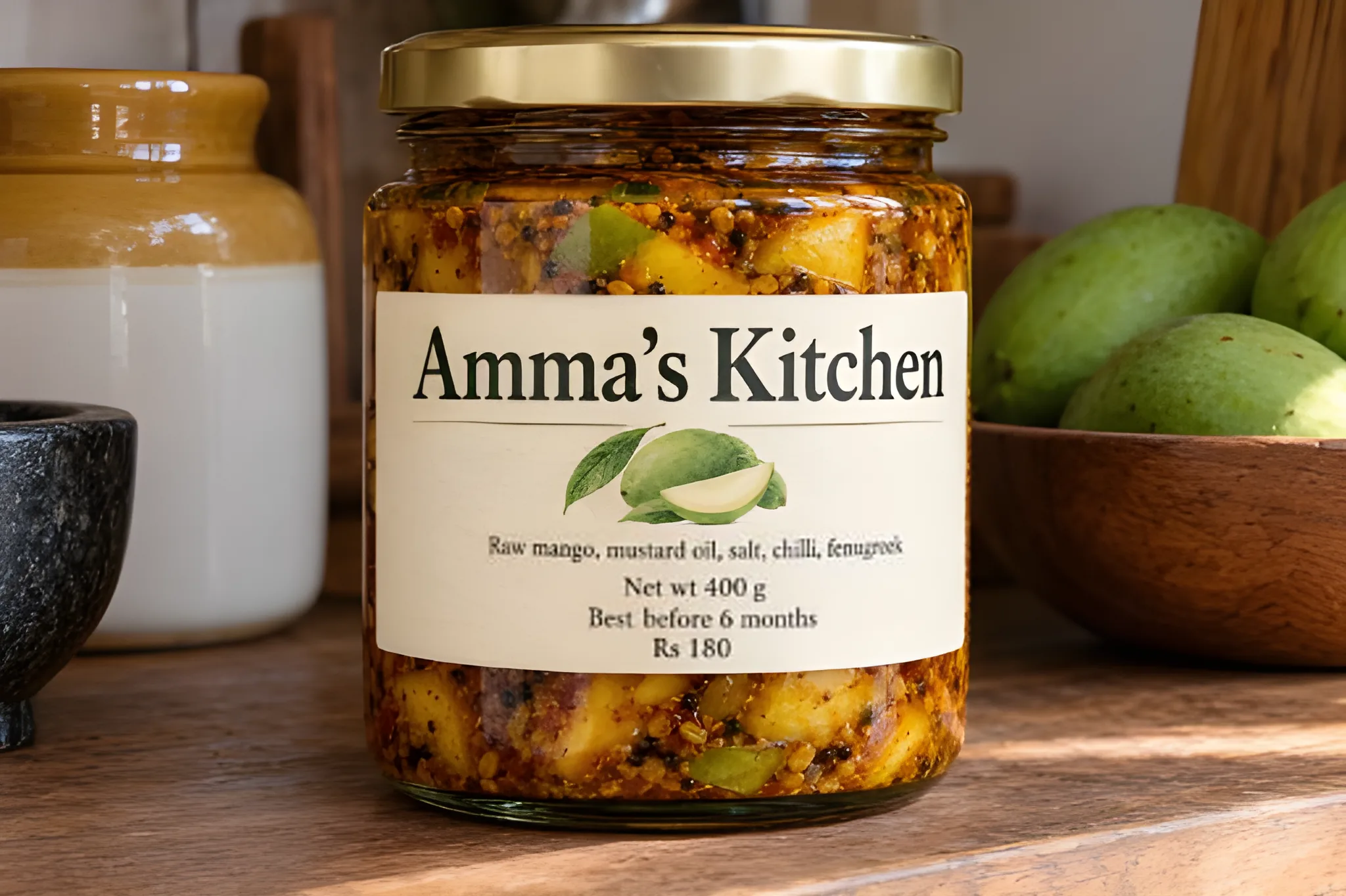
Yes. An AI trained on photos redraws letters only a few pixels tall as strokes that were never there. So every picture is also checked for text (PP-OCRv4, a 5 MB model), and its small lines, such as the prices on a menu or the fine print on a label, are enlarged smoothly and sharpened instead, so each letter keeps its own shape. Large text is left to the AI, which draws it cleanly. Text the blur has already wiped out cannot be brought back.
Why does a blurry photo come out better than before?
The upscaler first checks how much detail the picture really has. A photo that is blurry or was already enlarged is reduced to its true sharpness before the AI redraws it, which gives cleaner edges than feeding it the blur.
Is my picture uploaded?
No. The model downloads once into your browser and the picture is enlarged on your own device, on its GPU when it has one. Nothing is sent to or kept on our servers.
How large can the result be?
Up to 16 megapixels (for example 4096 x 4096). Larger asks are reduced to fit, and the size is shown before you download.
Does it keep transparency?
Yes. A PNG with see-through parts keeps them in the upscaled PNG. JPG downloads put them on white.
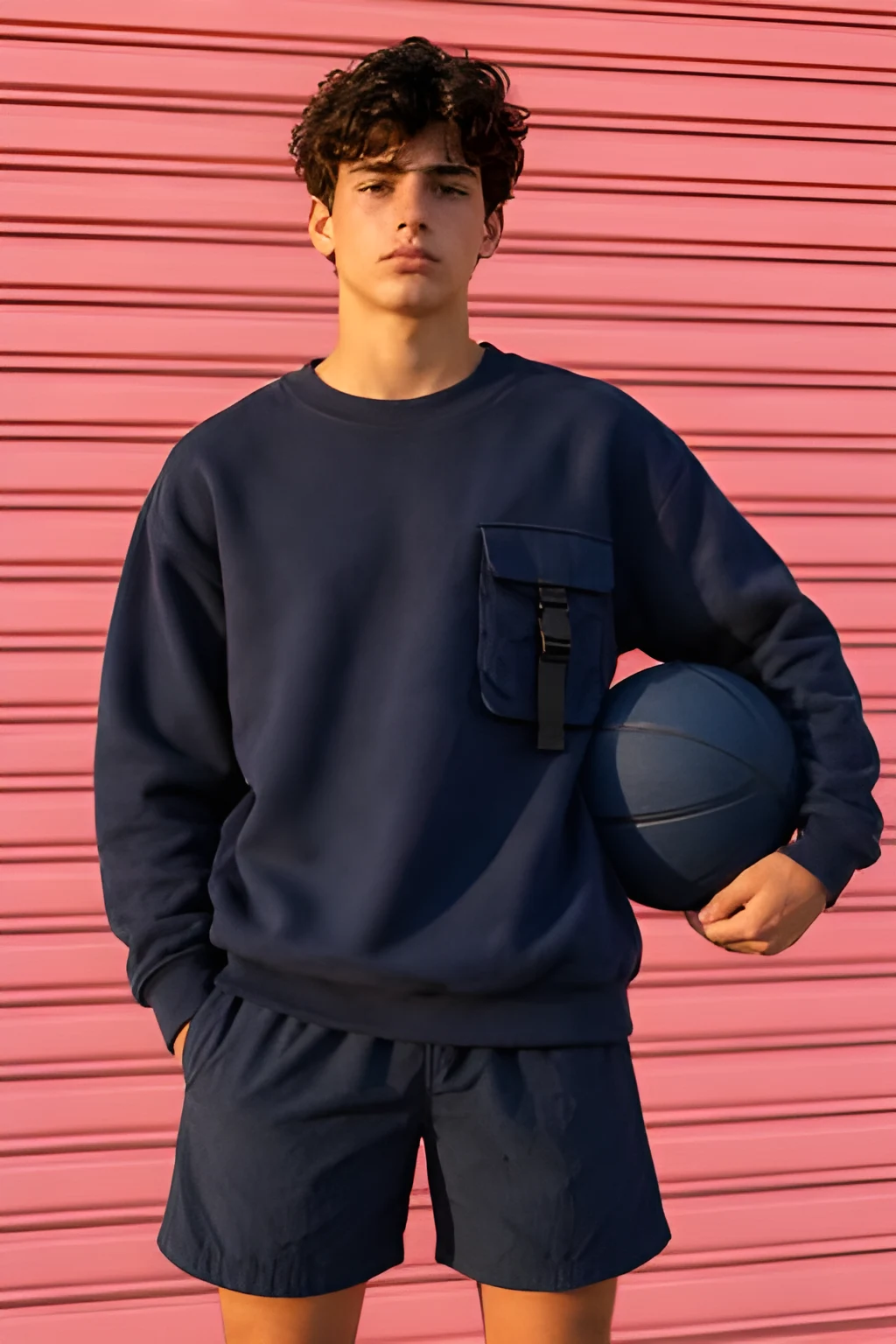
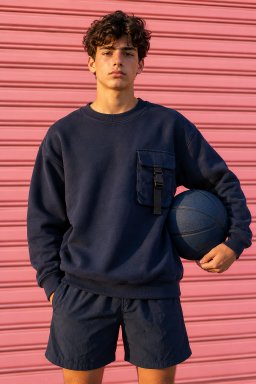
 BeforeAfter