Laavia for fast food

Fast food POS, menu screens and marketing in one place

Bill burgers, rolls and pizzas in seconds, send every order to the kitchen at once, put your menu on screens and QR codes, and let our team handle your posts and reels.

See features
  • Works offline
  • GST-ready bills
  • Setup and staff training
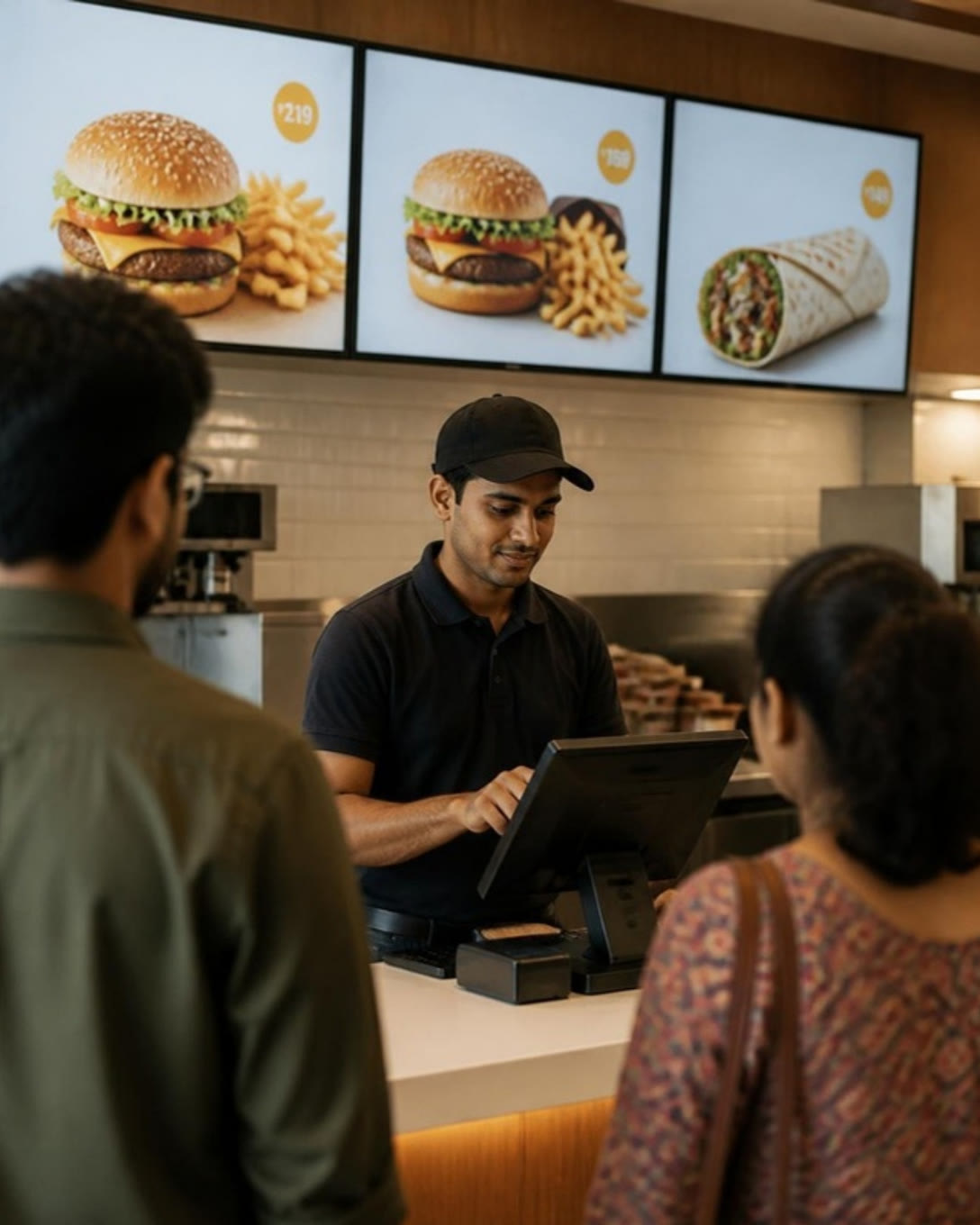
A cashier billing at a fast food counter under menu screens
The short answer

What does a fast food outlet need?

A fast food outlet needs billing that keeps up with the queue, combos sold as one item, a kitchen that sees each order straight away, and takeaway and delivery orders in the same list. Laavia brings that together in Laavia POS, adds QR codes and menu screens for the outlet, and offers social media, reels and marketing from our own team.

Laavia POS · Counter billing

Clear the lunch queue one bill at a time

Type an item code or name, add it with Enter and print. The bill and the KOT go out in one step, so the next customer is already being served.

  • GST-ready bills and KOT in one step
  • Cash, card, UPI and credit sales
  • Works offline and syncs later
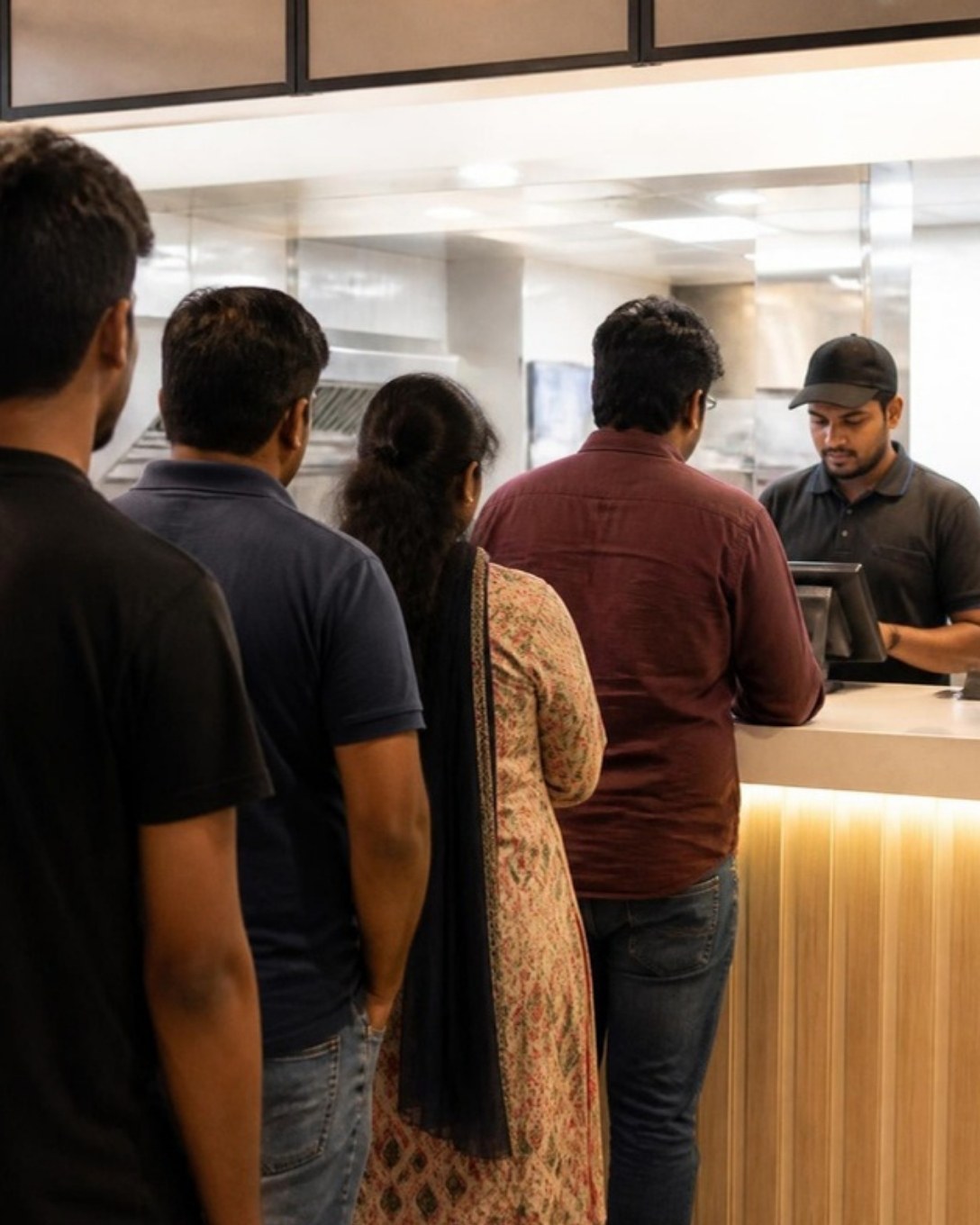
Customers queueing at a fast food billing counter
Laavia POS · Meal combos

Sell meals, not just items

Bundle a burger, fries and a drink into one combo with one price. Add-ons like extra cheese are priced on their own, and the kitchen still sees every item.

  • Fixed and choose-your-own combos
  • Add-ons and variations per item
  • Combo-wise sales in reports
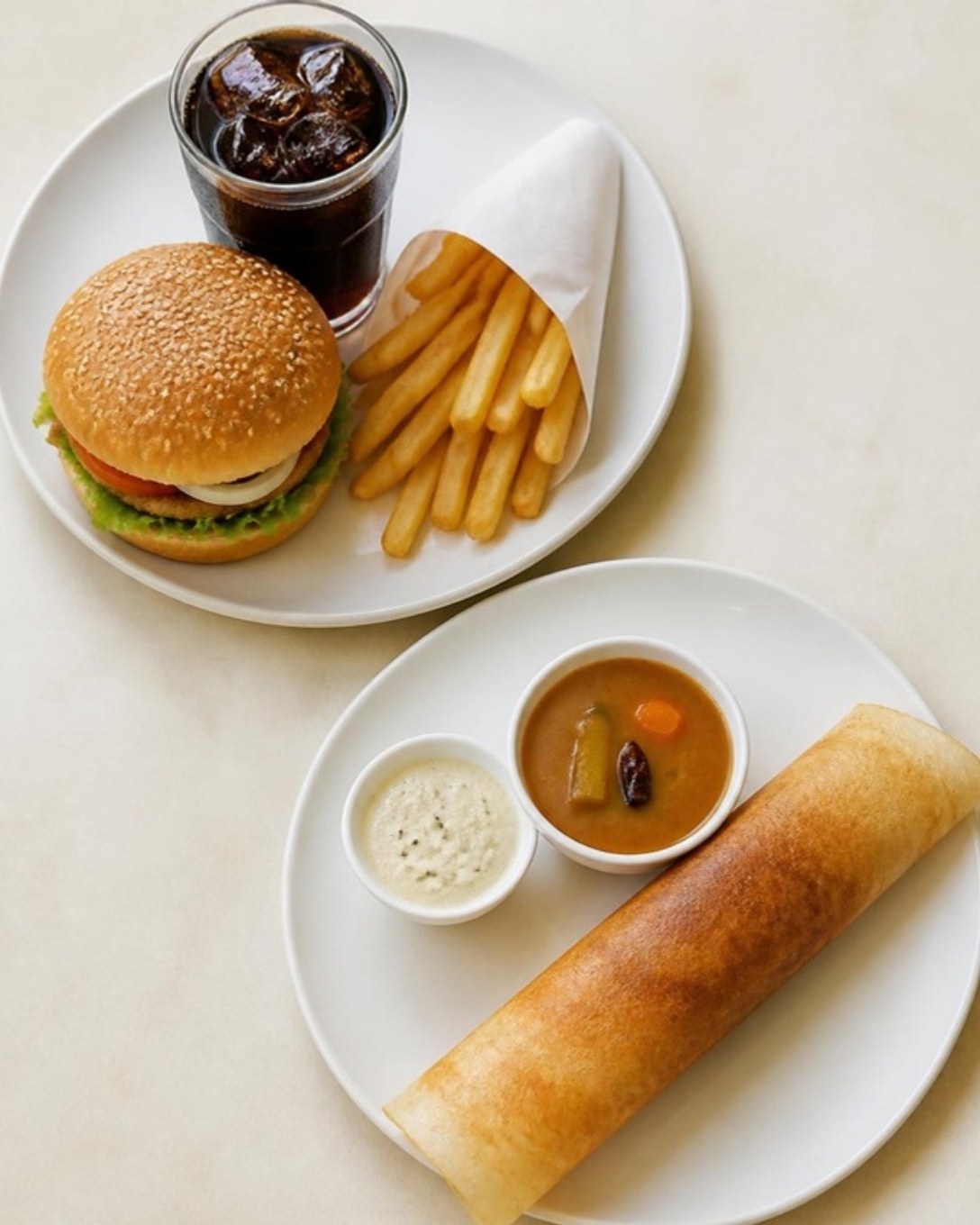
Burger meal and a plate served as combos
Laavia POS · Kitchen display

The kitchen starts before the customer pays

Tickets reach the kitchen screen or printer the moment they are punched, with notes like “no onion”, so the fry station and the grill each see their part.

  • KOT printing on every plan
  • Kitchen screen on Growth and Multi-outlet
  • New, in process and ready queues
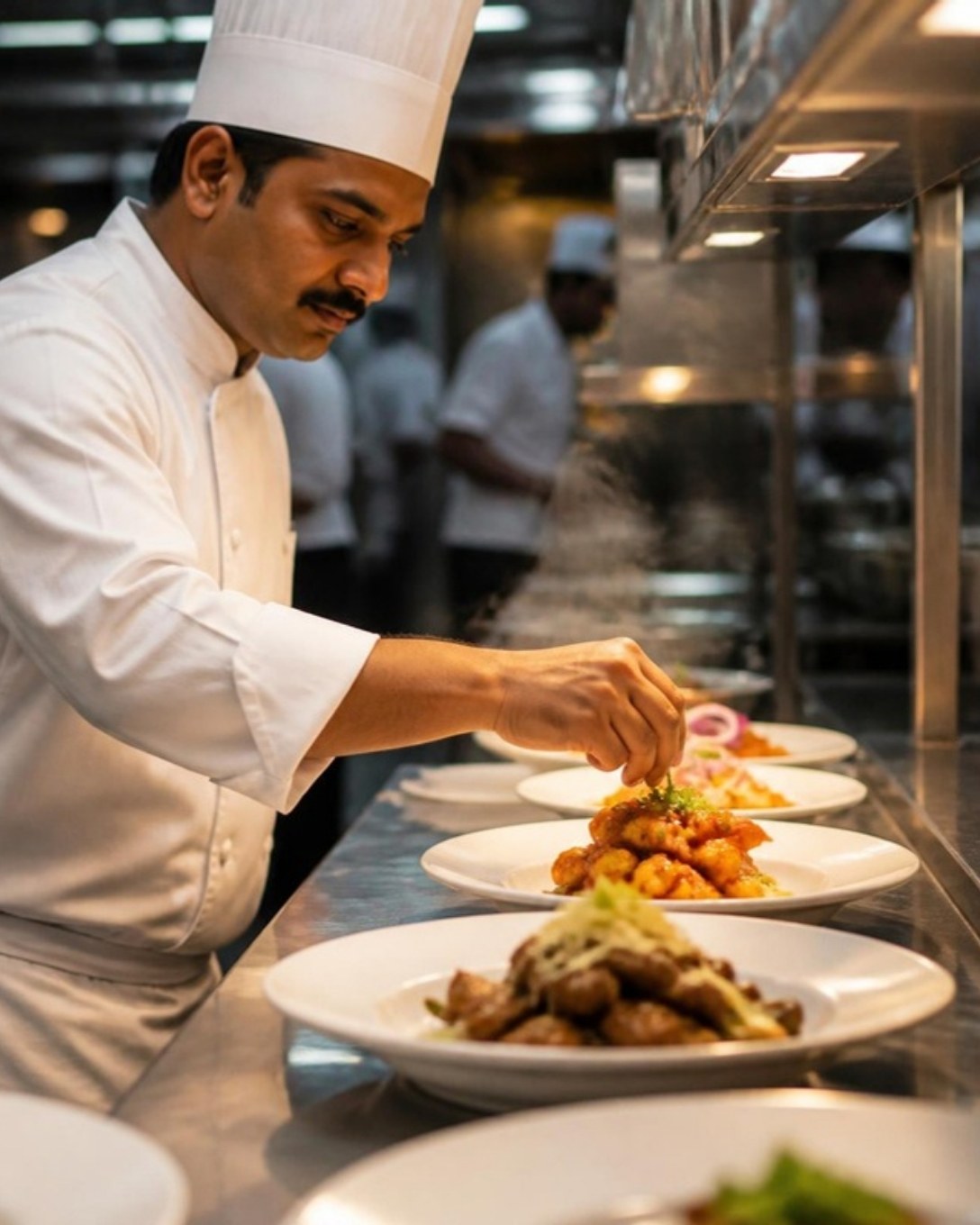
Chef plating dishes at the kitchen pass
Laavia POS · Takeaway and delivery

Counter, phone and delivery orders in one queue

Takeaway, phone and delivery orders sit beside counter orders, each with its own ticket, status and packing slip. Orders from supported delivery aggregators arrive on the same screen on the Growth and Multi-outlet plans.

  • Order types with their own pricing
  • Customer name, phone and address on the bill
  • Order-type sales in reports
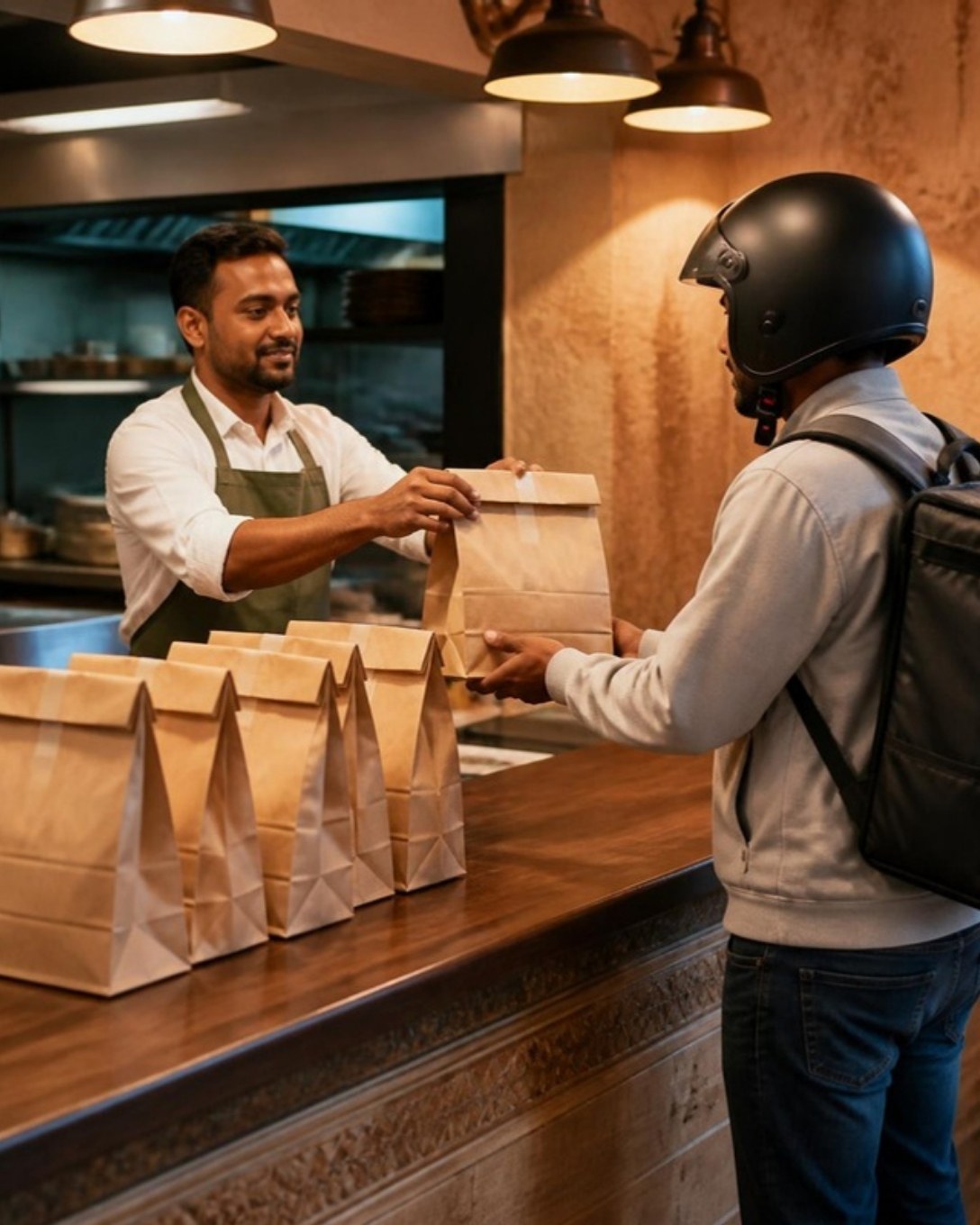
Restaurant staff handing packed orders to a delivery rider
Laavia POS and Business QR

Let seated customers order from their phone

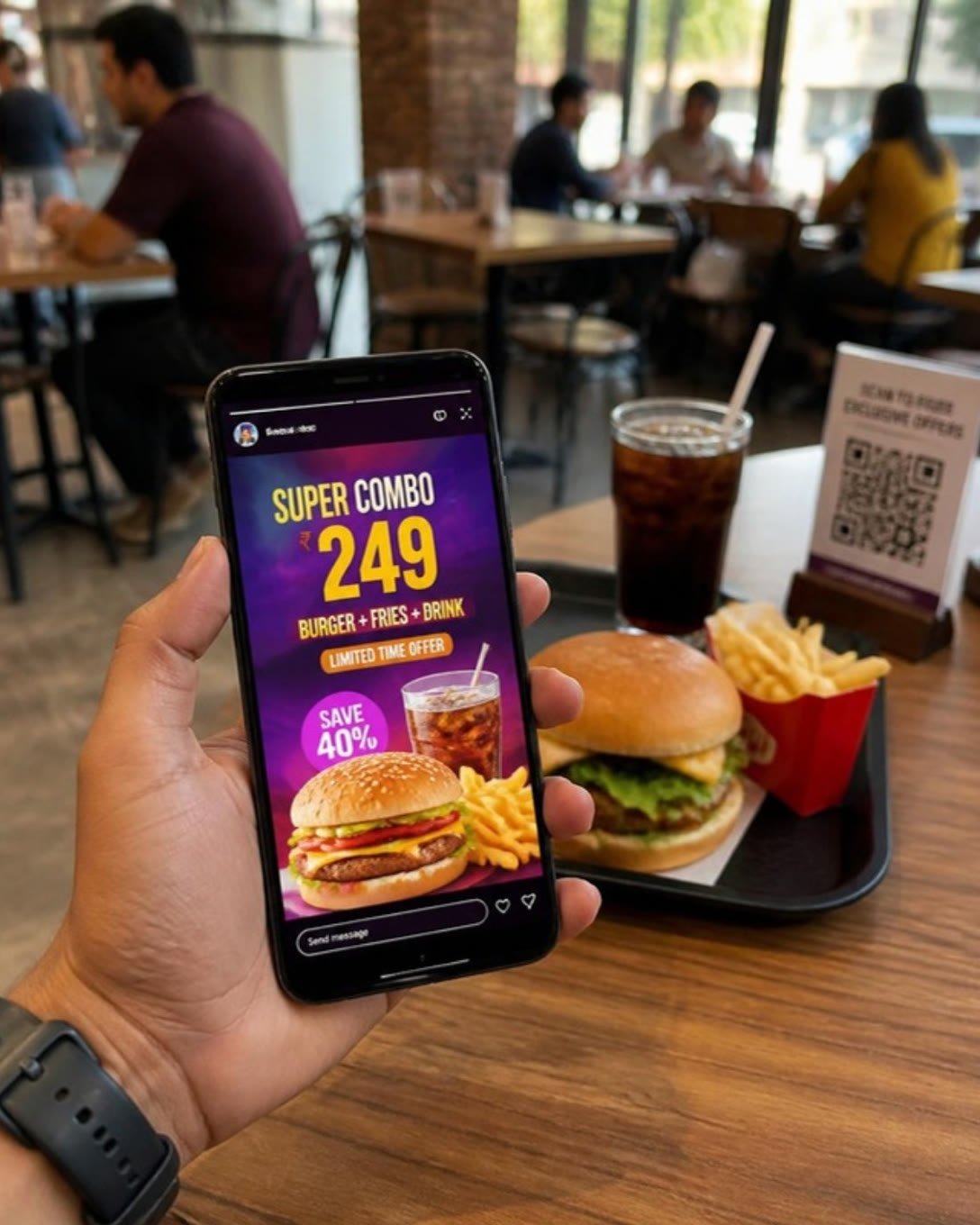
Guests scan the table QR, see your menu with photos and place the order themselves. It reaches the POS and the kitchen against the right table. Use Laavia Business QR for menu, feedback and offer codes on cups, boxes and posters.

  • QR table ordering on supported plans
  • Menu and prices from the POS
  • Ads-free QR codes you can manage
A phone showing a burger combo offer story beside a table QR stand
Laavia Signage

Menu boards that change with the day

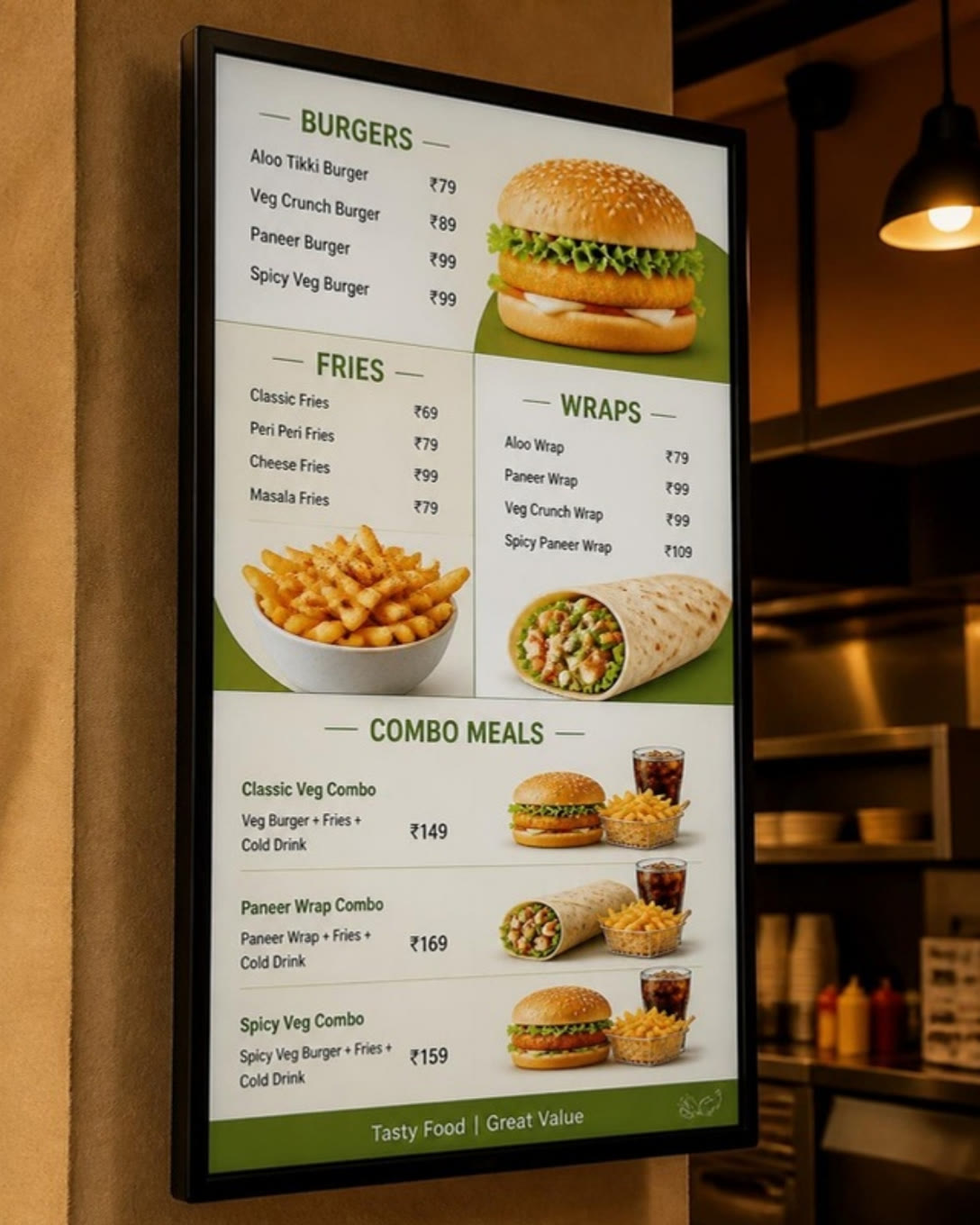
Show the breakfast menu in the morning, combos at lunch and a late-night offer after ten. Laavia Signage is our screen-content product, open today as a design preview.

  • Menus and offers on any screen
  • One look across every outlet
  • Explore it in the signage design preview
A digital menu board with burgers, fries, wraps and combo meals
Behind the counter

Everything else a fast food outlet runs on

  • Recipe-based stock

    Each burger sold takes its bun, patty and sauce off the stock, with low-stock alerts.

  • Daily sales and tax

    Sales by item, category, order type and cashier, ready before closing.

  • Many outlets, one menu

    One menu and one login across outlets, with outlet-wise numbers.

  • Shift and cash control

    Open and close each cashier’s register and track cash in and out.

  • Staff roles

    Decide who can give discounts, cancel bills or see reports.

  • Regulars and dues

    Save regular customers, their orders and any amount due.

A day at a fast food counter on Laavia

Fast food is won in short windows. Each part of Laavia is there for one of them.

01

Lunch rush

Combos billed by code at two counters, tickets split between the grill and the fryer, and the queue keeps moving.

02

Evening delivery

Phone and delivery orders packed with their own slips while seated guests order from the table QR.

03

Closing time

Cash checked against the register, stock counted against recipes, and tomorrow’s offer already on the screen.

Questions from fast food owners

Something we didn’t cover? Talk to us.

A fast food POS should bill in seconds, sell combos as one item, send tickets to the kitchen at once and handle takeaway and delivery orders in the same queue. Laavia POS does all of this and keeps billing when the internet drops.

Yes. Create fixed or choose-your-own combos, add priced add-ons and variations, and see combo-wise sales in reports. The kitchen still gets every item on the ticket.

Orders from supported delivery aggregators arrive beside counter and phone orders on the Growth and Multi-outlet plans. Takeaway and delivery orders you take yourself are on every plan.

Yes. The Windows app keeps billing when the internet is down and syncs later. For a fully local setup, see Laavia Offline POS.

Laavia Signage is built for menus and offers on screens. It is available today as a design preview, so talk to us about your outlet before you plan around it.

Yes. Our team plans and creates social posts, reels and creator collaborations for food brands, alongside digital marketing. Paid or gifted collaborations are disclosed as ads.

Yes. A single counter can start on one register, and chains get one menu, one login and outlet-wise reports on the Multi-outlet plan.

Ready to run a faster counter?

See Laavia POS on your own menu in a free walkthrough, or compare plans and pricing.