Laavia POS · QSR

POS software for quick service restaurants

In a QSR, seconds per bill decide the day. Laavia POS is built for item codes, the Enter key and a kitchen that sees the order straight away.

See features
  • Works offline
  • GST-ready bills
  • Setup and staff training
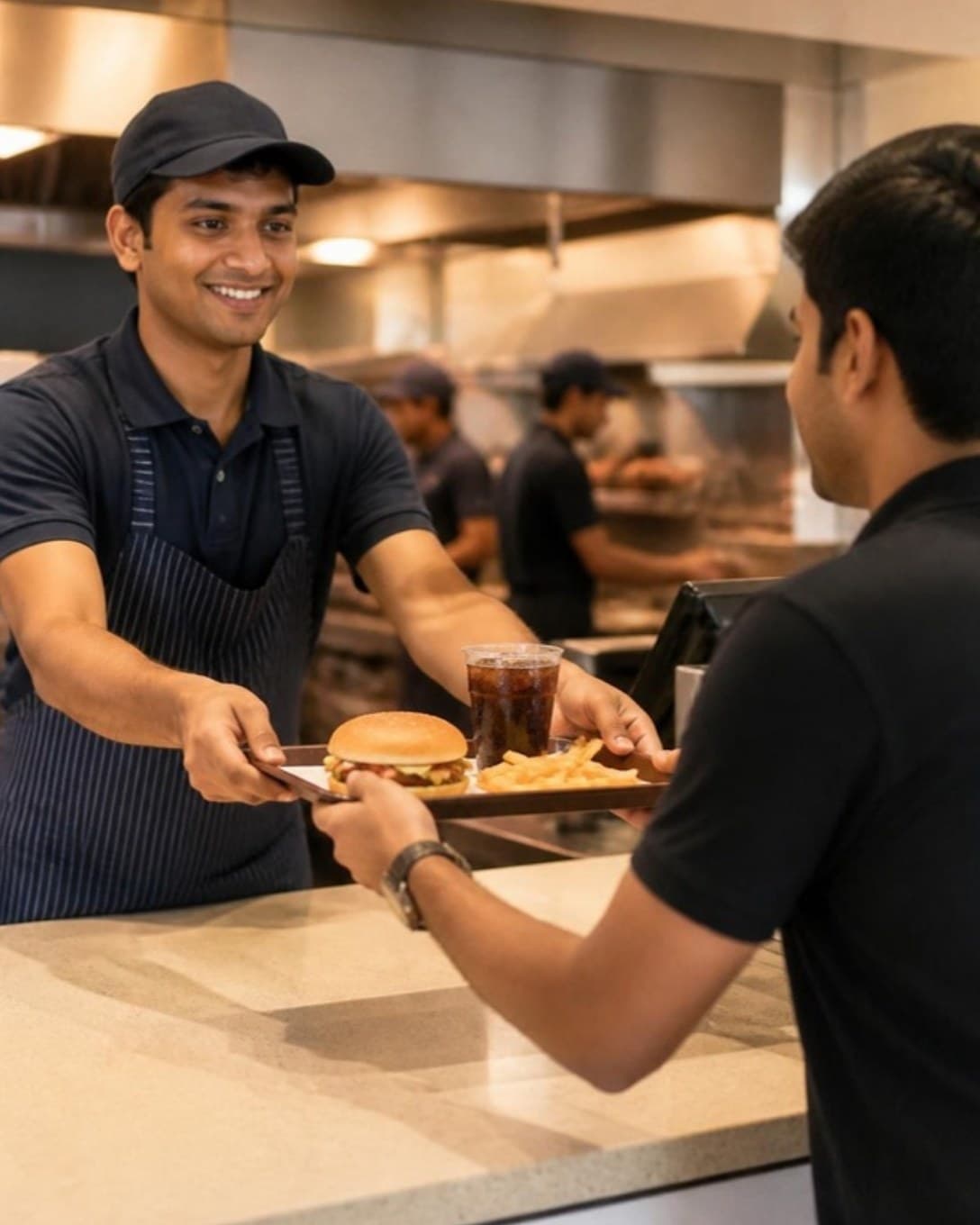
Staff passing a tray with a burger, fries and a drink across the counter
Counter

Seconds per bill, not minutes

Search by code or name, add with Enter and print. Bill and kitchen ticket go out together and the next customer steps up.

  • Keyboard-first billing
  • Hold and recall bills
  • Works offline
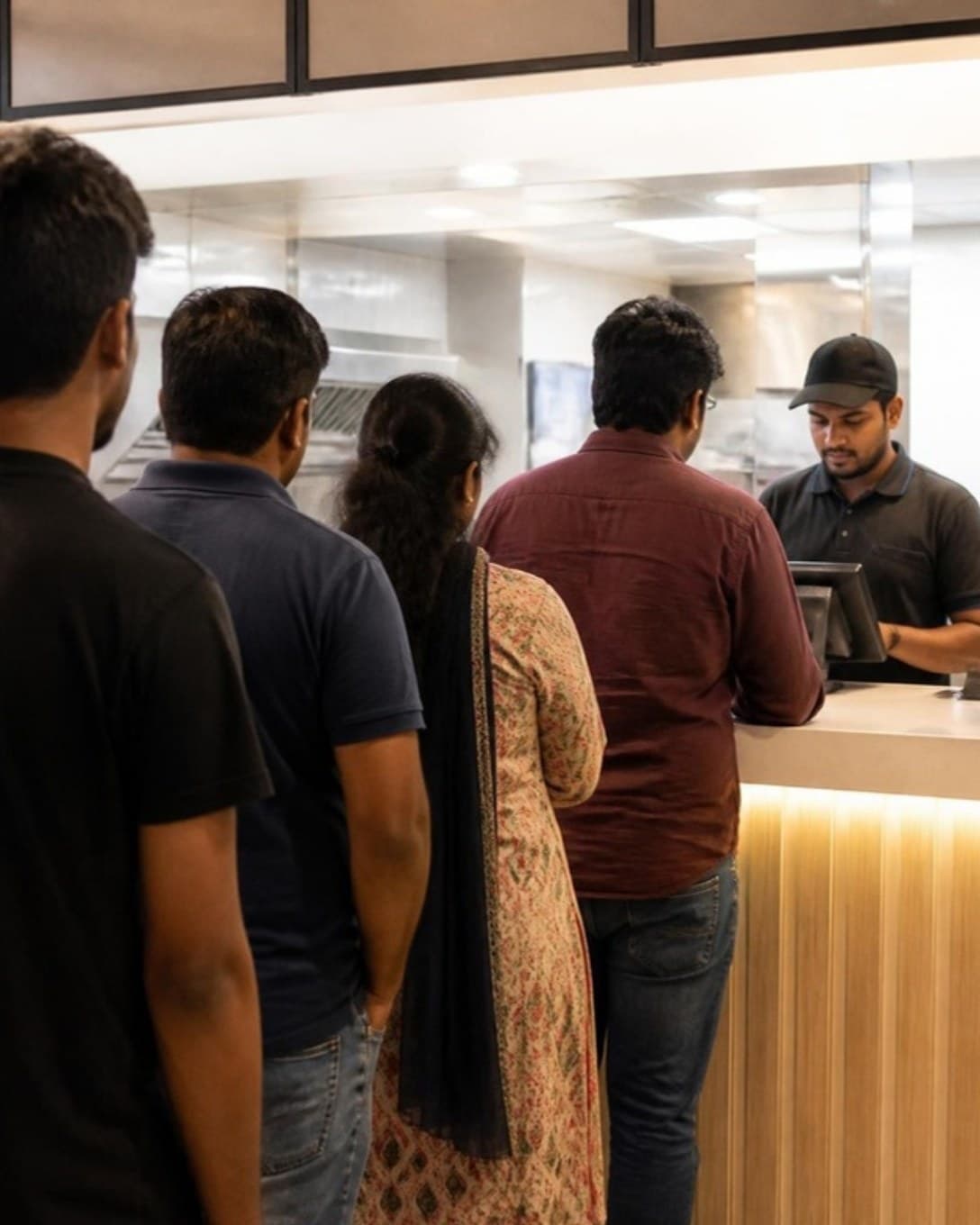
Customers queuing at a quick service restaurant counter
Meals

Sell the meal, not just the item

Turn your best sellers into combos. The cashier adds one line, and reports show which meals lift the average bill.

  • Fixed and choose-your-own combos
  • Add-ons and variations
  • Combo-wise sales
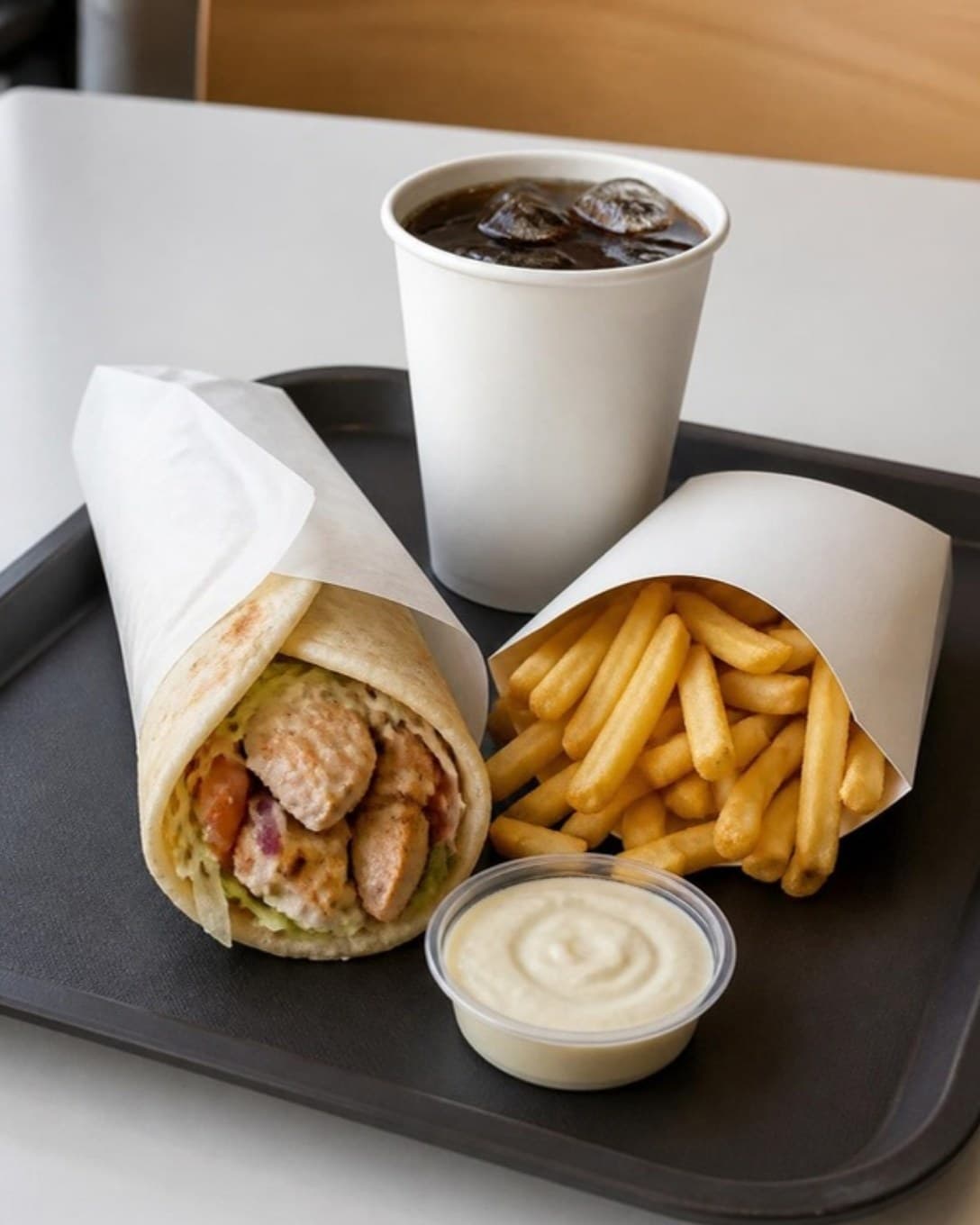
Wrap, fries and a cold drink on a tray
Kitchen line

The line starts as the bill prints

Orders appear on the kitchen screen the moment they are punched and move from new to ready, so the counter knows what to call next.

  • Live order queues
  • Priority orders
  • Screen, printer or both
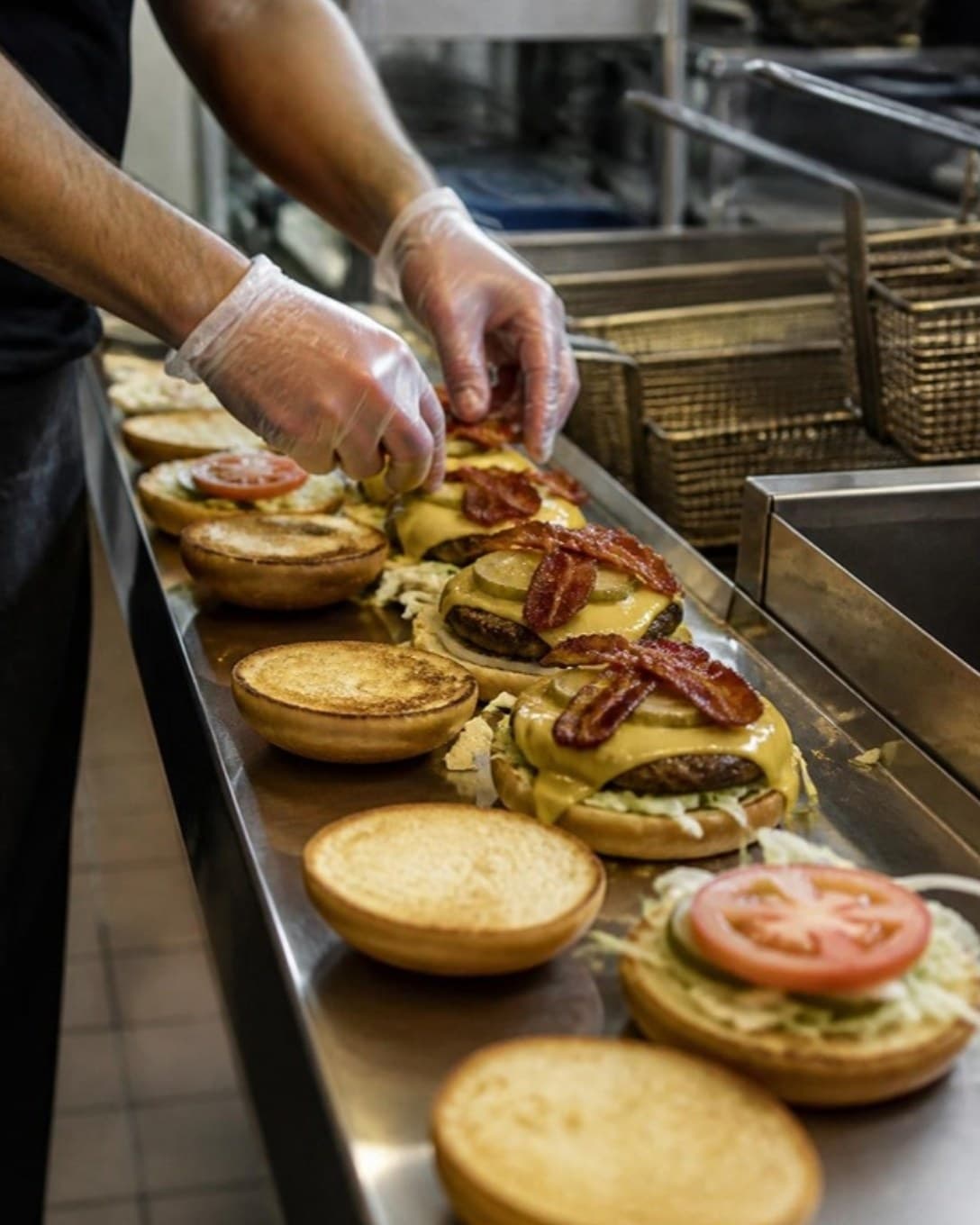
Hands assembling burgers on a kitchen line
And more

Everything else your outlet needs

  • Customers and dues

    Save regulars, bill on credit and collect outstanding amounts later.

  • Staff roles

    Decide who can give discounts, cancel bills or see reports.

  • Register and cash book

    Open and close each cashier’s register and track cash in and out.

  • Multi-outlet control

    One menu and one login across outlets, with outlet-wise numbers.

  • Printers your way

    Send bills and KOTs to USB or LAN thermal printers by station.

  • Menu management

    Categories, variations, add-ons and item codes, updated in seconds.

  • Discounts and offers

    Bill-level or item-level discounts, with a reason on every one.

  • Reservations

    Note bookings against tables so the evening rush is planned.

Built around speed at the counter

Fast food only works when billing is faster. Laavia POS cuts the steps between a customer speaking and the kitchen starting.

01

Keyboard-first billing

Type an item code, press Enter and print — no hunting through screens.

02

Combos in one tap

Sell meals as combos while the kitchen still gets each item.

03

Kitchen sees it at once

Tickets reach the kitchen screen or printer the moment the bill is punched.

Questions about POS for qsr

Something we didn’t cover? Talk to us.

Billing is keyboard-first: search by item code or name, add with Enter and print. Bill and KOT go out in one step.

Ready to see it on your own menu?

See Laavia POS on your own menu in a free walkthrough.