Laavia POS · Cafe

POS software for cafes

Sizes, milk options, extra shots and a queue at the counter — Laavia POS handles the detail so your team can keep the coffee moving.

See features
  • Works offline
  • GST-ready bills
  • Setup and staff training
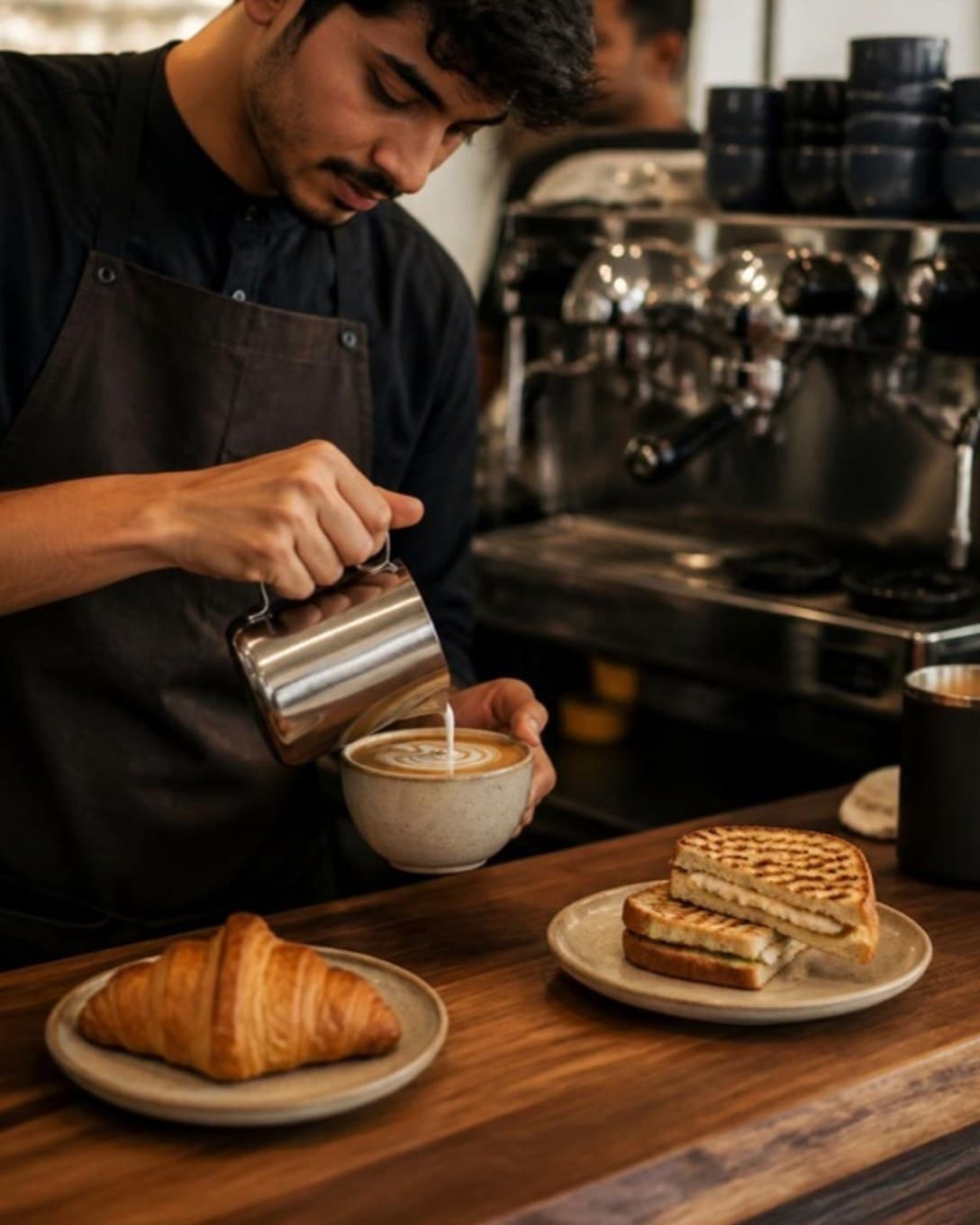
Barista pouring latte art beside a croissant and sandwich
Order from the table

Let the table order while the counter serves

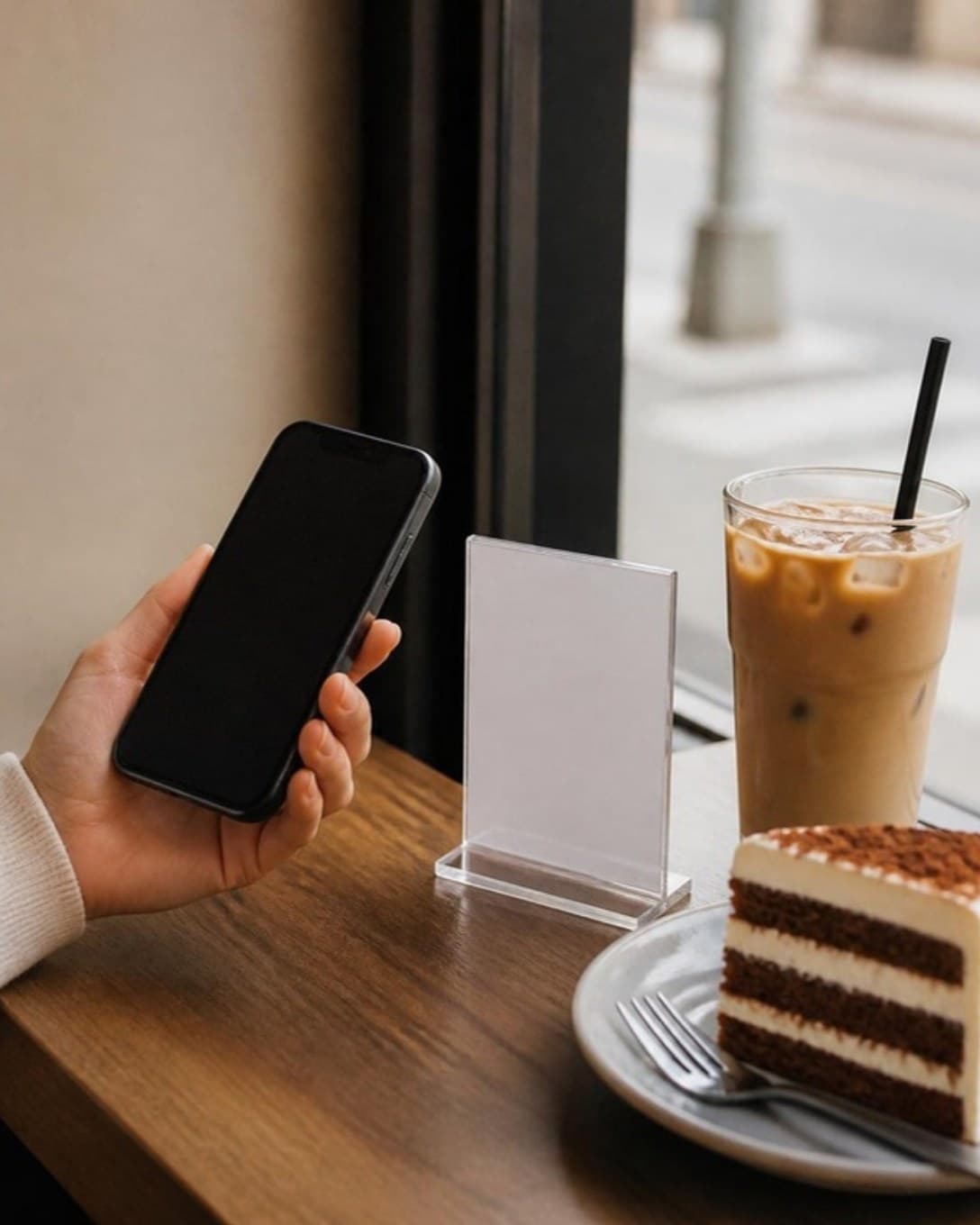
Guests scan the QR on their table, pick what they want and send the order. It shows up on the POS against that table, ready to prepare.

  • A QR code for every table
  • Your menu and prices from the POS
  • Fewer trips between table and counter
Guest holding a phone beside a table stand in a cafe
Sizes and extras

Custom drinks without slow billing

Regular or large, extra shot, a different milk — set them once as variations and add-ons and choose them in a tap. The ticket tells the barista exactly what to make.

  • Variations for size
  • Priced add-ons for extras
  • Notes printed on the ticket
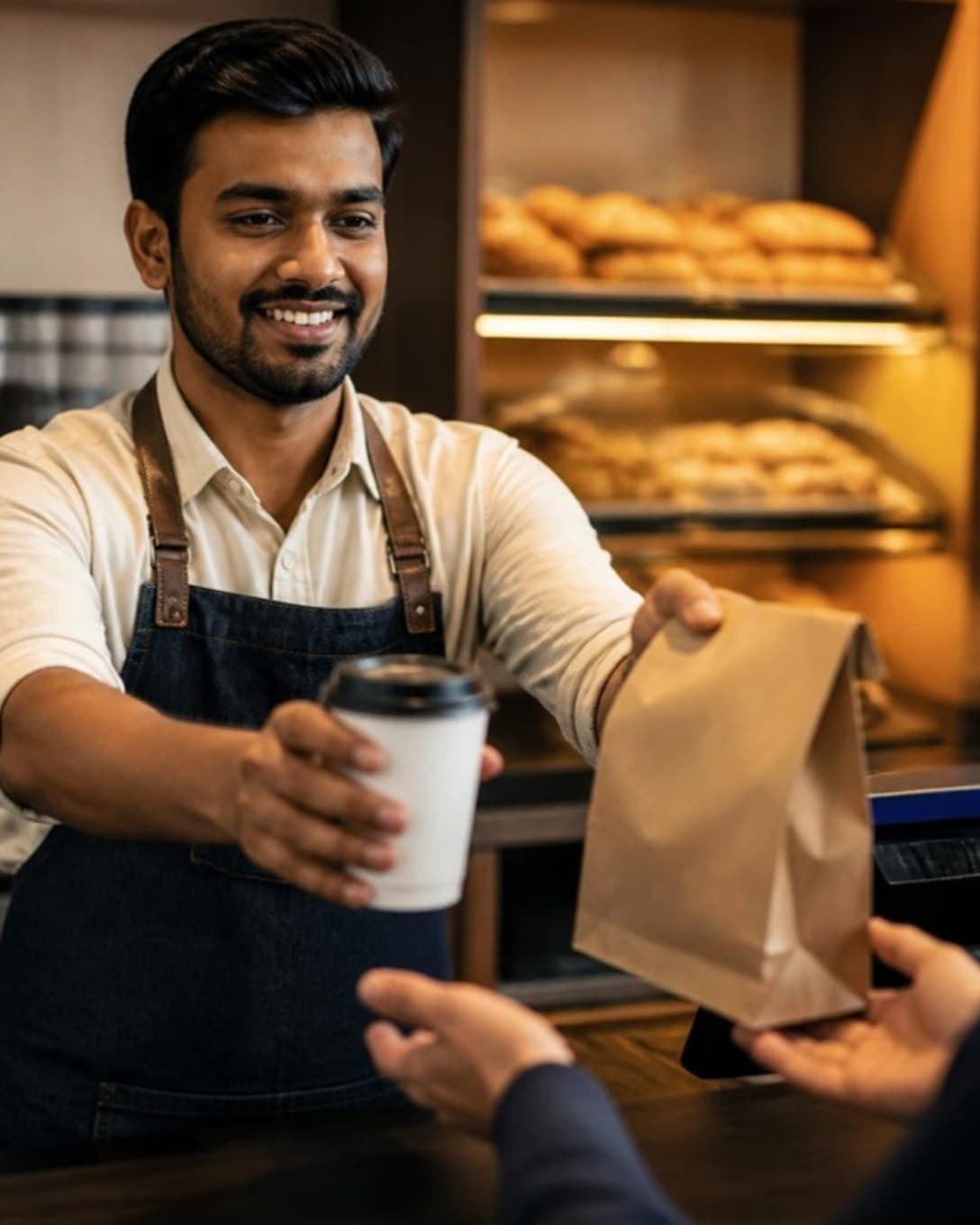
Barista handing a takeaway cup and bag across the counter
Beans, milk and bakes

Know what you can still serve today

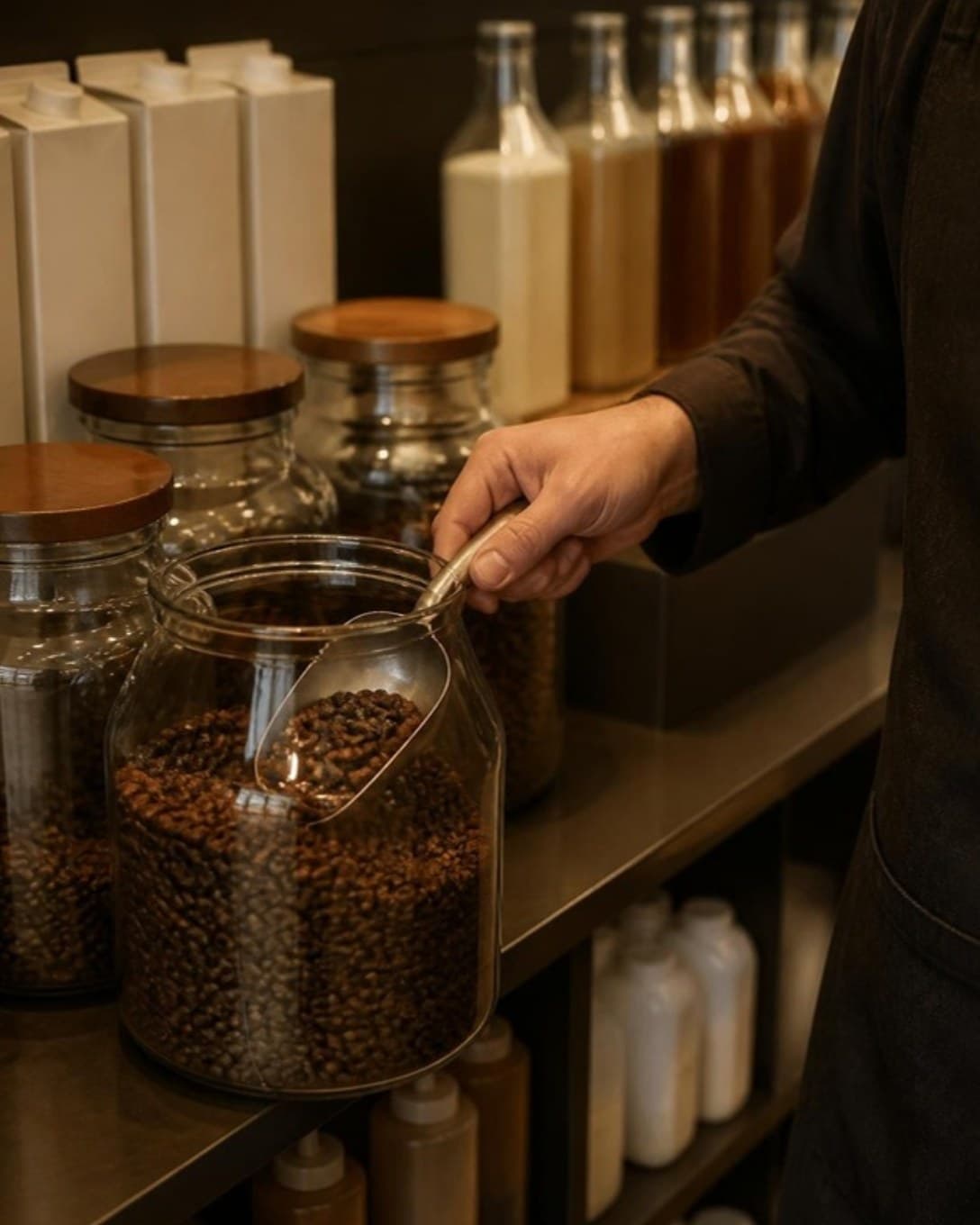
Link each drink to the beans, milk and syrup it uses. Stock moves with every cup, and you are warned before a favourite runs out.

  • Recipe-based consumption
  • Purchases and suppliers
  • Low-stock alerts
Barista scooping coffee beans from a jar on a shelf
And more

Everything else your outlet needs

  • Customers and dues

    Save regulars, bill on credit and collect outstanding amounts later.

  • Staff roles

    Decide who can give discounts, cancel bills or see reports.

  • Register and cash book

    Open and close each cashier’s register and track cash in and out.

  • Multi-outlet control

    One menu and one login across outlets, with outlet-wise numbers.

  • Printers your way

    Send bills and KOTs to USB or LAN thermal printers by station.

  • Menu management

    Categories, variations, add-ons and item codes, updated in seconds.

  • Discounts and offers

    Bill-level or item-level discounts, with a reason on every one.

  • Reservations

    Note bookings against tables so the evening rush is planned.

For counters where every order is custom

Cafe orders are small, frequent and full of changes. Laavia POS makes those changes quick to punch and clear for whoever is making the drink.

01

Variations and add-ons

Set sizes and extras once, then pick them in a tap while billing.

02

Order from the table

Guests scan the table QR and order themselves, so the counter stays free for walk-ins.

03

Breakfast and snack combos

Pair a drink with a bake as a combo and see which pairs sell best.

Questions about POS for cafe

Something we didn’t cover? Talk to us.

Yes. Each item can have variations such as size and add-ons such as extra shots, with their own prices, and they print on the ticket.

Ready to see it on your own menu?

See Laavia POS on your own menu in a free walkthrough.