Laavia POS · Cloud kitchens

POS software for cloud kitchens

No dining room, just orders and a clock. Laavia POS puts every delivery and pick up order in one queue and keeps the kitchen ahead of the rider.

See features
  • Works offline
  • GST-ready bills
  • Setup and staff training
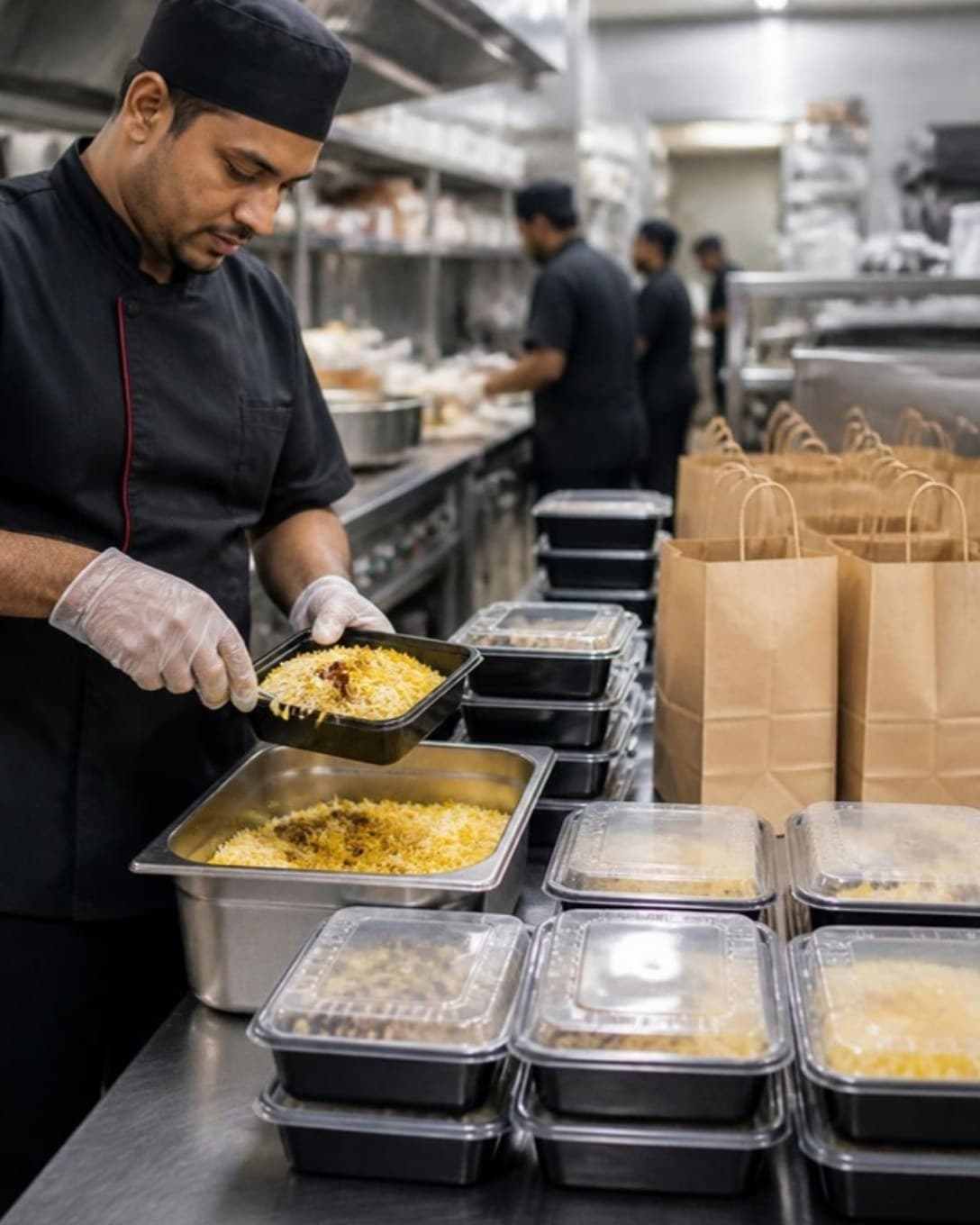
Cook packing food containers at a cloud kitchen packing station
Orders

Every order in one queue

Phone, pick up and delivery orders land in one list with their own status, from accepted to handed over.

  • Pick up and delivery order types
  • Customer name, phone and address
  • Packing slip with each order
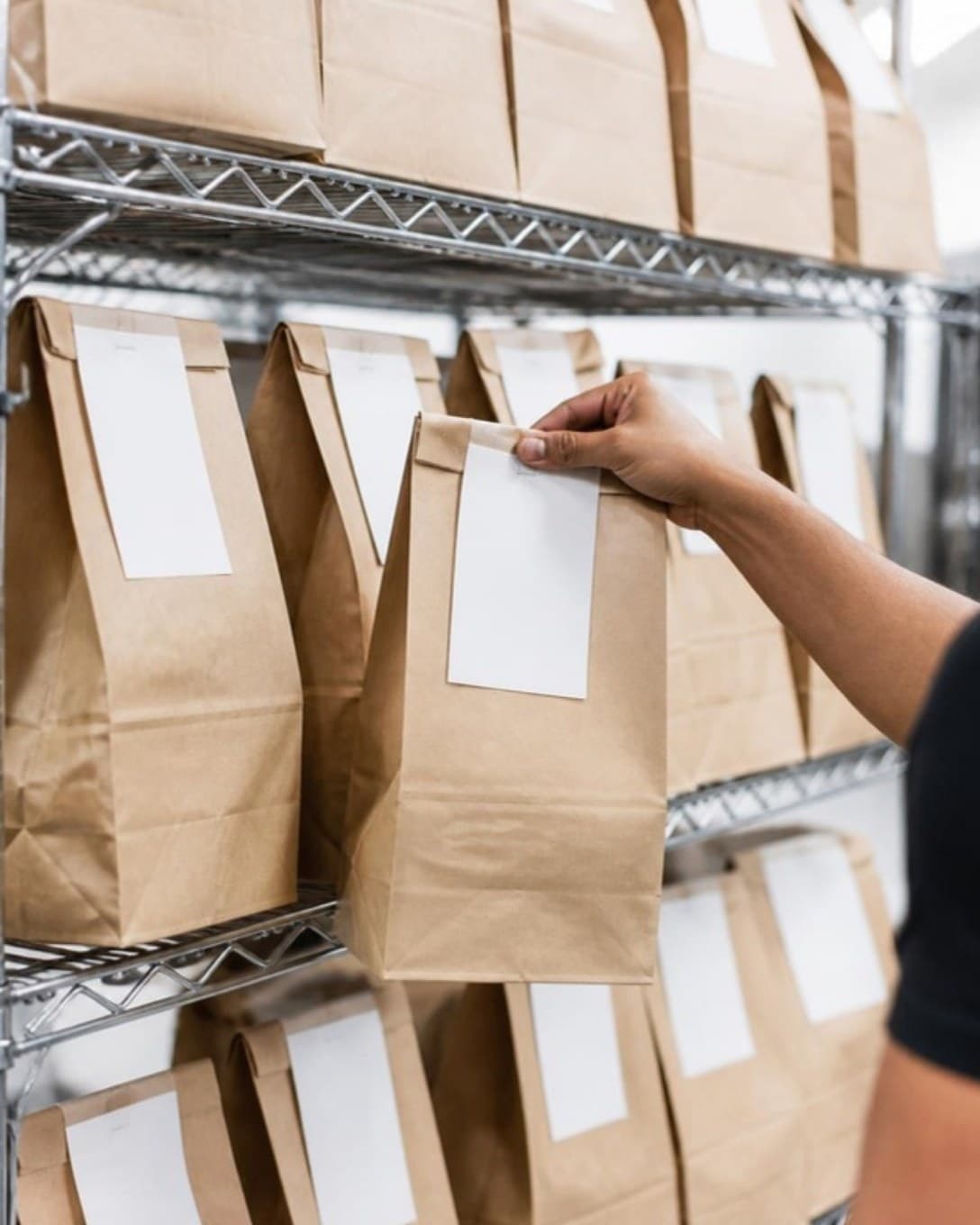
Packed delivery bags on a dispatch shelf
Stations

Each station sees only its work

Tickets are routed by station with notes and timers, so the wok and the tandoor are not reading the same long slip.

  • Tickets by station
  • New, in process and ready queues
  • Priority orders
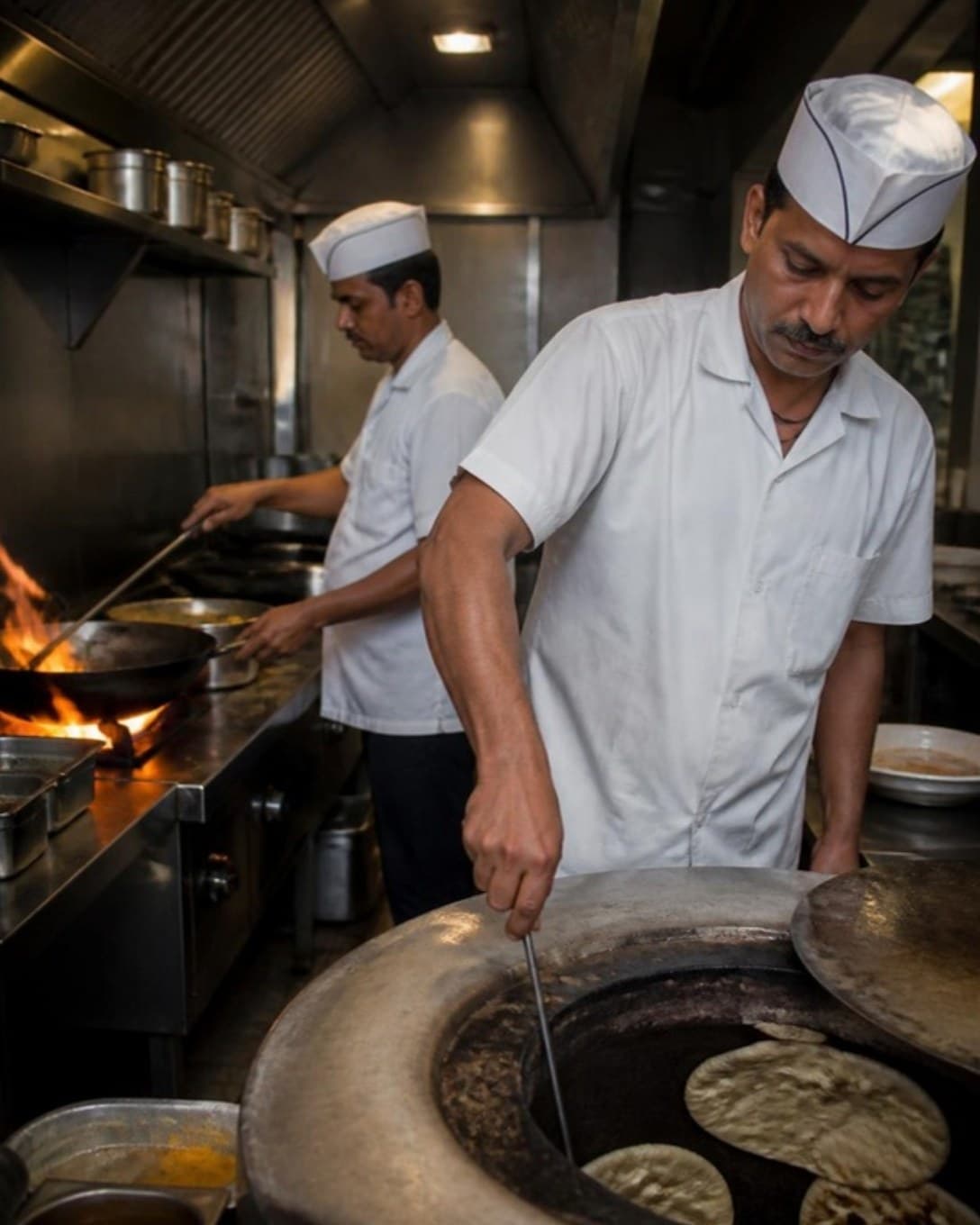
Cooks working at wok and tandoor stations
Prep and stock

Sell only what you can cook

Recipe-based stock shows what is left for the evening, and low items are flagged before orders start to fail.

  • Recipe-based consumption
  • Purchases and wastage
  • Low-stock alerts
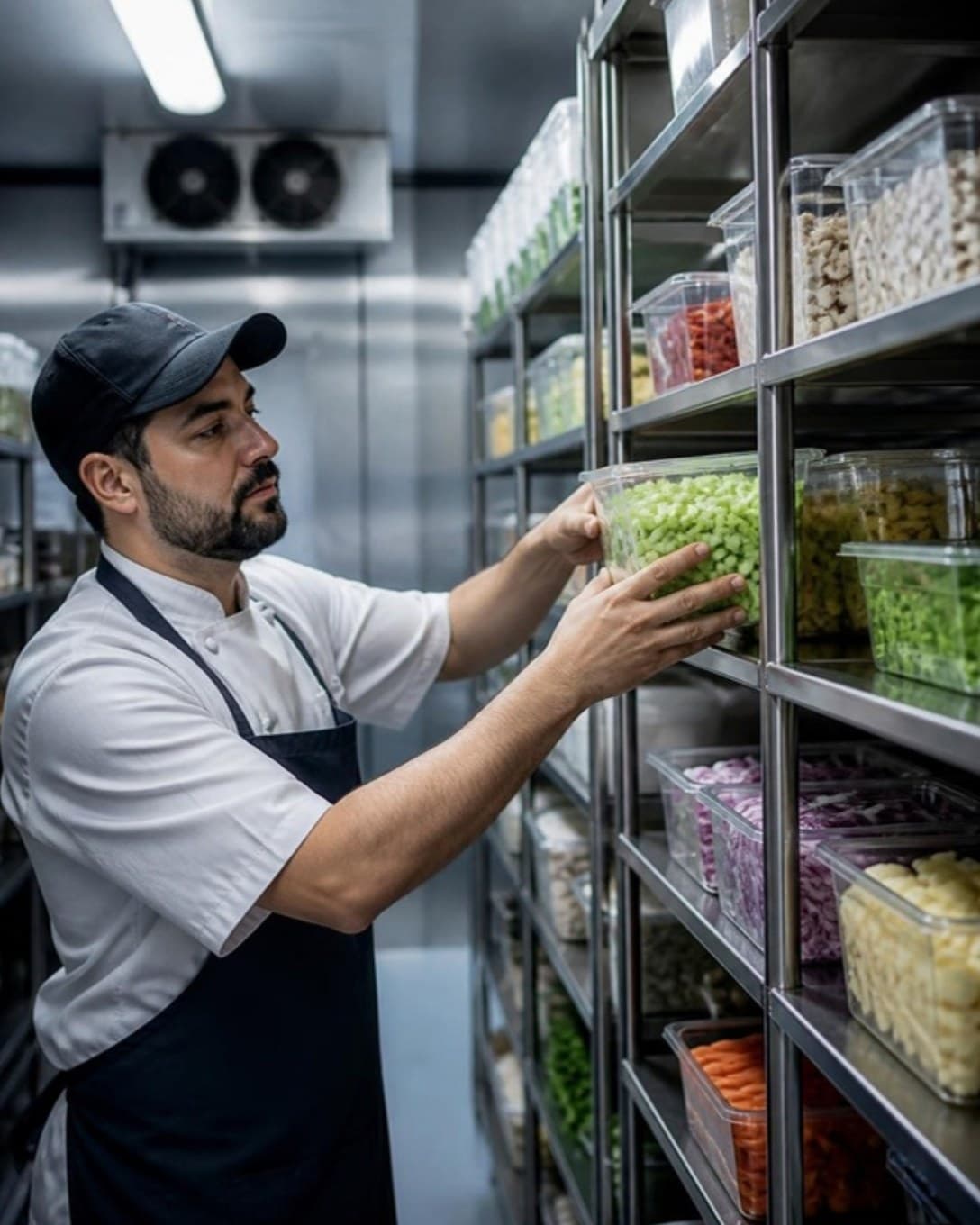
Cook picking a container from storage racks
And more

Everything else your outlet needs

  • Customers and dues

    Save regulars, bill on credit and collect outstanding amounts later.

  • Staff roles

    Decide who can give discounts, cancel bills or see reports.

  • Register and cash book

    Open and close each cashier’s register and track cash in and out.

  • Multi-outlet control

    One menu and one login across outlets, with outlet-wise numbers.

  • Printers your way

    Send bills and KOTs to USB or LAN thermal printers by station.

  • Menu management

    Categories, variations, add-ons and item codes, updated in seconds.

  • Discounts and offers

    Bill-level or item-level discounts, with a reason on every one.

  • Reservations

    Note bookings against tables so the evening rush is planned.

For kitchens that only do delivery

A cloud kitchen wins on preparation time and accuracy. Laavia POS keeps each order visible from acceptance to hand-over.

01

One queue for every order

Phone, pick up and delivery orders sit in one list with their own status.

02

Tickets by station

Each station sees only its items, with notes and timers.

03

Stock tied to sales

Recipe-based stock shows what you can still sell tonight.

Questions about POS for cloud kitchens

Something we didn’t cover? Talk to us.

Yes. You can work with pick up and delivery order types only, with customer details and packing slips on each order.

Ready to see it on your own menu?

See Laavia POS on your own menu in a free walkthrough.