Laavia POS · Bhadreshwar, Mundra, Kutch, Gujarat

POS for kitchens serving Bhadreshwar pilgrims

Bhadreshwar’s ancient Jain temple draws pilgrims from across Gujarat and Mumbai, and they need simple, Jain-friendly meals. Laavia POS bills a fixed thali as one token and carries each Jain note through to the kitchen.

See features
  • Works offline
  • GST-ready bills
  • Remote setup and training
A cashier billing pilgrims on a POS terminal at the counter of a simple dining hall with steel thalis
Meal combos

Sell combos and thalis as one item

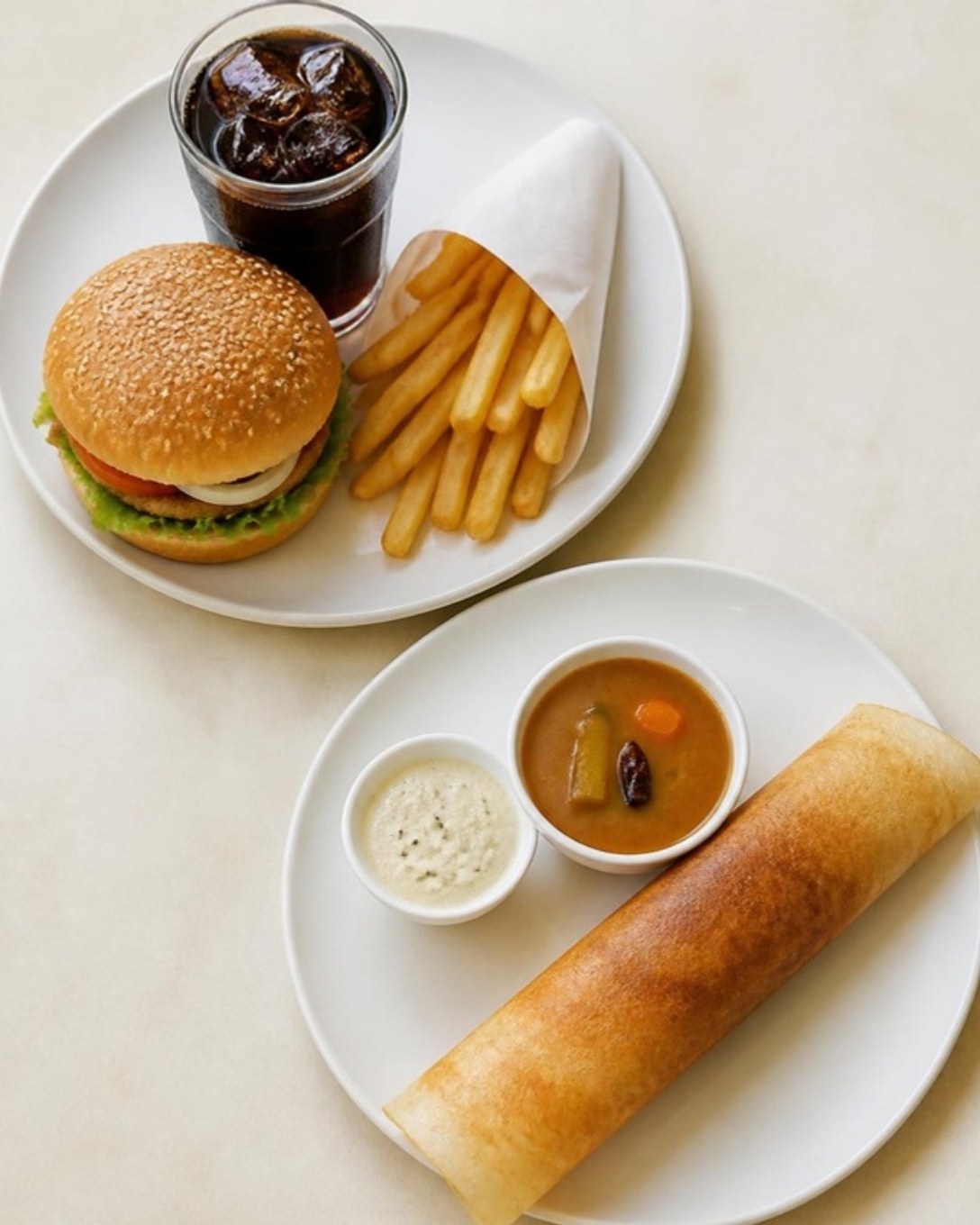
Bundle dishes into combos, thalis or happy-hour offers. The guest sees one price; the kitchen still gets every item on the ticket.

  • Fixed and choose-your-own combos
  • Add-ons and variations per dish
  • Combo-wise sales in reports
Burger meal and dosa plate served as combos
Billing

Bills out in seconds, even at peak hour

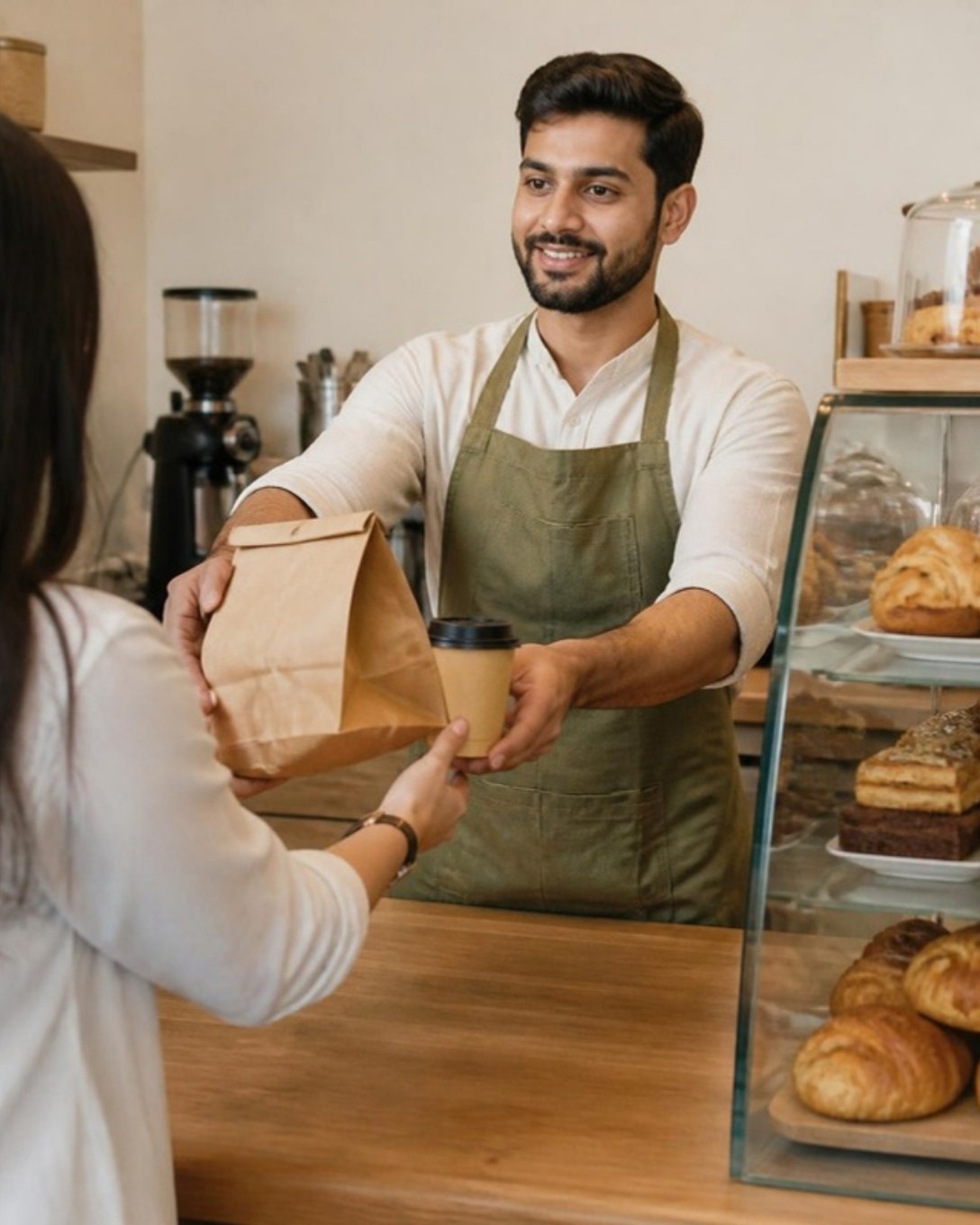
Type an item code or name, add it with Enter and print. Hold a bill, split it, apply a discount or take part payment without leaving the screen.

  • GST-ready bills and KOT in one step
  • Cash, card, UPI and credit sales
  • Works offline and syncs later
Cafe staff handing a takeaway order to a guest at the counter
Kitchen display

Every order reaches the right station

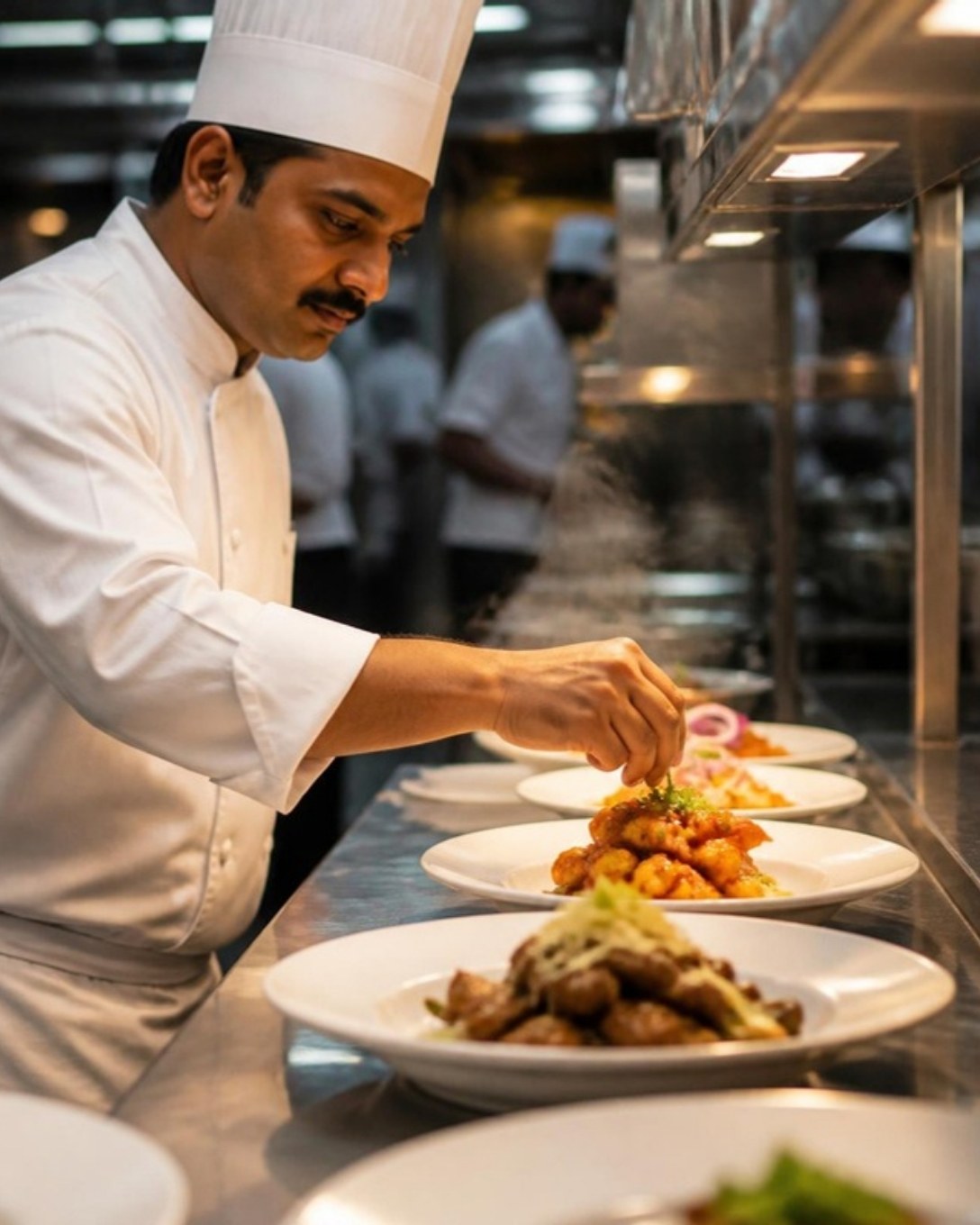
Tickets appear on the kitchen screen or printer the moment they are punched, with table, notes and timers, so nothing is shouted across the pass.

  • New, in process and ready queues
  • Item notes and priority orders
  • Printer or screen | your choice
Chef plating dishes at the kitchen pass
Tables

See the whole floor at a glance

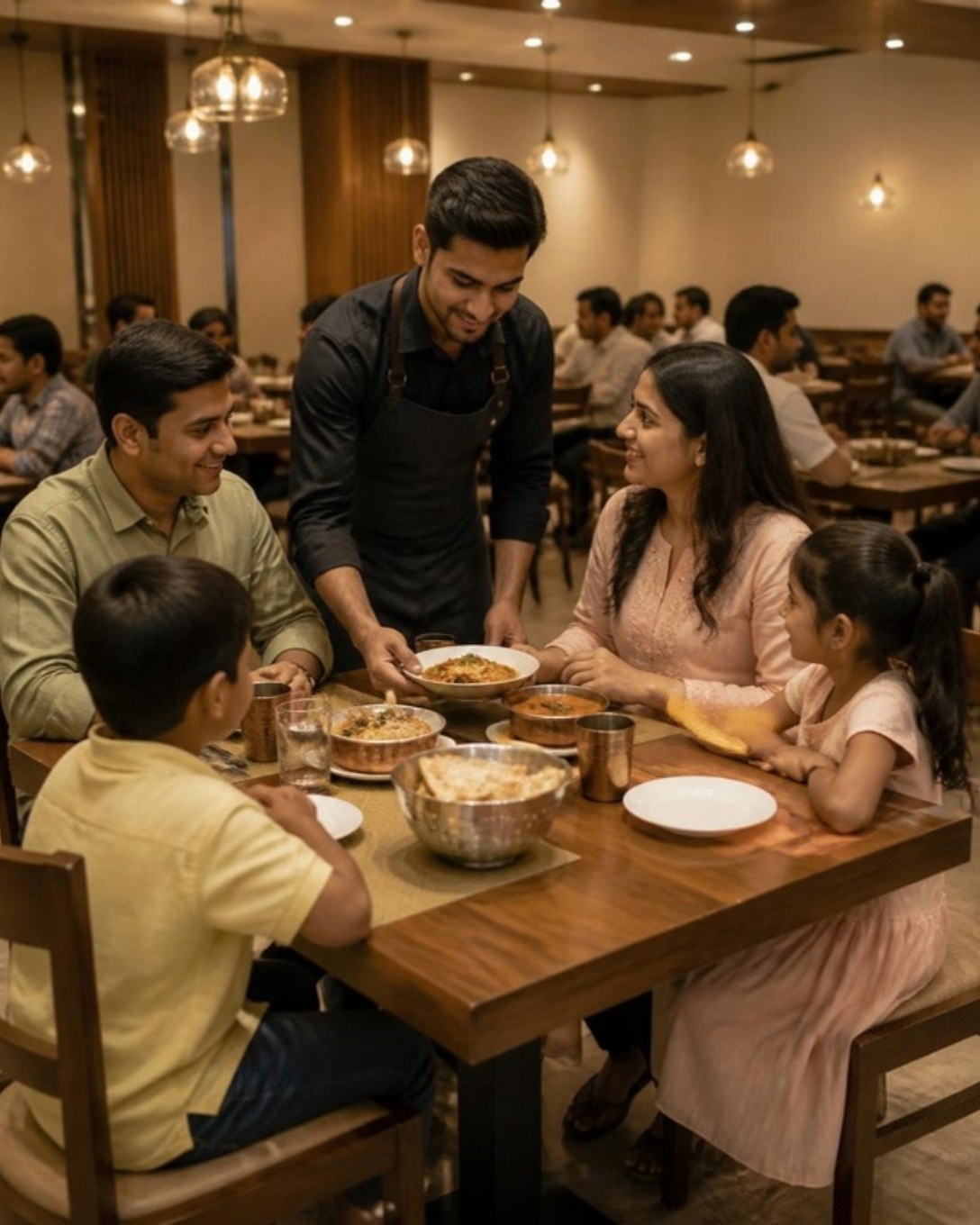
Know which tables are free, eating, waiting on the kitchen or ready to pay. Move or merge tables and take reservations without a paper chart.

  • Floors and areas you define
  • Table transfer, merge and split bill
  • Reservations for busy evenings
Waiter serving a family at a restaurant table
Inventory

Stock that moves with every sale

Link recipes to raw materials and let each bill reduce stock on its own. Record purchases, wastage and closing stock, and get warned before an item runs out.

  • Recipe-based consumption
  • Purchases, suppliers and payments
  • Low-stock alerts
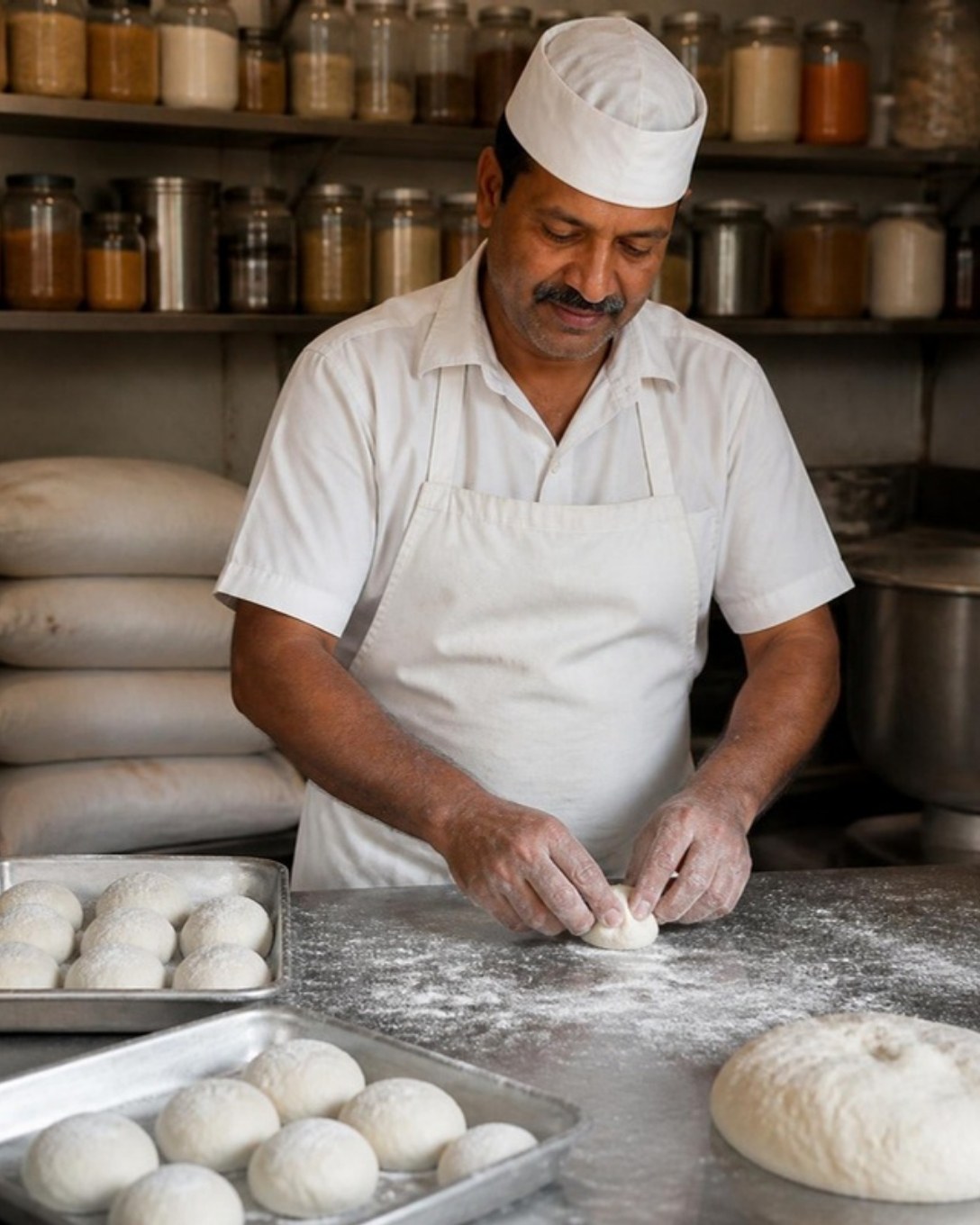
Baker shaping dough on a floured counter
Reports

Know your numbers before closing time

Sales by item, category, order type and cashier, with the cash book and dues alongside. Owners of several outlets see them together or one by one.

  • Daily sales and tax summaries
  • Register and cash book
  • Outlet-wise comparison
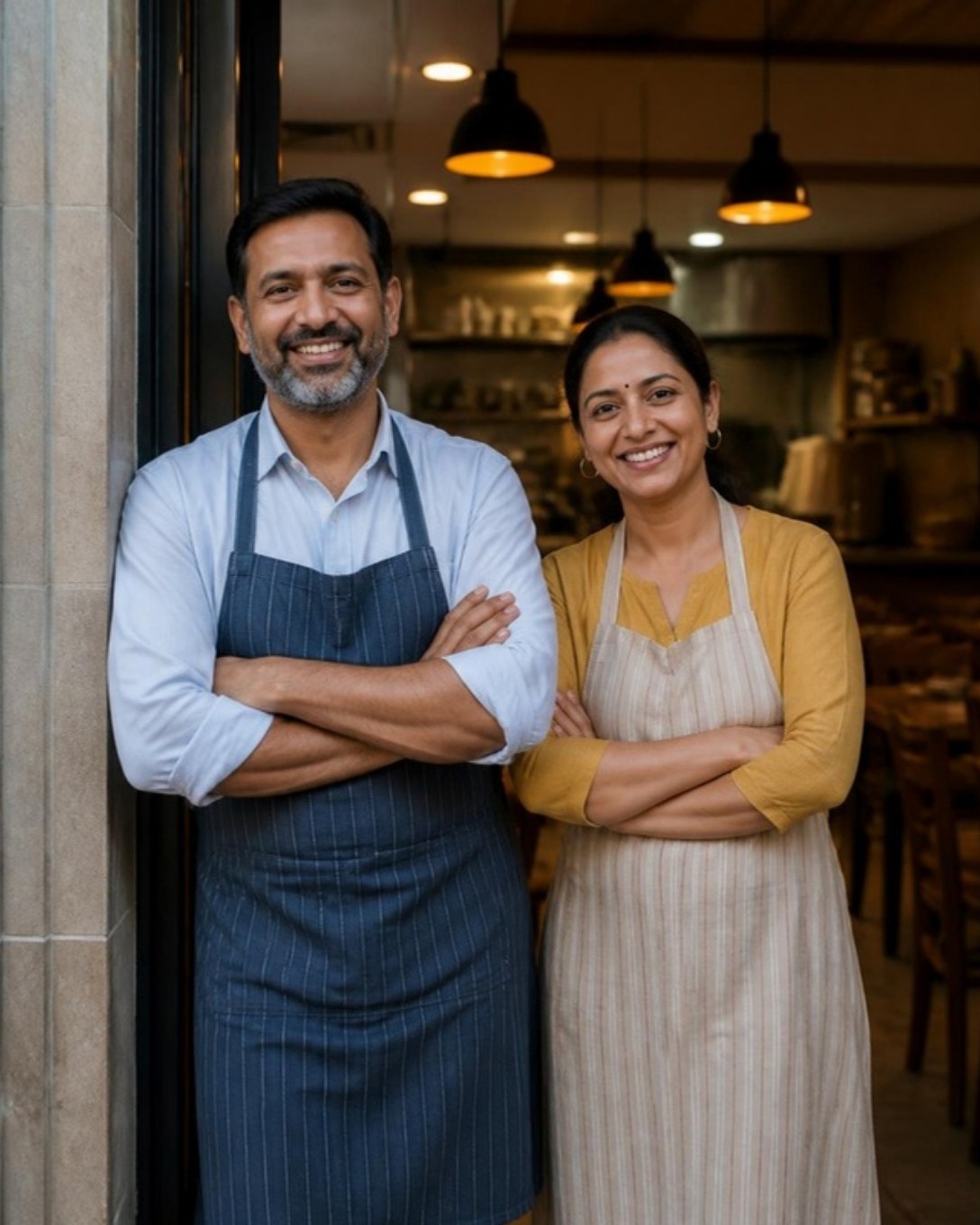
Two restaurant owners standing at their outlet entrance
QR ordering

Let guests order from the table

Guests scan the table QR, browse your menu with photos and place the order themselves. It lands on the POS and in the kitchen against the right table.

  • A QR code for every table
  • Menu, prices and availability from the POS
  • Fewer missed orders on busy nights
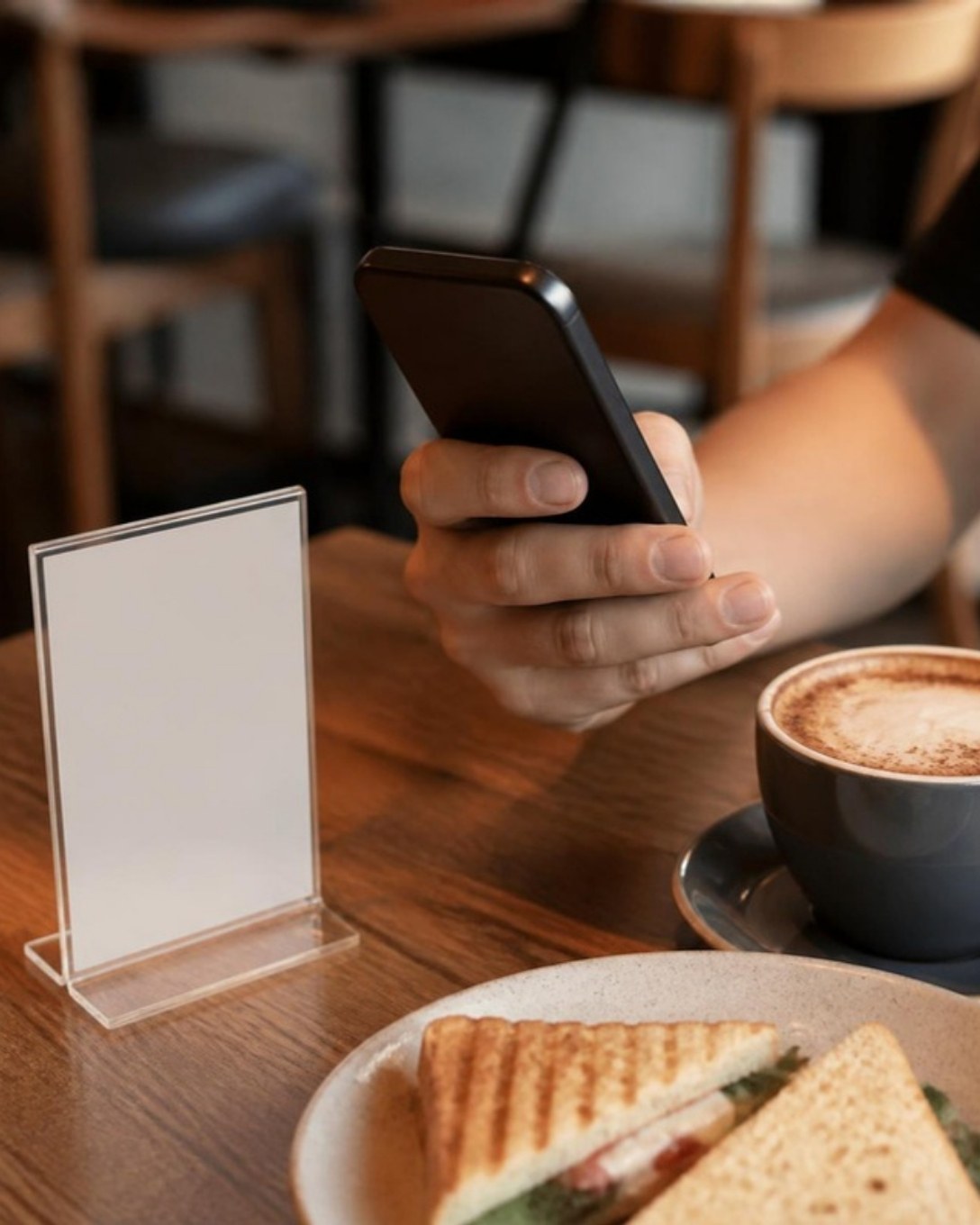
Guest ordering on a phone beside a table stand in a cafe
Pick up and delivery

Dine-in, pick up and delivery in one queue

Take phone, counter and delivery orders next to dine-in. Each one gets its own ticket, status and packing slip, so the rider is not left waiting.

  • Order types with their own pricing
  • Customer name, phone and address on the bill
  • Order-type sales in reports
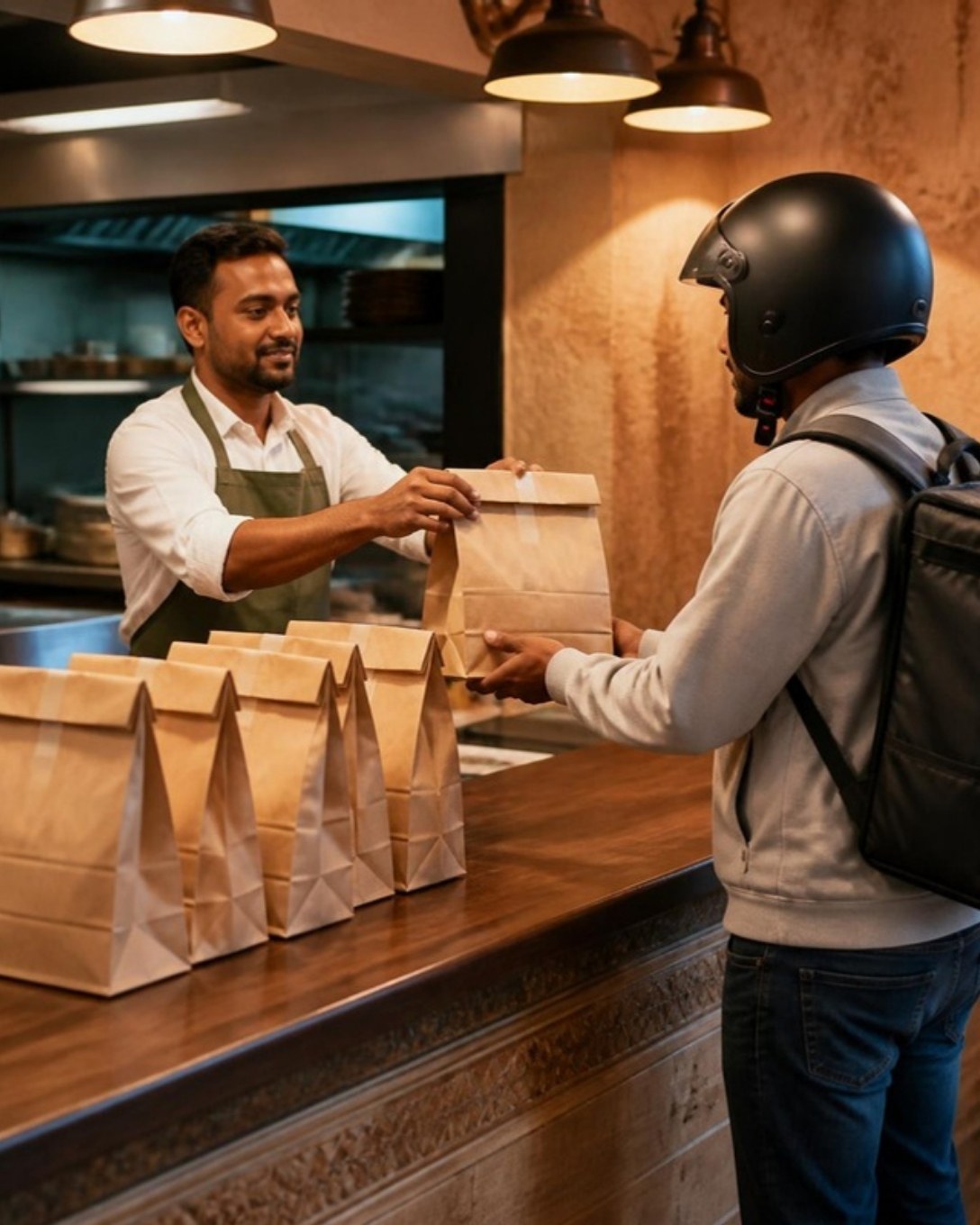
Restaurant staff handing packed orders to a delivery rider
And more

Everything else a Bhadreshwar outlet needs

  • Customers and dues

    Save regulars, bill on credit and collect outstanding amounts later.

  • Staff roles

    Decide who can give discounts, cancel bills or see reports.

  • Register and cash book

    Open and close each cashier’s register and track cash in and out.

  • Multi-outlet control

    One menu and one login across outlets, with outlet-wise numbers.

  • Printers your way

    Send bills and KOTs to USB or LAN thermal printers by station.

  • Menu management

    Categories, variations, add-ons and item codes, updated in seconds.

  • Discounts and offers

    Bill-level or item-level discounts, with a reason on every one.

  • Reservations

    Note bookings against tables so the evening rush is planned.

Meals for pilgrims

Pilgrims reach Bhadreshwar by the busload, often on festival days, and most want a Jain meal with no onion, garlic or root vegetables. Kitchens here serve large groups at fixed times. Laavia POS sets the thali up once, prints a token for each plate and keeps the day’s count by group.

01

One token per thali

Set the Jain thali as a combo and print a token for each plate in one tap.

02

Jain notes reach the cook

No onion, no garlic, no root vegetables: notes travel with each order to the kitchen.

03

Festival days

Item-wise reports from last year’s festival tell you how many thalis to plan for.

Serving restaurants across Bhadreshwar

  • Mundra Town

Questions from Bhadreshwar restaurant owners

Something we didn’t cover? Talk to us.

Yes. We load your menu, connect printers and map your tables over a remote session, then train your cashiers and captains on a video call before your first service in Bhadreshwar. For larger or multi-outlet rollouts in Kutch, we plan the setup with you in advance.

Yes. Make a Jain thali as its own combo, or add a Jain note to any item. The note prints on the KOT or shows on the kitchen display with the dish.

Laavia POS is priced per outlet. Starter is ₹399 a month on yearly billing (₹479 billed monthly), Growth is ₹879 a month and Multi-outlet is ₹1,679 a month on yearly billing. Prices exclude GST, and extra registers or logins can be added when you need them.

Yes. The Windows billing app keeps taking orders, printing KOTs and bills while you are offline, and syncs everything once the connection is back.

Laavia POS prints to common 2-inch and 3-inch thermal printers over USB or LAN, and you can send kitchen tickets to a separate printer. It runs on a regular Windows PC or in a web browser, so most existing counters can be reused.

Yes. Set tax rates per item, print GST-ready bills with your GSTIN, and bundle dishes into combos or thalis that bill as one line and still reach the kitchen item by item.

Ready to run a smoother service in Bhadreshwar?

See Laavia POS on your own menu in a free walkthrough, or compare plans and pricing.