Laavia POS · Pizzeria

POS software for pizzerias

Size, crust, extra toppings, half an hour to the door. Laavia POS takes the order right the first time and gets it to the oven fast.

See features
  • Works offline
  • GST-ready bills
  • Setup and staff training
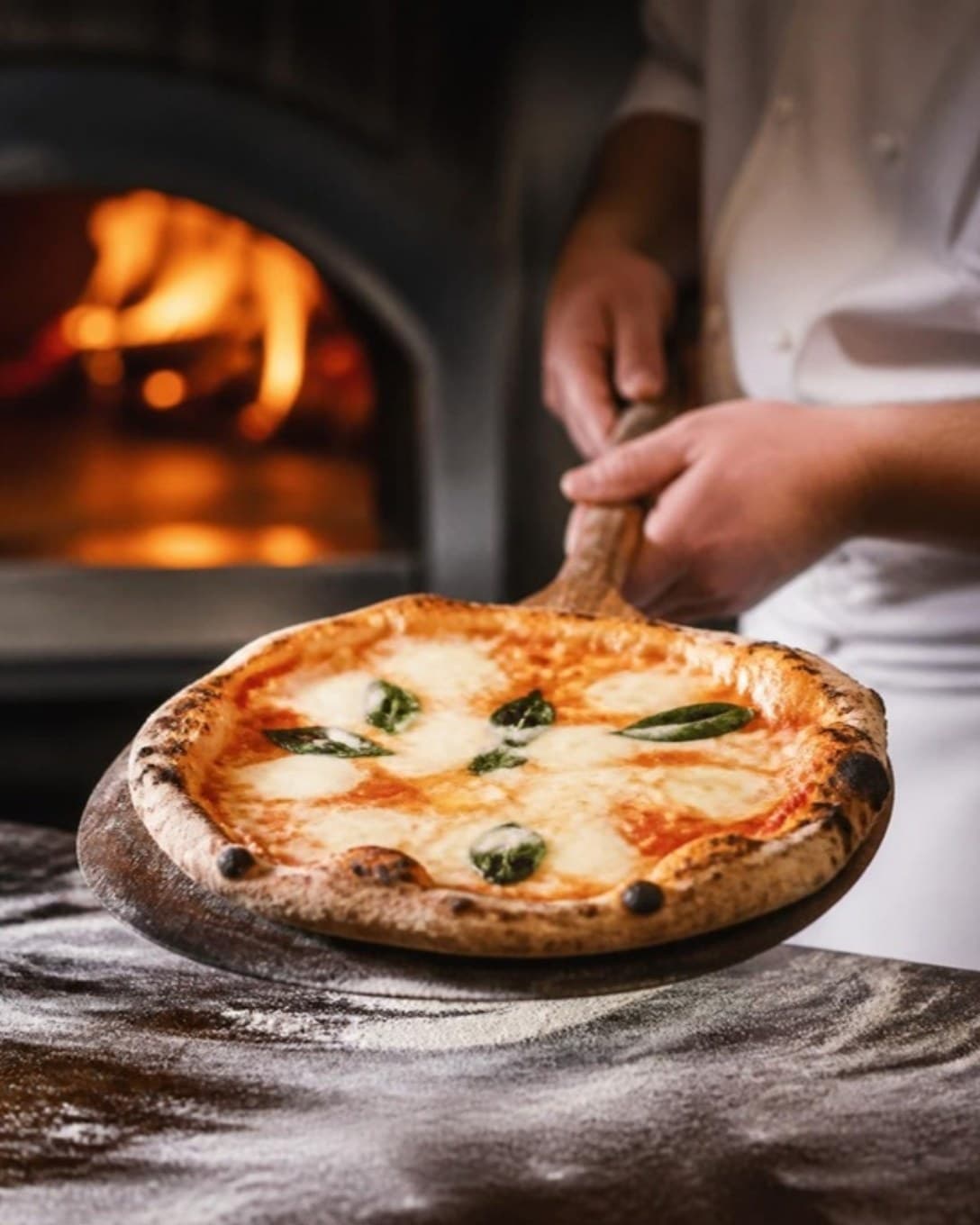
Wood-fired pizza lifted from the oven on a wooden peel
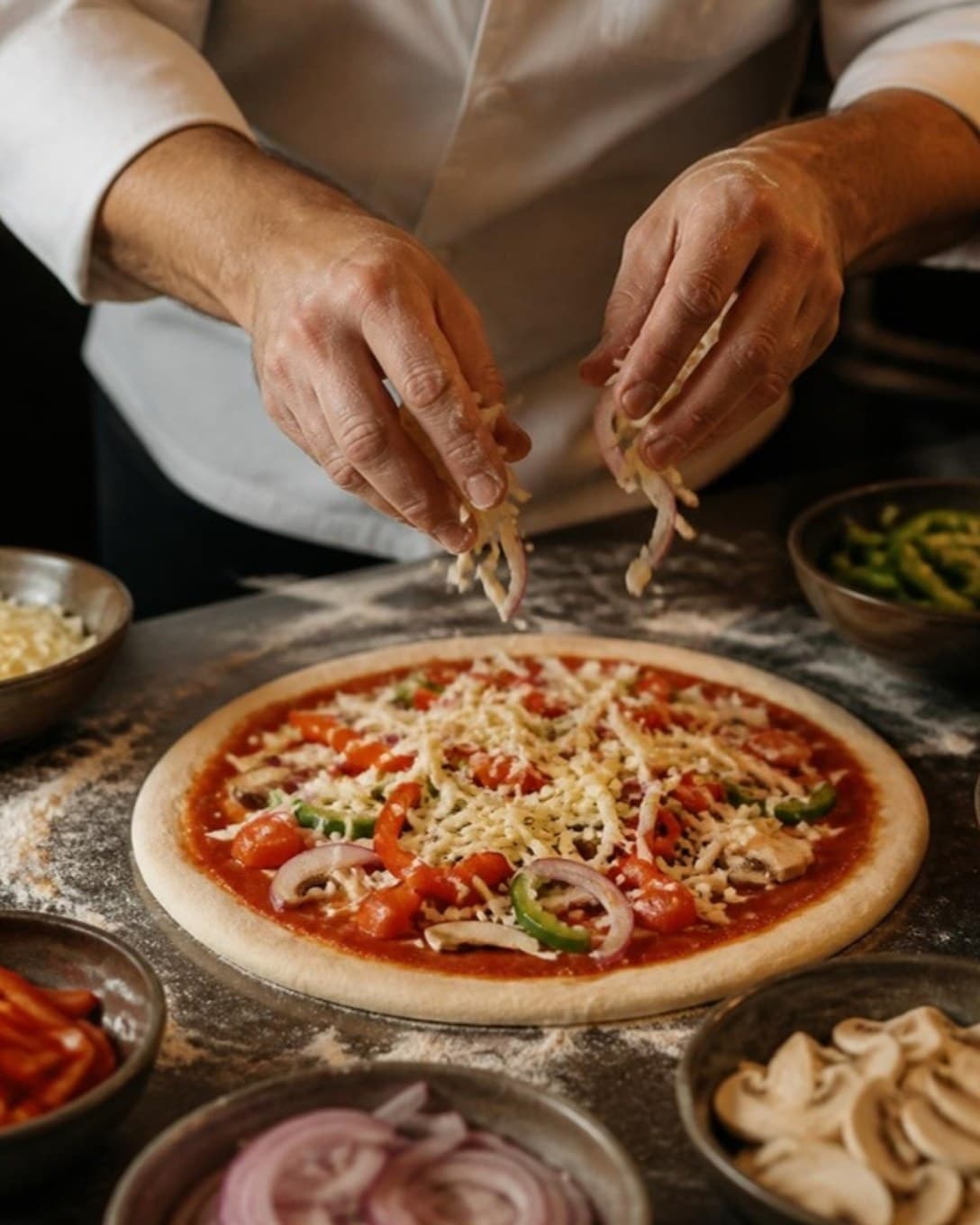
Sizes and toppings

Build any pizza in a few taps

Sizes are variations, toppings are add-ons and each has its own price. Bundle a pizza, a side and a drink into a meal deal.

  • Variations for size
  • Priced add-ons for toppings
  • Combos for meal deals
Chef adding toppings to a pizza base
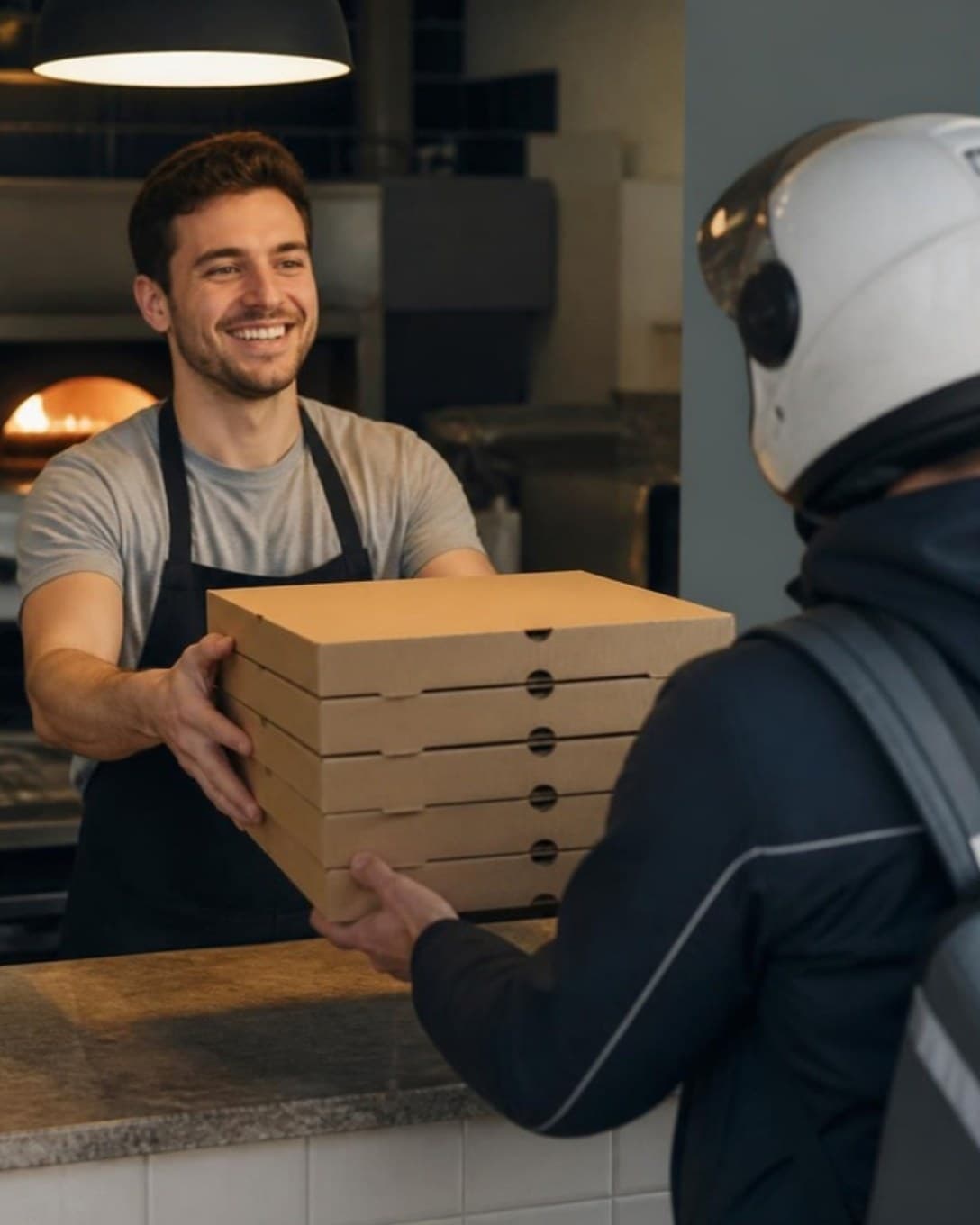
Delivery and pick up

Every order out of the door on time

Delivery, pick up and dine-in orders sit side by side with their own status, and the customer’s name, phone and address print on the bill.

  • Separate order types
  • Customer details on the bill
  • Sales by order type
Pizza boxes handed to a delivery rider at the counter
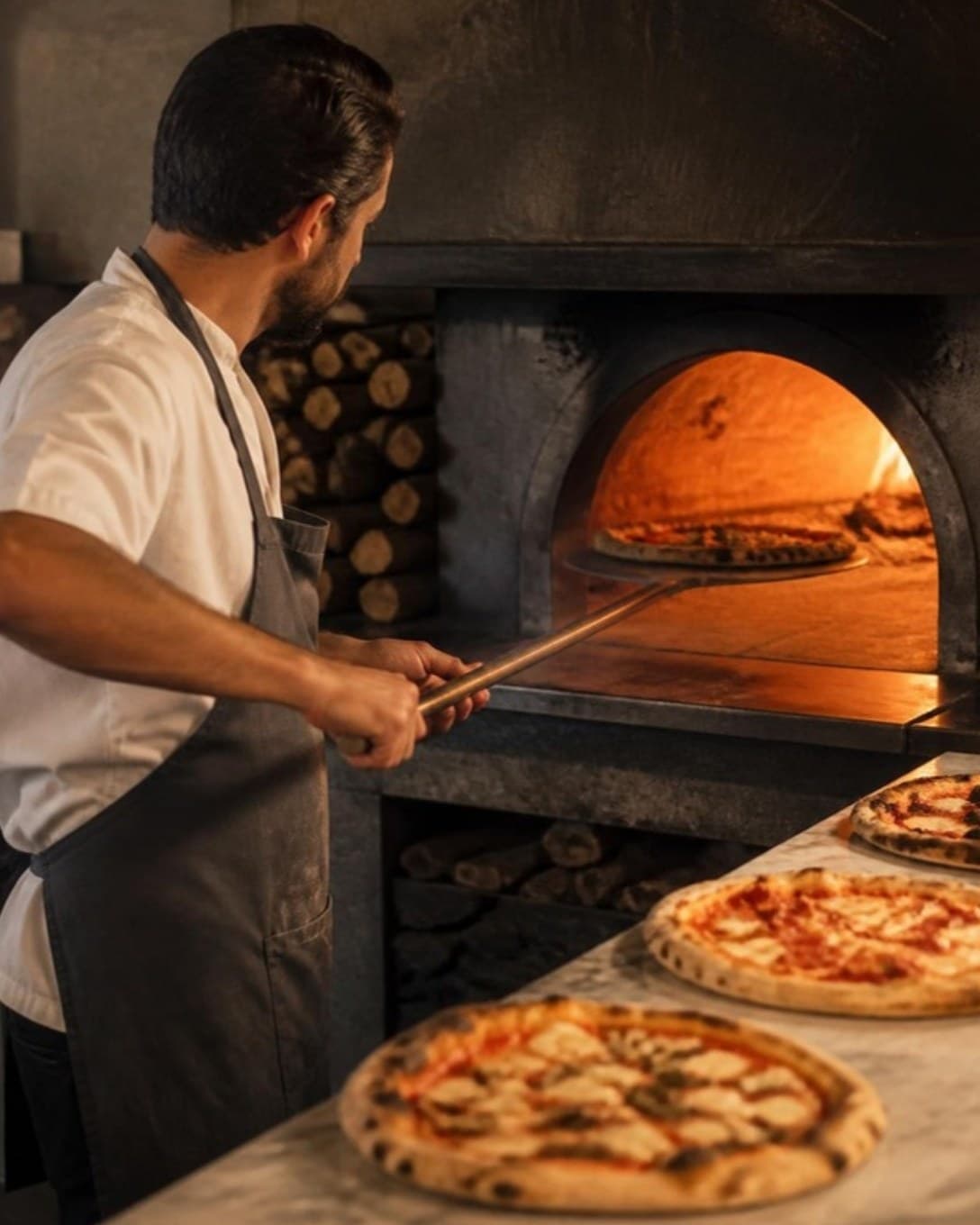
The oven

Tickets the oven can read at a glance

Each ticket lists size, toppings and notes in the order they were punched, so the right pizza goes in the first time.

  • Clear item and add-on lines
  • New, in process and ready queues
  • Screen or printer
Pizza chef sliding a pizza into a wood-fired oven
And more

Everything else your outlet needs

  • Customers and dues

    Save regulars, bill on credit and collect outstanding amounts later.

  • Staff roles

    Decide who can give discounts, cancel bills or see reports.

  • Register and cash book

    Open and close each cashier’s register and track cash in and out.

  • Multi-outlet control

    One menu and one login across outlets, with outlet-wise numbers.

  • Printers your way

    Send bills and KOTs to USB or LAN thermal printers by station.

  • Menu management

    Categories, variations, add-ons and item codes, updated in seconds.

  • Discounts and offers

    Bill-level or item-level discounts, with a reason on every one.

  • Reservations

    Note bookings against tables so the evening rush is planned.

For orders with many choices

A pizza order is a small configuration job. Laavia POS makes it quick at the counter and unmistakable at the oven.

01

Sizes and toppings

Set sizes as variations and toppings as add-ons, each with its own price.

02

Delivery and pick up

Take delivery, pick up and dine-in orders side by side, with customer details on the bill.

03

Meal deals

Bundle a pizza, a side and a drink as a combo at one price.

Questions about POS for pizzeria

Something we didn’t cover? Talk to us.

Yes. Use variations for sizes and add-ons for toppings. Each carries its own price and prints on the kitchen ticket.

Ready to see it on your own menu?

See Laavia POS on your own menu in a free walkthrough.