Laavia POS · Food courts & canteens

POS software for food courts and canteens

Serve a long queue in a short break. Laavia POS keeps every counter billing fast and gives you one clear number at the end of the shift.

See features
  • Works offline
  • GST-ready bills
  • Setup and staff training
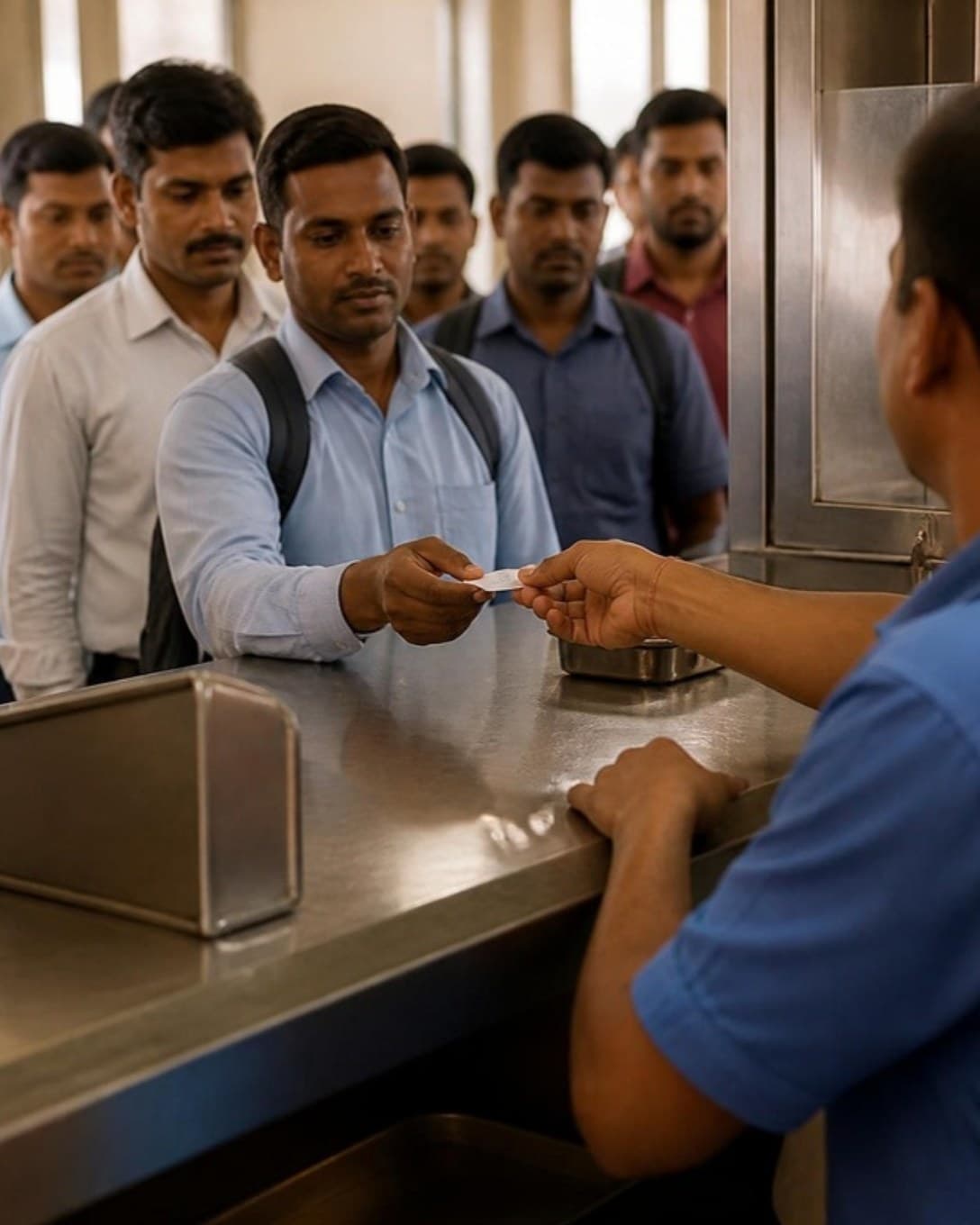
Staff serving thali meals at a busy canteen counter
Counter billing

Clear the queue before the break ends

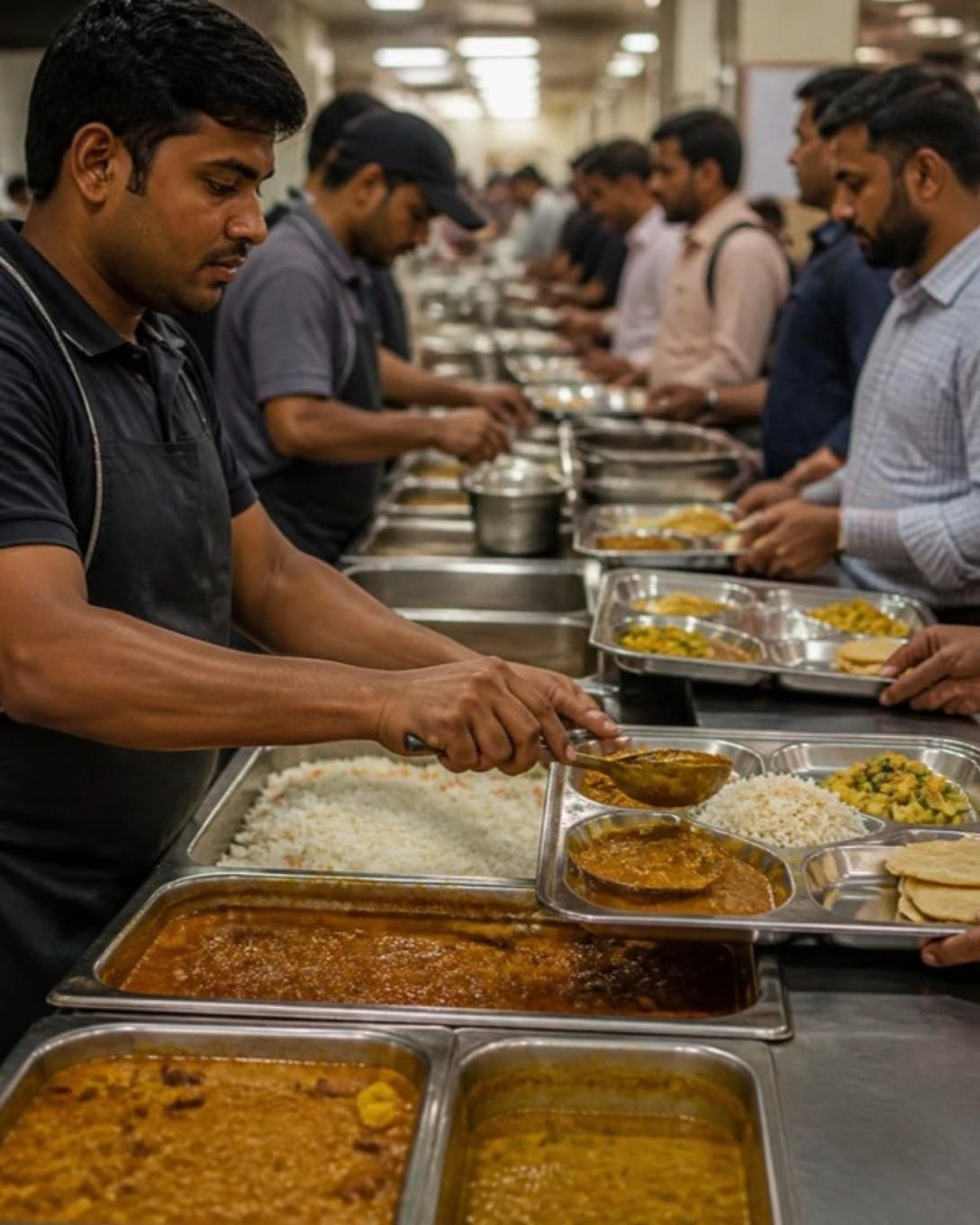
Punch a meal by item code, take the payment and hand over the token. Bill and kitchen ticket print together, so nobody waits for a second slip.

  • Item codes and Enter-key billing
  • Cash, card, UPI and credit sales
  • Keeps billing when the internet drops
Cashier handing a token to a worker at a canteen counter
Thalis and meal plates

A full plate in one tap

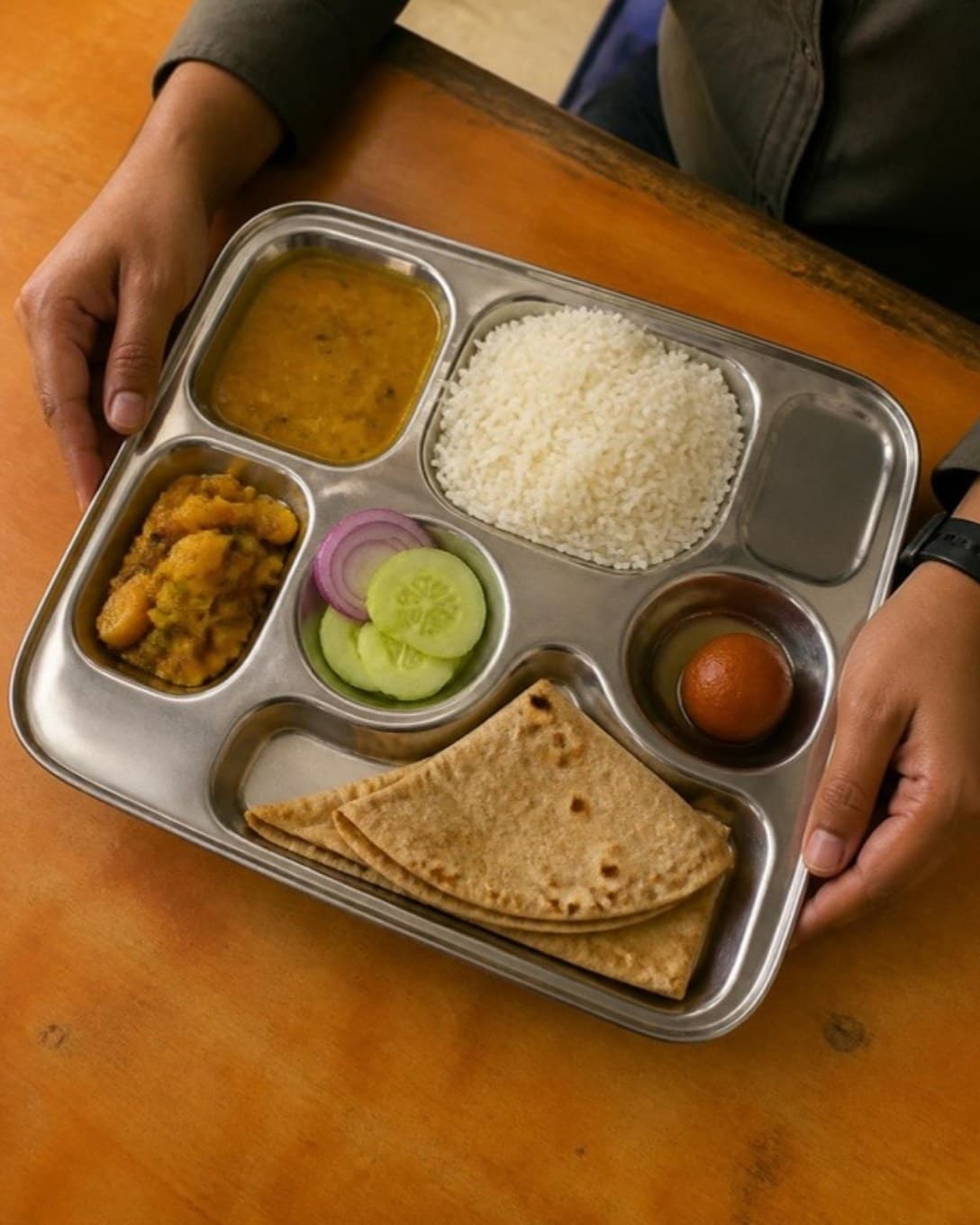
Set up your thali, mini meal and special plate as combos. The cashier bills one line while the serving counter still sees every item on it.

  • Fixed meals and choose-your-own plates
  • One price for the guest, full detail for the kitchen
  • See which meals sell most
Steel meal tray with rice, dal, sabzi and roti
Shift closing

Close every counter on its own

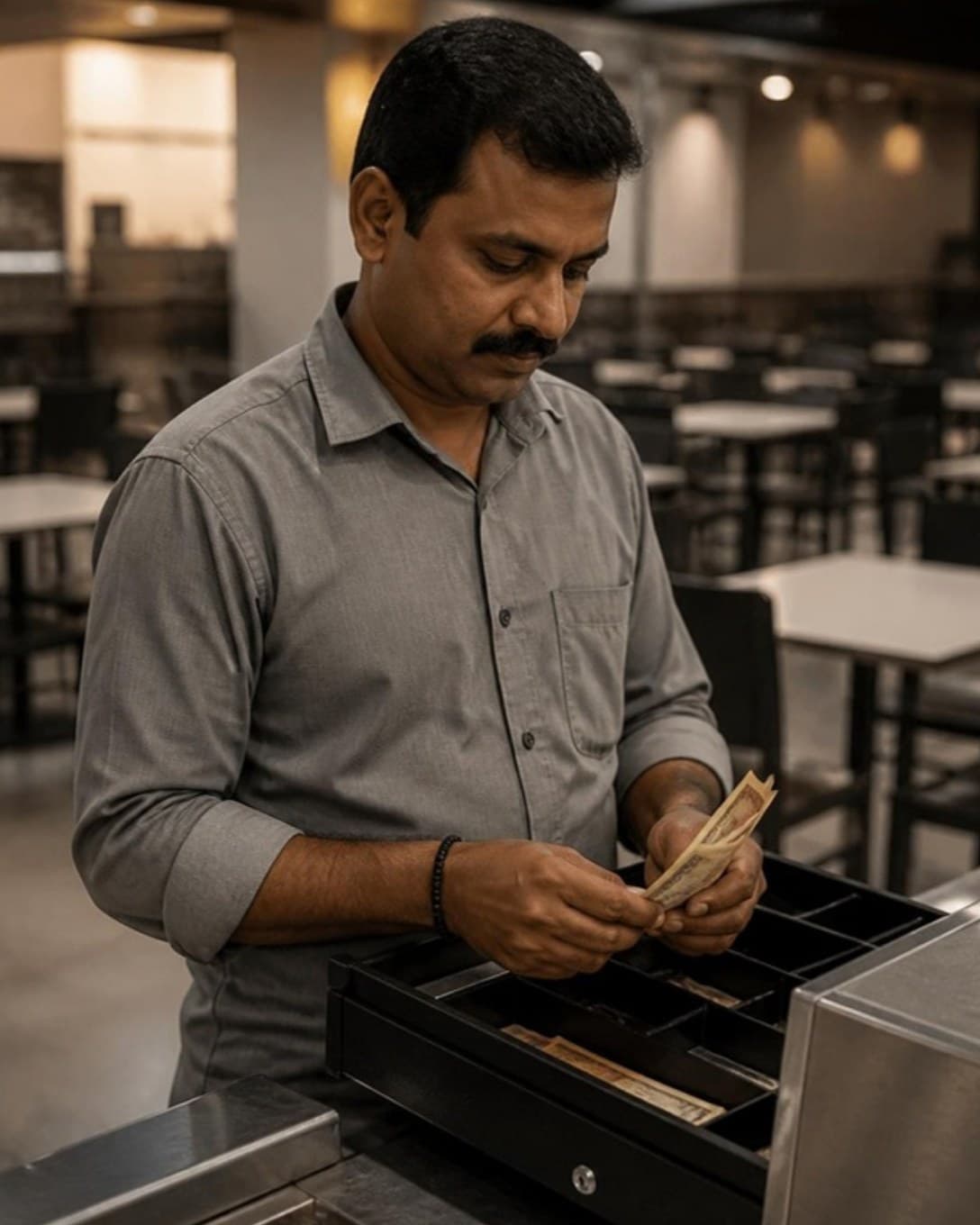
Each cashier opens and closes a separate register. At the end of the shift you see cash, UPI and credit for every counter and for the whole canteen.

  • Register per cashier
  • Cash book with money in and out
  • Shift and day sales summaries
Canteen manager counting cash at the end of a shift
And more

Everything else your outlet needs

  • Customers and dues

    Save regulars, bill on credit and collect outstanding amounts later.

  • Staff roles

    Decide who can give discounts, cancel bills or see reports.

  • Register and cash book

    Open and close each cashier’s register and track cash in and out.

  • Multi-outlet control

    One menu and one login across outlets, with outlet-wise numbers.

  • Printers your way

    Send bills and KOTs to USB or LAN thermal printers by station.

  • Menu management

    Categories, variations, add-ons and item codes, updated in seconds.

  • Discounts and offers

    Bill-level or item-level discounts, with a reason on every one.

  • Reservations

    Note bookings against tables so the evening rush is planned.

Made for short breaks and long queues

A canteen is judged on how quickly the line moves. Laavia POS trims every bill down to a few key presses and keeps each counter’s cash separate.

01

Many counters, one menu

Run several billing counters on the same menu and stock, each with its own cashier and register.

02

Thalis and meal plates

Sell thalis and fixed meals as one item while the kitchen still sees what goes on the plate.

03

Company and credit accounts

Bill regular customers on credit and collect what is due later from one screen.

Questions about POS for food courts & canteens

Something we didn’t cover? Talk to us.

Yes. Each counter runs its own billing screen and register on a shared menu, and sales from all of them appear in one report.

Ready to see it on your own menu?

See Laavia POS on your own menu in a free walkthrough.