Laavia POS · Fine dine

POS software for fine dining

Guests should notice the food and the service, not the system. Laavia POS keeps the floor, the kitchen and the bill quietly in step.

See features
  • Works offline
  • GST-ready bills
  • Setup and staff training
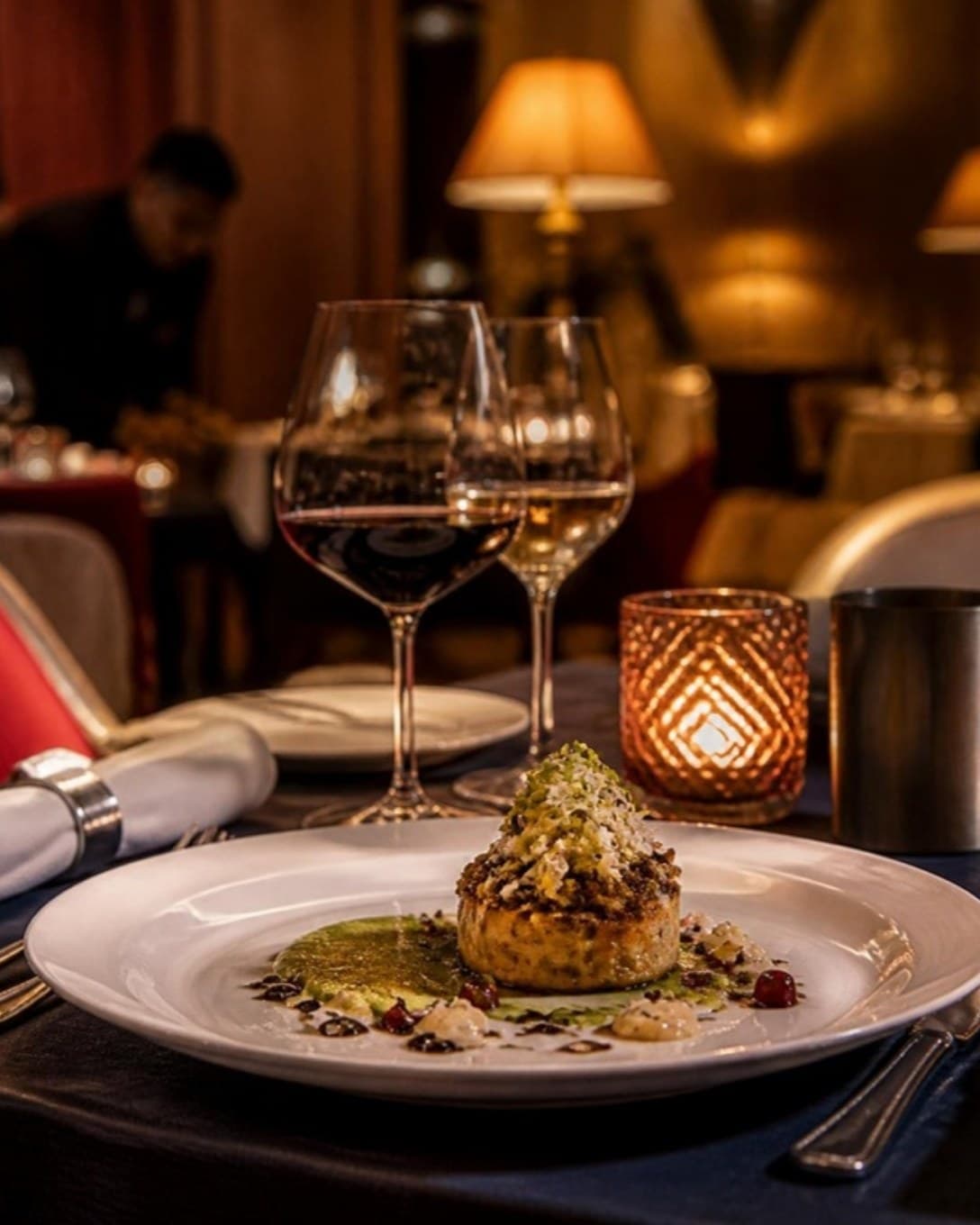
Plated dish and wine glasses on a candle-lit dining table
Floor and reservations

Seat every guest with confidence

See the whole floor before you walk a guest in: which tables are free, which are mid-meal and which are about to ask for the bill.

  • Floors and sections you define
  • Reservations noted against tables
  • Move or merge tables in a tap
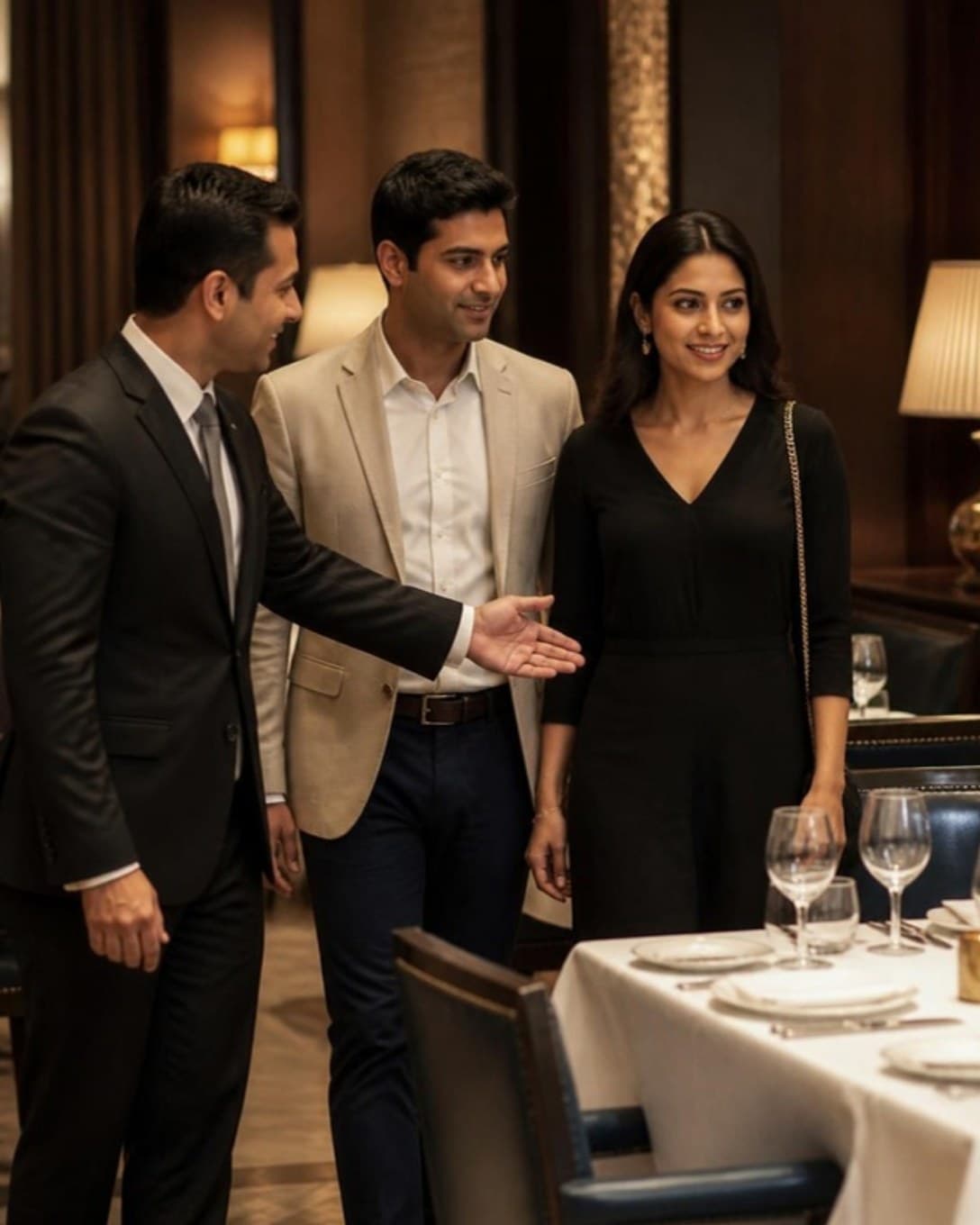
Host guiding a couple to a table in a fine dining restaurant
Kitchen

Special requests that reach the chef

Every ticket carries the table and the guest’s notes. The kitchen works from clear queues, so courses leave the pass in order.

  • Item notes on every ticket
  • New, in process and ready queues
  • Screen or printer at each station
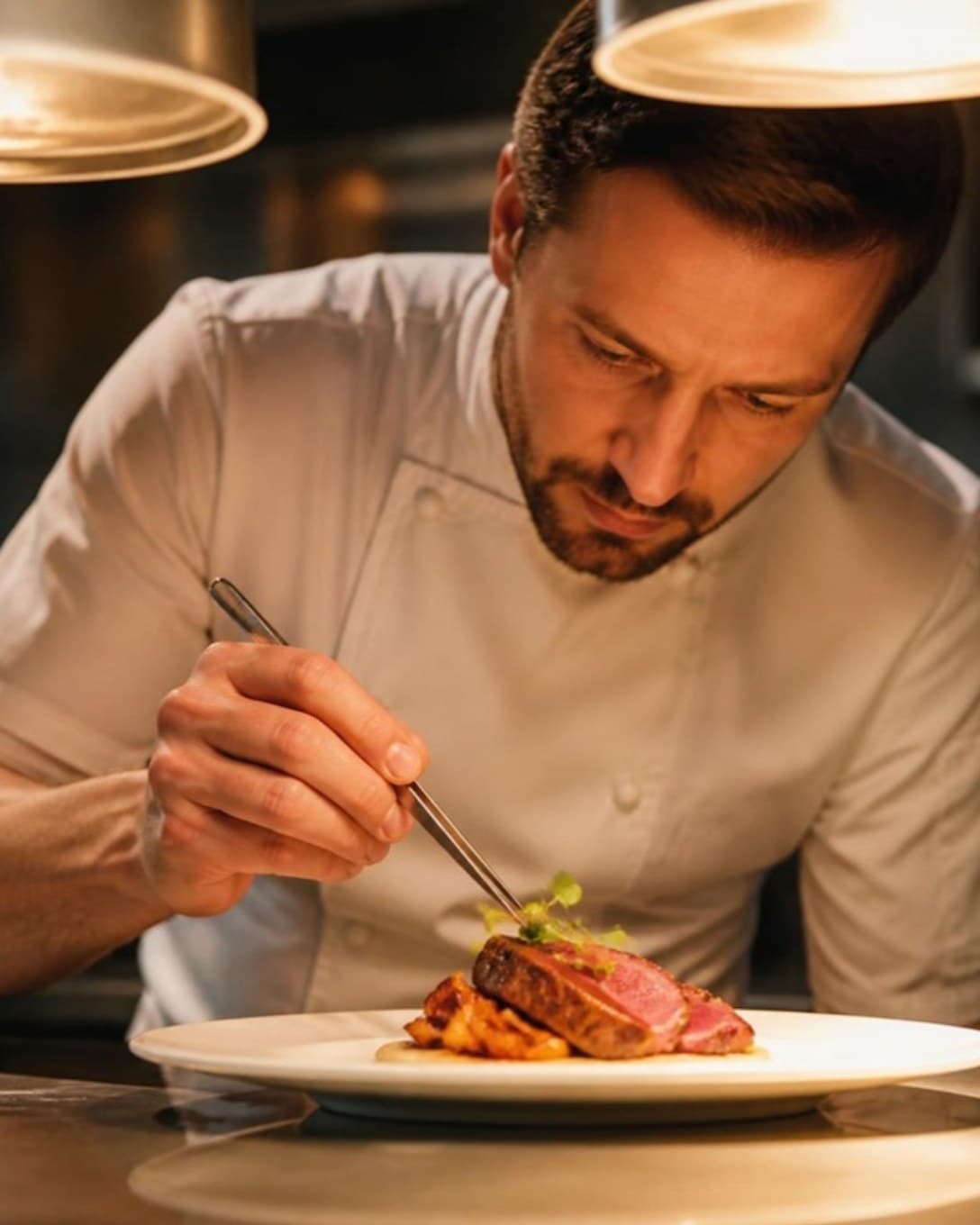
Chef garnishing a plated dish at the kitchen pass
The bill

End the evening without a wait

Split the bill between guests, take part payment by card and the rest by UPI, or apply an approved discount — all on the same bill.

  • Split bills and part payments
  • Discounts controlled by role
  • GST-ready printed bills
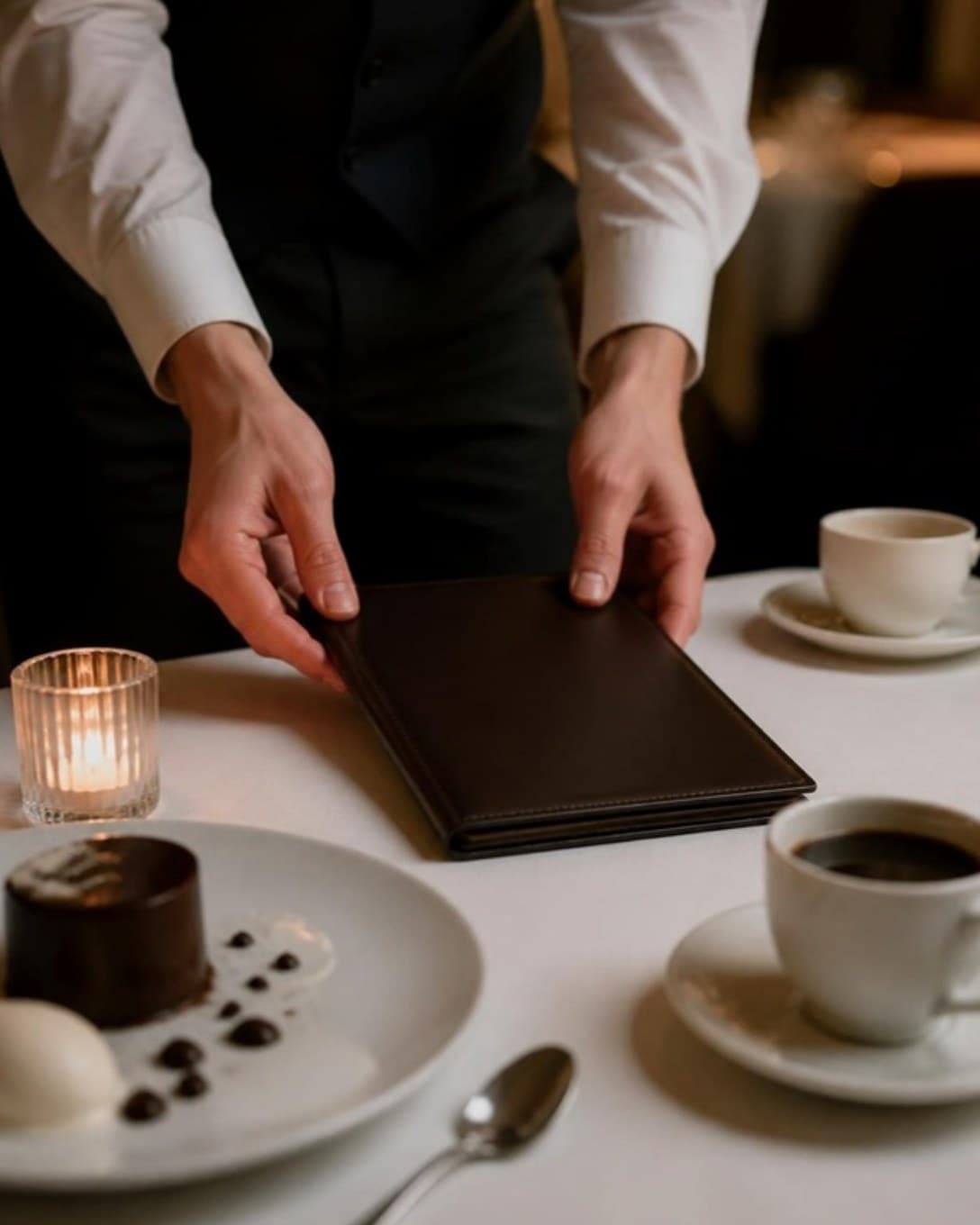
Waiter placing a bill folder on a dining table
And more

Everything else your outlet needs

  • Customers and dues

    Save regulars, bill on credit and collect outstanding amounts later.

  • Staff roles

    Decide who can give discounts, cancel bills or see reports.

  • Register and cash book

    Open and close each cashier’s register and track cash in and out.

  • Multi-outlet control

    One menu and one login across outlets, with outlet-wise numbers.

  • Printers your way

    Send bills and KOTs to USB or LAN thermal printers by station.

  • Menu management

    Categories, variations, add-ons and item codes, updated in seconds.

  • Discounts and offers

    Bill-level or item-level discounts, with a reason on every one.

  • Reservations

    Note bookings against tables so the evening rush is planned.

For service that should feel effortless

In a fine dining room, timing is everything. Laavia POS shows captains where each table stands and gives the kitchen exactly what the guest asked for.

01

A clear view of the floor

See which tables are free, dining, waiting on the kitchen or ready for the bill.

02

Notes that reach the chef

Send item notes with the ticket so special requests are not lost on the way to the pass.

03

Bills the way guests ask

Split a bill, merge tables or move a party without starting over.

Questions about POS for fine dine

Something we didn’t cover? Talk to us.

Yes. Define your floors and tables, see their status live, and note reservations against tables for busy evenings.

Ready to see it on your own menu?

See Laavia POS on your own menu in a free walkthrough.