
Every outlet’s numbers in one place
Open one report and see sales for all outlets, or pick one and go into items, categories and cashiers.
- Outlet-wise comparison
- Sales by item, category and order type
- Tax summaries

More outlets should not mean more guesswork. Laavia POS gives head office one view and every outlet the same way of working.

Open one report and see sales for all outlets, or pick one and go into items, categories and cashiers.

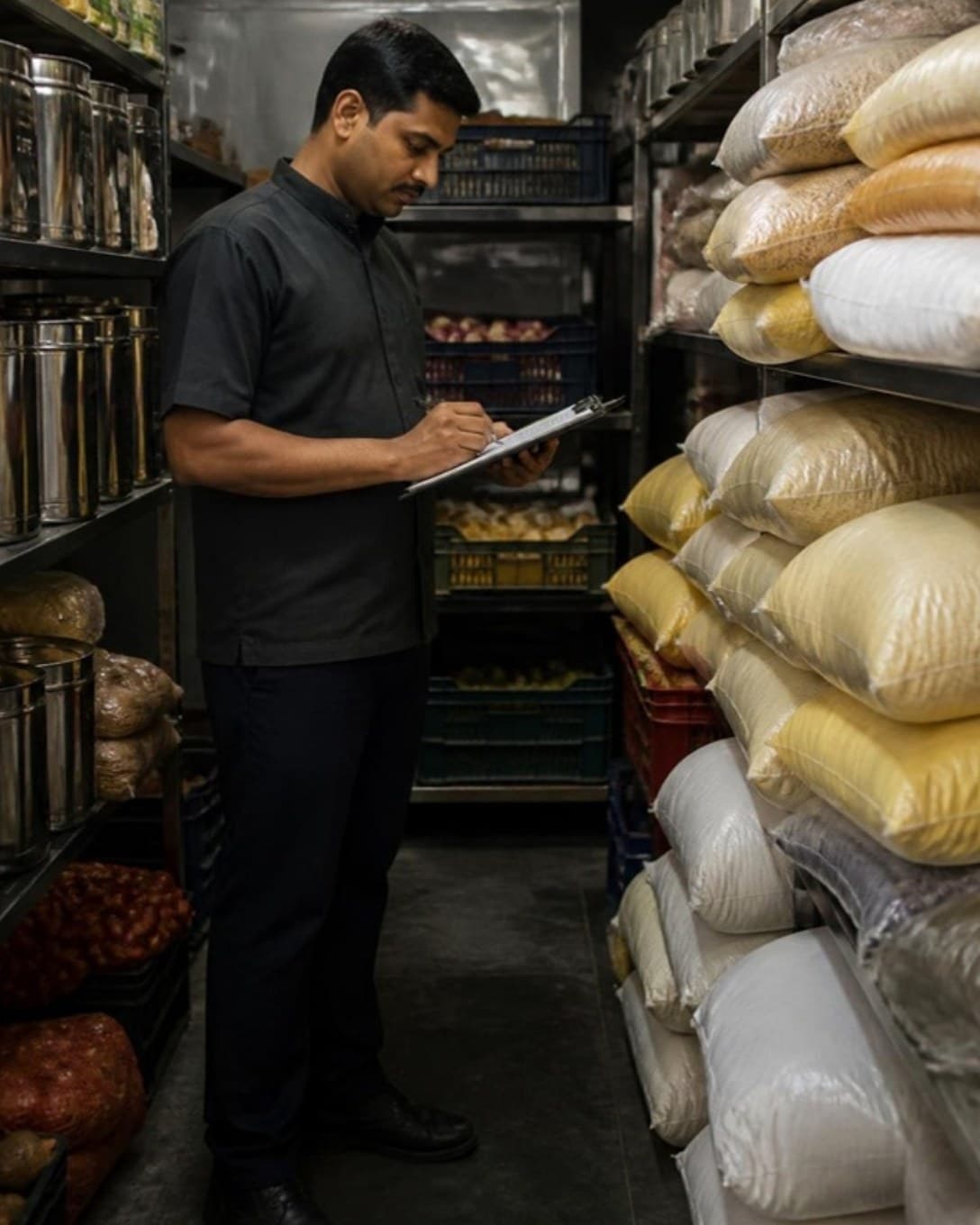
Each outlet records purchases, consumption and closing stock, so you can see where material is going from wherever you are.

Roles decide who can discount, cancel a bill or open reports. A new joiner at any outlet works the same billing screen.

Save regulars, bill on credit and collect outstanding amounts later.
Decide who can give discounts, cancel bills or see reports.
Open and close each cashier’s register and track cash in and out.
One menu and one login across outlets, with outlet-wise numbers.
Send bills and KOTs to USB or LAN thermal printers by station.
Categories, variations, add-ons and item codes, updated in seconds.
Bill-level or item-level discounts, with a reason on every one.
Note bookings against tables so the evening rush is planned.
As a brand grows, consistency gets harder. Laavia POS keeps menus, permissions and numbers in line across locations.
See sales for every outlet together or one by one, and compare them side by side.
Staff roles decide who can discount, cancel or see reports at each outlet.
Track purchases, consumption and closing stock per outlet.
Something we didn’t cover? Talk to us.
Yes. Owners can view sales across outlets together or individually, and compare outlets in reports.
See Laavia POS on your own menu in a free walkthrough.